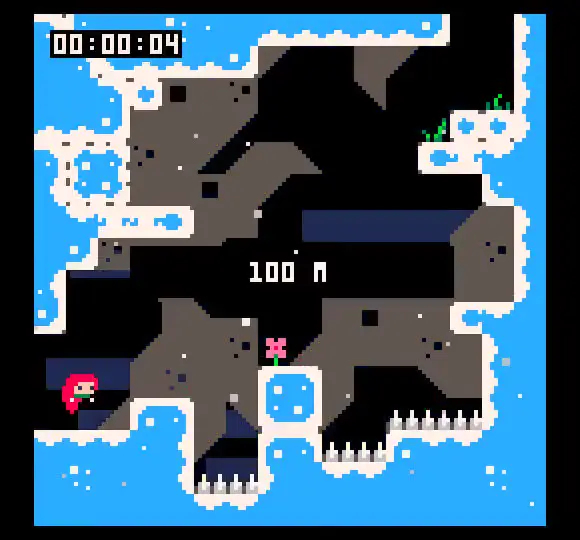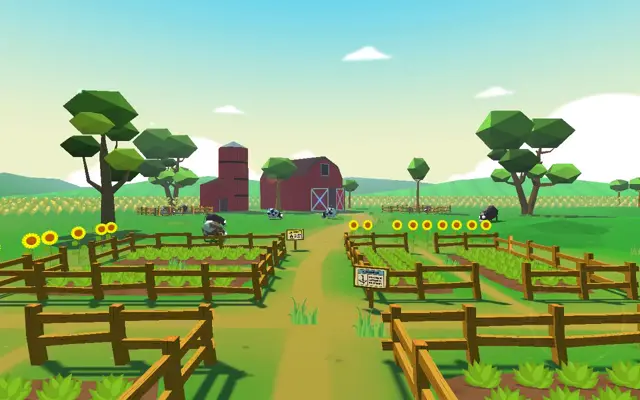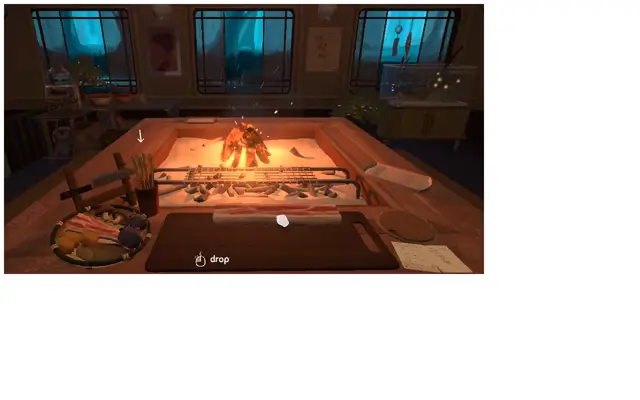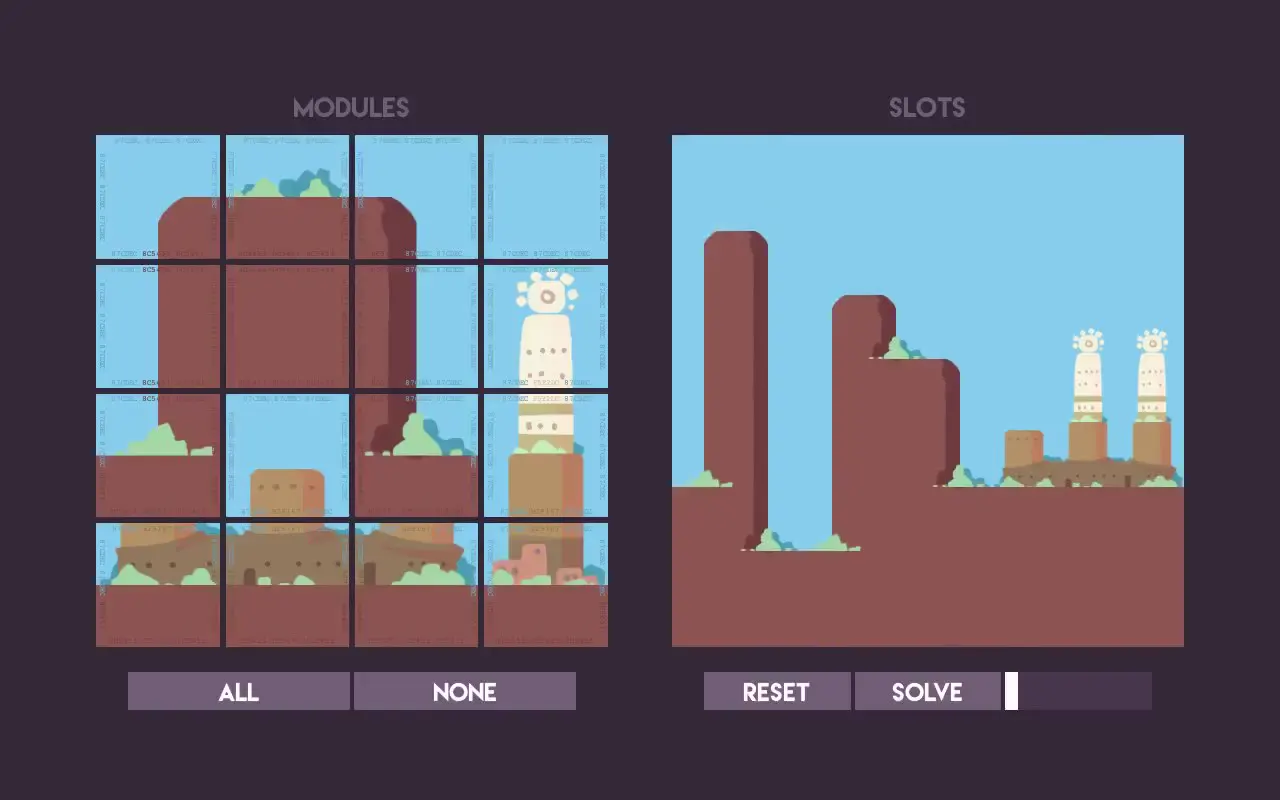
Expose an illustrated component library beside its assembled output so the relationship between reusable pieces and complete scenes is immediately visible. Build terrain from broad silhouettes with rounded upper corners, narrow darker side faces, and small decorative clusters at surface junctions. For a new subject, replace cliffs, plants, and towers with a different set of edge-compatible forms while preserving the limited palette and scale contrast; increase heading contrast and annotation size.
No creator prompt published. This brief was written by Reference.
Modular cliff landscape builder
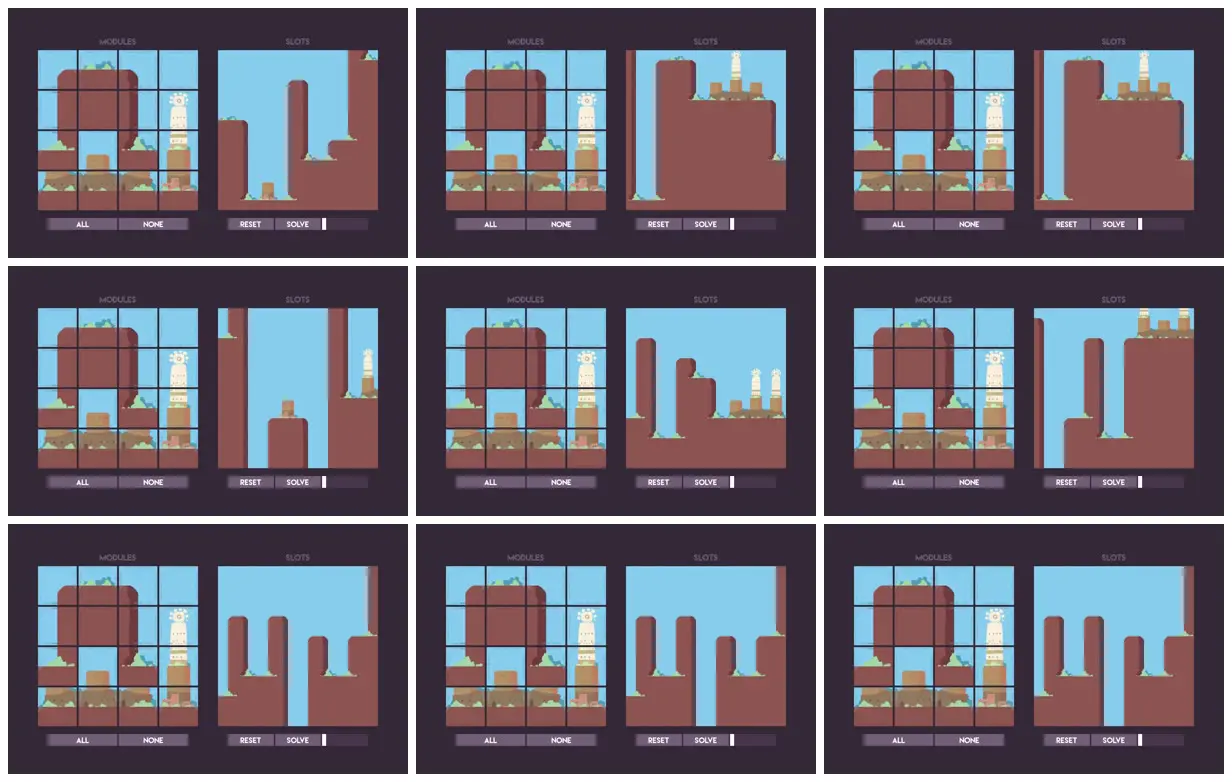
A two-panel landscape-building interface pairs sixteen illustrated modules with assembled scenes of rust-colored cliffs, mint vegetation, ochre buildings, and cream towers against a blue sky.
Source and credit
Authorship not stated by the source
Look notesby Reference
A repeated interface pairs a tiled module grid with a panel of abstract block-like shapes. The shapes and arrangements vary across the nine views.
- Color
- Dark plum backgrounds and borders, bright cyan-blue panels, muted reddish brown shapes, with small green and cream accents.
- Type
- Flat, minimalist geometric graphics with a compact, pixel-like interface style and small sans-serif labels.
- Framing
- Nine views are arranged in a three-by-three contact sheet. Within each view, the MODULES panel is on the left and the SLOTS panel is on the right, with controls beneath both.
- Structure
- Each view has a gridded MODULES area containing colored tiles and a larger SLOTS area containing irregular brown forms on cyan. Small labels and buttons, including ALL, NONE, RESET, and SOLVE, sit along the bottom.