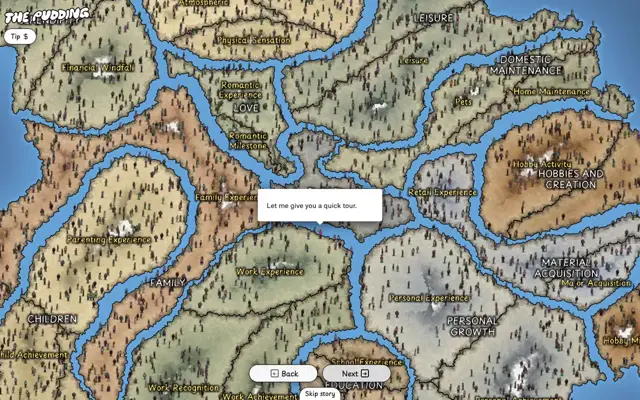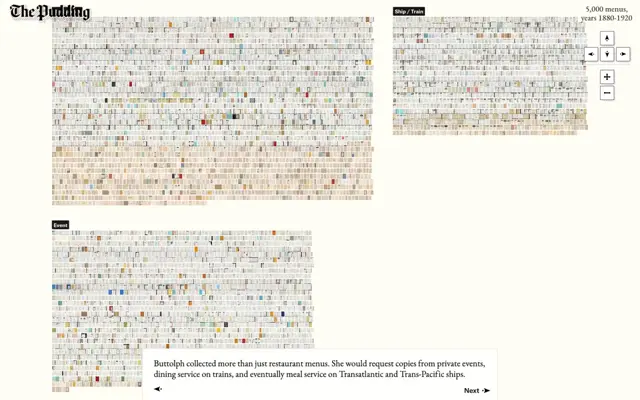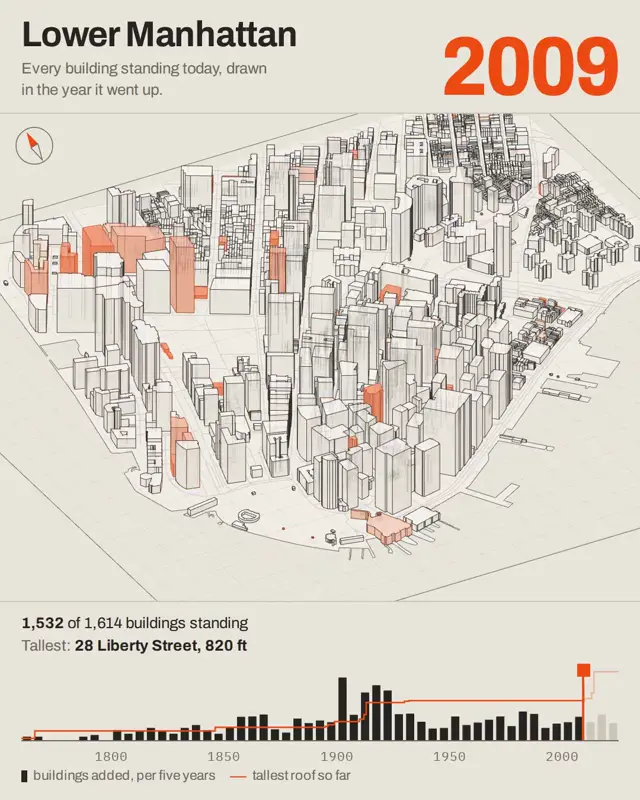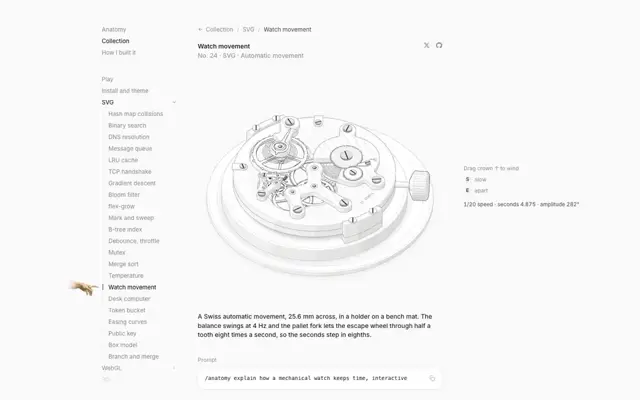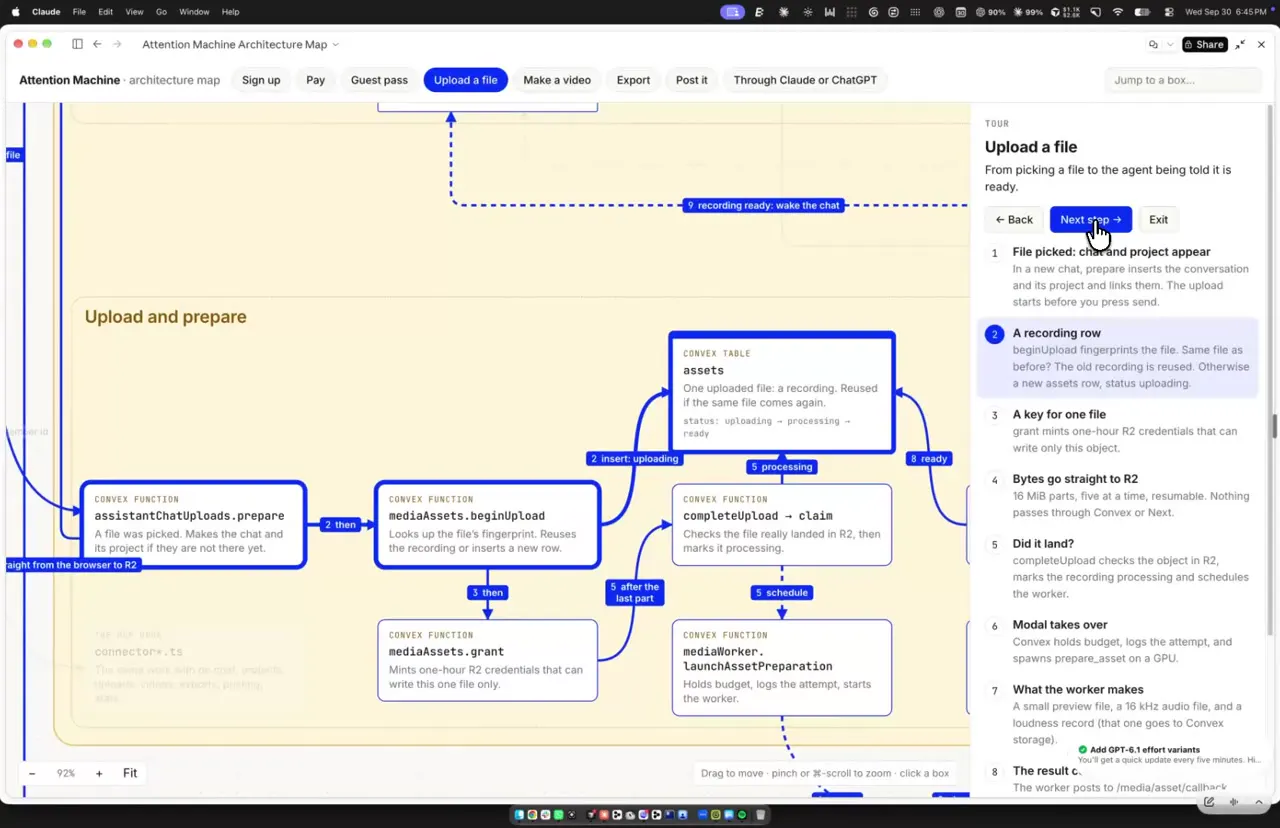
I have a weird task for you. I want you to look at the app and create, for lack of a better word, a canvas that I can zoom in and zoom out and move around to see how our architecture actually works. A lot has changed, and I'm starting to lose an overview of everything that we're doing, especially with Model and Convex.

I want you to map out in a visual way what happens when a user signs up, pays, or gets a guest pass, and then they upload a file. What happens? We create, for example, right now. That's one of the things that I really want to understand. Right now, we're still creating a chat and a project, but the chats are actually independent, I believe, and the projects, I don't even know how the fuck that works. That's already where it starts.

A file is being uploaded, and then that file is being put somewhere into R2 storage, and then some modal workers are doing some things. There's a modal app, or one modal worker, but that has multiple apps. I don't really understand how that works either. I really want you to have a visualization of how this actually all works.
Make it yours. Keep the first paragraph and rewrite the rest for your app: replace "signs up, pays, or gets a guest pass", "R2 storage" and "modal workers" with your own flows and services. The creator says to "obviously adjust the last part".
Zoomable map of an app's architecture
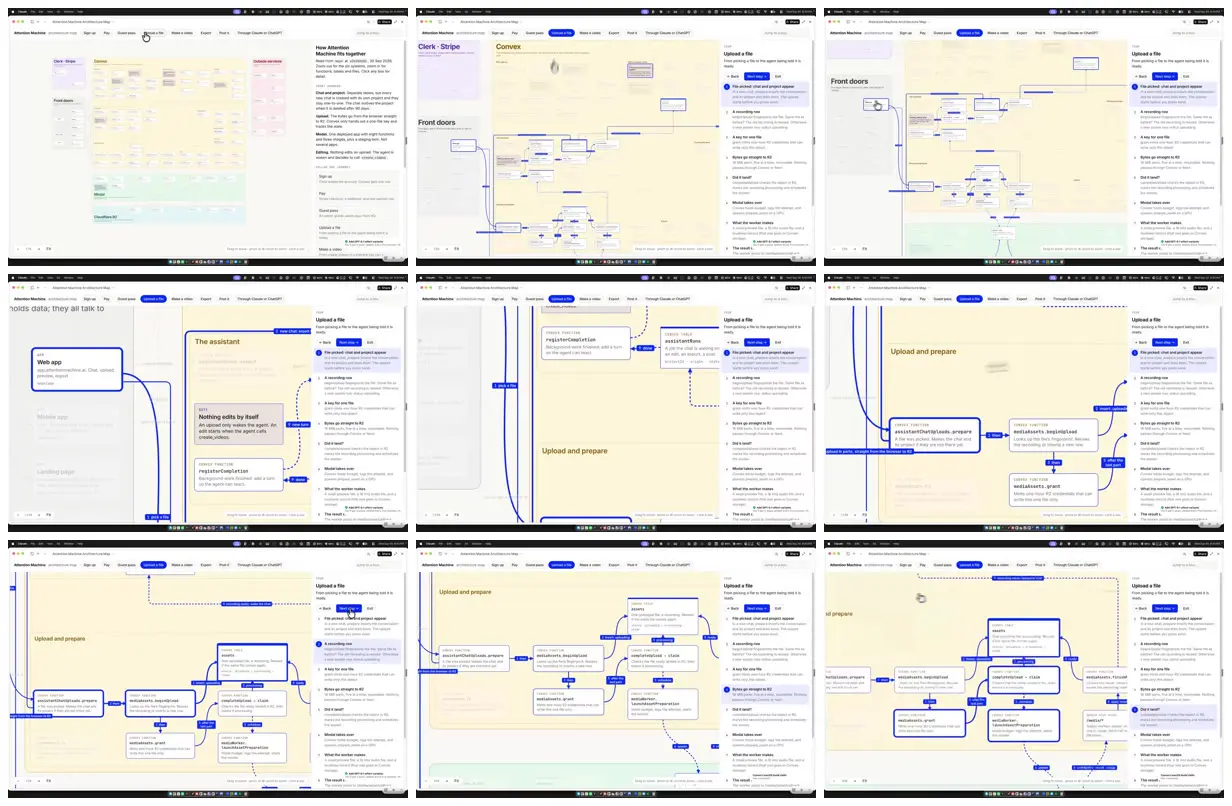
A pan-and-zoom canvas that maps how one app works, from sign-up and payment to file upload, storage and workers, with a numbered walkthrough that lights up each step. Claude Opus 5.5 built it after reading the creator's codebase.
You'll need
- Your own codebase for Claude to read
How it was made
The creator ran it on Opus 5.5 at high effort, against an app they had been building for two months. Clicking a major action lights up every part it touches, and "next step" explains what happens.
Claude Opus 5.5
Source and credit
X · Sep 30, 2026 · 1.7k likes · 188k views · 87 comments
Made with AI, according to the source
Published instructions: Reply on X
Look notesby Reference
A large, light architecture map inside a desktop app, with pastel regions for each system, function cards linked by blue arrows, and a step list on the right.
- Color
- White and pale grey canvas with soft yellow, lavender, mint and peach regions, dark text, and a strong royal blue for active outlines, arrows and buttons.
- Type
- Plain sans for headings ("Upload and prepare", "The assistant", "Front doors") and step text, monospace for function and table names such as mediaAssets.beginUpload.
- Framing
- Wide app window: a top bar of flow tabs (Sign up, Pay, Guest pass, Upload a file), the zoomable canvas filling most of the frame, and a narrow right panel listing numbered steps with Back and Next step buttons.
- Structure
- The whole map zoomed out, a zoom into the front doors and Convex region, close-ups of the web app and assistant cards, then the "Upload and prepare" flow, with cards and arrows outlined in blue one step at a time.