I want you to build a complete, highly polished, and fully playable game in Three.js using Codex with GPT-5.6 Sol Ultra.

This must be a real game, not a static 3D showcase, a model viewer, a technical demo, a video, or a scripted animation pretending to be gameplay.

The game must be an interactive 3D experience centered around a functional Game Boy Advance, a physical game box, a removable cartridge, and a playable recreation of Super Mario Bros running directly inside the Game Boy Advance screen.

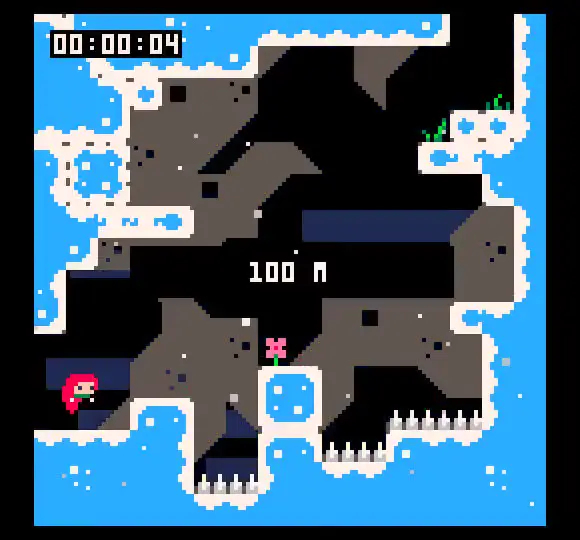
Use the provided reference images as the main visual targets:

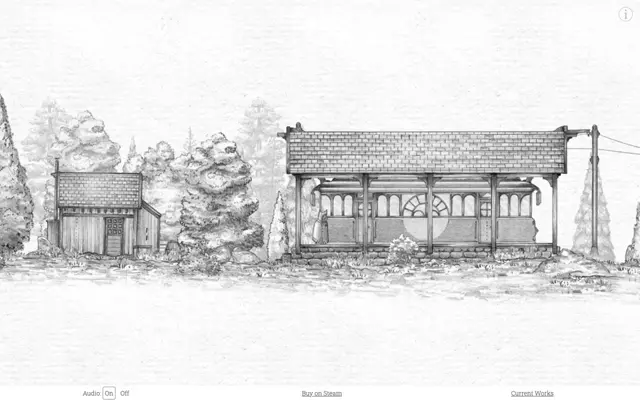
- Image 1: the Game Boy Advance
- Image 2: the game box
- Image 3: the game cartridge
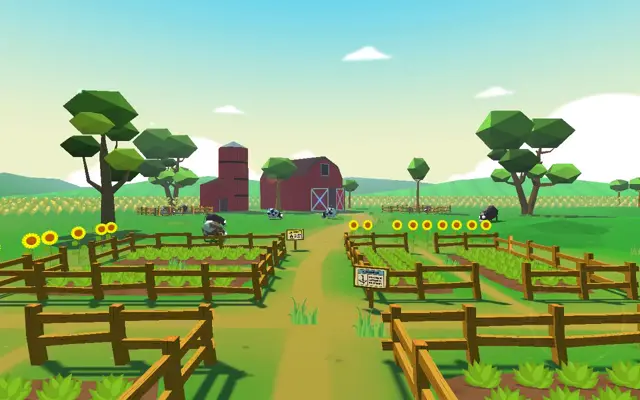
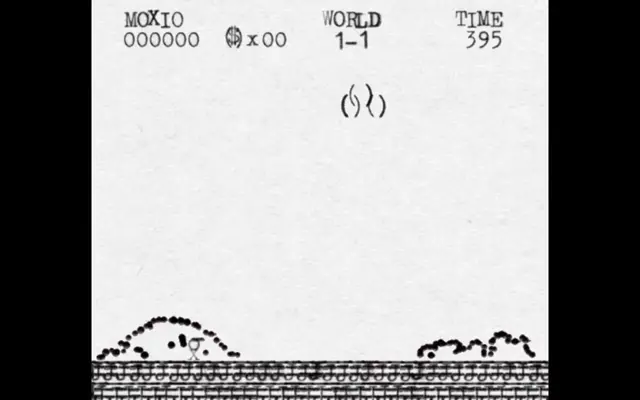
- Image 4: the visual and gameplay reference for the playable Super Mario Bros game

Use `$img2threejs` to recreate the Game Boy Advance from image 1, the game box from image 2, and the cartridge from image 3 as faithfully as possible.

The proportions, silhouettes, colors, materials, textures, buttons, screen, seams, labels, cartridge slot, box artwork, cartridge shape, and all visible details must closely match their respective references.

Do not create generic approximations.

The final result must feel like a complete interactive game built around the physical console.

At the beginning of the game, the powered-off Game Boy Advance and the closed game box must be placed inside a polished 3D environment.

When the player presses the ON button located at the bottom-left of the console, the button must physically move, the console must turn on, and an animated startup sequence must play directly inside the Game Boy Advance screen.

If no cartridge is inserted, the screen must display a clear message indicating that no game cartridge has been detected.

The message must appear inside the physical console screen, not as an external HTML notification.

To obtain the cartridge, the player must click the game box.

The game box must physically open using a proper hinge animation. Do not simply hide part of the model or instantly replace the closed box with an opened version.

Once the box has opened, the cartridge must be revealed and then appear on the surface directly in front of the box using a believable physical animation.

The player must then be able to manually pick up the cartridge, move it through the 3D scene, bring it toward the Game Boy Advance, align it with the cartridge slot, and insert it into the console.

Do not automatically teleport the cartridge into the console.

The player must genuinely pick it up, move it, orient it, align it, and release it in the correct insertion area.

The cartridge interaction must include:

- Mouse and touch manipulation
- Hover and selection feedback
- Proper collisions
- The ability to drop and pick it up again
- A clearly defined insertion zone
- Subtle orientation assistance near the slot
- Precise snapping
- A convincing insertion animation
- No visible clipping through the console
- A clear state showing whether the cartridge is inserted

Once the cartridge has been correctly inserted and the console is powered on, the startup animation must play and the playable Super Mario Bros game must launch directly inside the physical Game Boy Advance screen.

The Game Boy Advance screen must be a real dynamic render surface integrated into the 3D model.

Do not place a floating HTML canvas over the console.

The game must remain correctly aligned with the screen while the camera moves, rotates, or zooms.

Build a genuine playable recreation of Super Mario Bros using image 4 as the main visual and gameplay reference.

Do not use image 4 as a static background.

Do not use a prerecorded video.

Do not fake the gameplay with scripted animations.

The game inside the console must contain real controls, movement, collisions, enemies, blocks, scrolling, scoring, death, restarting, and level progression.

Reproduce the visual presentation and gameplay as faithfully as possible, including:

- Pixel-perfect rendering
- Mario’s appearance
- Idle animation
- Running animation
- Jumping animation
- Falling animation
- Death animation
- Responsive horizontal movement
- Acceleration and deceleration
- Running
- Jump height and duration
- Gravity
- Air control
- Ground collisions
- Platform collisions
- Brick blocks
- Question blocks
- Pipes
- Coins
- Goombas
- Enemy movement
- Enemy collisions
- Stomping enemies
- Damage and death
- Side-scrolling camera
- Clouds
- Hills
- Bushes
- Ground tiles
- Gaps and pits
- Level layout
- HUD
- Score
- Coin counter
- World indicator
- Timer
- Lives
- Death and restart behavior
- Level completion
- Retro sound effects
- Retro music
- The overall responsiveness and game feel of Super Mario Bros

Use image 4 as the main visual quality target for the level, tiles, sprites, proportions, palette, composition, and screen presentation.

Use `$generate2dmap`, `$generate2dsprite`, and any other relevant available skills to create the level map, tiles, characters, animations, enemies, blocks, backgrounds, interface elements, and visual effects.

Before choosing the final asset pipeline, audit the available Codex skills, generation methods, procedural techniques, manual pixel-art workflows, and hybrid approaches.

Do not automatically choose a skill simply because it was mentioned in this prompt.

Test and compare the available methods for:

- Mario’s sprite
- Mario’s animation frames
- Goomba sprites and animation frames
- Brick blocks
- Question blocks
- Pipes
- Ground tiles
- Clouds
- Hills
- Bushes
- Coins
- Tilesets
- Backgrounds
- Level-map generation
- Collision-map generation
- Pixel-perfect rendering
- Animation consistency
- Visual coherence
- Faithfulness to image 4

Use `$generate2dmap` and `$generate2dsprite` when they provide the best result.

If another skill, tool, procedural method, manual workflow, or hybrid approach produces a more faithful result, use that instead.

All 2D assets must share the same pixel-art language.

Their resolution, pixel density, scale, palette, outlines, proportions, shading, and animation timing must remain consistent.

Do not combine incompatible visual styles.

Use nearest-neighbor rendering.

Disable texture smoothing, blurry scaling, filtering, and unwanted anti-aliasing.

The platformer must remain sharp, readable, and responsive while displayed inside the 3D console screen.

The physical Game Boy Advance controls must be fully functional.

Connect:

- The directional pad to Mario’s horizontal movement
- The A button to jumping
- The B button to running or the appropriate secondary action
- The Start button to starting and pausing the game
- The Select button to an appropriate secondary action

Each physical button must be a separate interactive 3D element.

When pressed, it must visibly move inward and immediately send the correct input to the game.

The game must also support keyboard controls.

Simultaneous inputs must work correctly so the player can move, run, and jump at the same time.

When gameplay begins, smoothly move the camera closer to the Game Boy Advance while keeping the console frame and physical controls visible.

The final game must support this exact sequence:

Powered-off console and closed game box
→ press ON without a cartridge
→ watch the startup animation
→ see the missing-cartridge message
→ click the game box
→ physically open the box
→ reveal the cartridge
→ place the cartridge on the surface in front of the box
→ pick it up manually
→ move it freely through the scene
→ align it with the console slot
→ insert it manually
→ power on the console
→ watch the startup animation
→ launch Super Mario Bros
→ control Mario
→ run
→ jump
→ interact with blocks
→ collect coins
→ encounter enemies
→ defeat enemies
→ die and restart
→ complete the level
→ continue playing directly inside the Game Boy Advance screen

Every part of this sequence must be genuinely functional.

Fan out specialized Codex sub-agents and have them tackle the major parts of the project independently before integrating everything into the final game.

Create dedicated sub-agents for:

- Recreating the Game Boy Advance from image 1 with `$img2threejs`
- Recreating the game box from image 2 with `$img2threejs`
- Recreating the cartridge from image 3 with `$img2threejs`
- Building the complete Three.js scene
- Creating the lighting, materials, shadows, and presentation
- Creating the box-opening interaction
- Creating the cartridge reveal animation
- Creating cartridge pickup and dragging
- Creating cartridge collisions and placement
- Creating cartridge alignment and insertion
- Creating the functional power button
- Creating the startup animation
- Creating the missing-cartridge screen
- Auditing the available 2D-generation skills and methods
- Testing `$generate2dmap`
- Testing `$generate2dsprite`
- Selecting the best sprite-generation workflow
- Selecting the best map-generation workflow
- Recreating Mario from image 4
- Recreating the enemies from image 4
- Recreating the tiles and environment from image 4
- Building the playable level
- Implementing Mario’s movement and jump physics
- Implementing enemies and interactions
- Implementing the scrolling camera
- Implementing the HUD, score, coins, timer, lives, death, restart, and level completion
- Rendering the playable game inside the 3D console screen
- Connecting the physical console controls
- Connecting the keyboard controls
- Creating the sound effects and music
- Optimizing performance
- Testing the complete game from beginning to end

Use separate visual and functional review sub-agents to inspect the actual result.

The visual reviewer must compare:

- The recreated Game Boy Advance with image 1
- The recreated game box with image 2
- The recreated cartridge with image 3
- The playable platformer with image 4

The visual reviewer must inspect actual screenshots and renders, not written descriptions of the implementation.

It must be a harsh critic and check:

- Silhouette
- Proportions
- Scale
- Geometry
- Colors
- Materials
- Texture placement
- Artwork placement
- Buttons and smaller details
- Lighting response
- Pixel density
- Sprite quality
- Animation consistency
- Level composition
- Readability
- Overall faithfulness to the references

Whenever a result is inaccurate, generic, unfinished, visually inconsistent, or below the reference quality, continue refining it.

The gameplay reviewer must run and play the actual platformer.

It must test:

- Input responsiveness
- Acceleration and deceleration
- Running
- Jump trajectory
- Jump timing
- Gravity
- Air control
- Ground collisions
- Platform collisions
- Block interactions
- Coin collection
- Enemy movement
- Enemy collisions
- Stomping enemies
- Damage
- Death
- Restarting
- Side-scrolling
- Camera behavior
- HUD behavior
- Timer behavior
- Level progression
- Level completion
- Overall game feel

The interaction reviewer must test the complete 3D experience and actively attempt to break it.

Test:

- Turning the console on without a cartridge
- Pressing the power button repeatedly
- Clicking the box several times
- Interacting with the box while it is opening
- Picking up and dropping the cartridge repeatedly
- Dropping the cartridge far from the console
- Approaching the cartridge slot from incorrect angles
- Releasing the cartridge near but outside the valid insertion area
- Attempting to move the cartridge through the console shell
- Inserting the cartridge while the console is powered on
- Removing the cartridge while the console is powered off
- Removing the cartridge while the game is running
- Pressing several console buttons simultaneously
- Combining keyboard and physical console controls
- Resizing the browser during gameplay
- Losing and regaining browser focus
- Dying and restarting several times
- Reloading the page at different stages
- Completing the level

Fix every meaningful visual, technical, gameplay, and interaction issue discovered during testing.

After independently developed systems are integrated, inspect the complete game and harmonize:

- Object scale
- Materials
- Lighting
- Art direction
- Pixel density
- Interaction feedback
- Camera behavior
- Input handling
- Sound levels
- Animation timing
- Console state transitions
- Loading behavior
- Performance
- Conflicts between systems

Run the complete experience from the beginning after every major integration and verify that the entire player journey remains functional.

Do not accept placeholders as final assets.

Do not accept static images as functional screens.

Do not accept videos or scripted animations as substitutes for real gameplay.

Do not accept a generic handheld console instead of image 1.

Do not accept a generic game box instead of image 2.

Do not accept a generic cartridge instead of image 3.

Do not accept an unrelated generic platformer instead of the Super Mario Bros experience represented by image 4.

Do not stop after creating the three 3D models.

Do not stop after creating the box and cartridge interactions.

Do not stop after creating the startup animation.

Do not stop after displaying content on the console screen.

Do not stop after generating a few sprites.

Do not stop after building an unfinished platforming room.

The project is complete only when the entire sequence works from beginning to end as one polished, visually faithful, stable, and fully playable game.

Do this in Three.js.

Use Codex with GPT-5.6 Sol Ultra.

Use `$img2threejs` for the three referenced 3D objects.

Audit and use `$generate2dmap`, `$generate2dsprite`, and any better skills or methods for the playable platformer.

Use sub-agents, inspect actual renders, compare the results with the four reference images, test the complete gameplay and interaction flow, and continue refining every component until the final game is polished and fully functional.
Make it yours. Swap the hardware and the game ("a functional Game Boy Advance", "a playable recreation of Super Mario Bros") and the four reference images for your own, and keep the step-by-step sequence from the ON button to inserting the cartridge, which is what makes it feel physical.
Game Boy Advance you can play in 3D
A 3D Game Boy Advance on a desk: press its power button, open the game box, pick up the cartridge, slot it in by hand, and play a Super Mario Bros-style platformer on the console's screen with its own D-pad. Built in Codex from reference images.
“The physical D-pad and buttons control the game too.”
You'll need
- Four reference images of your own: the console, the game box, the cartridge, and a screenshot of the game to recreate
- The Codex skills $img2threejs, $generate2dmap, and $generate2dsprite
How it was made
The console, game box, and cartridge were recreated in 3D from reference images with @NickDevFE's img2threejs skill. The prompt also has Codex use generate2dmap and generate2dsprite for the platformer, use sub-agents, and keep comparing renders with the four reference images until the whole sequence works.
Codex · GPT-5.6 Sol Ultra · Three.js · img2threejs · generate2dmap · generate2dsprite
Source and credit
X · Jul 30, 2026 · 20 likes · 3.1k views · 1 comments
Authorship not stated by the source
Published instructions: Reply on X
Look notesby Reference
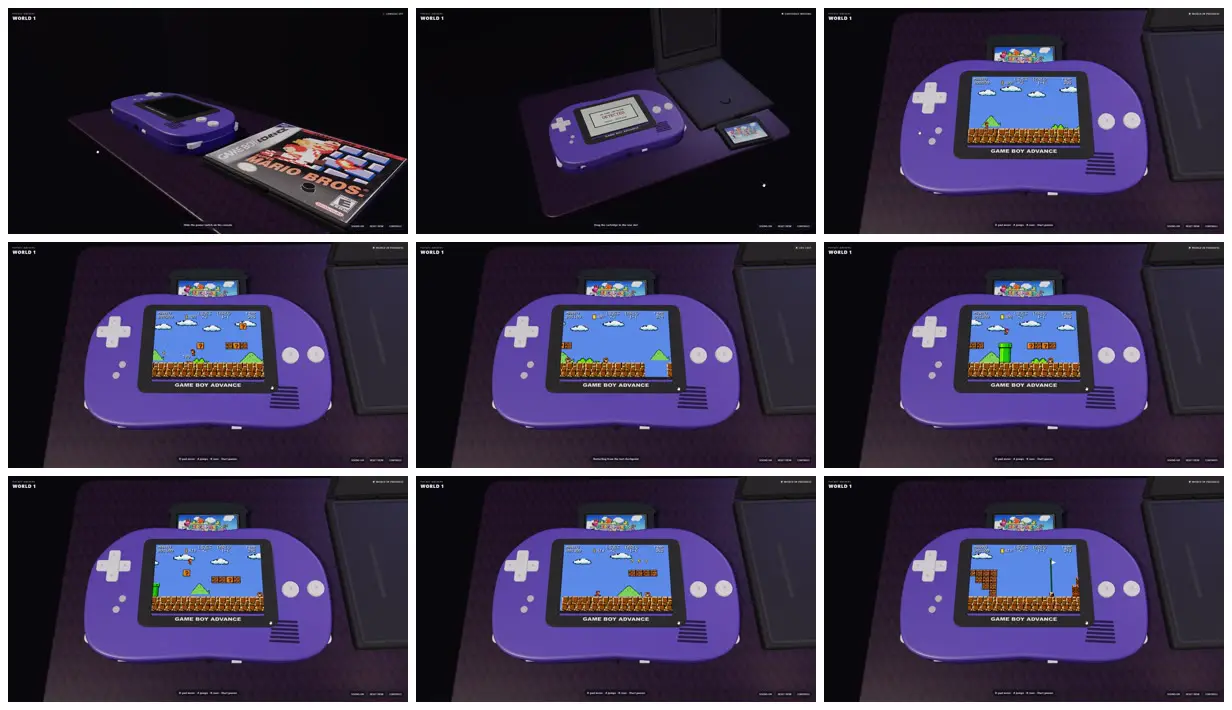
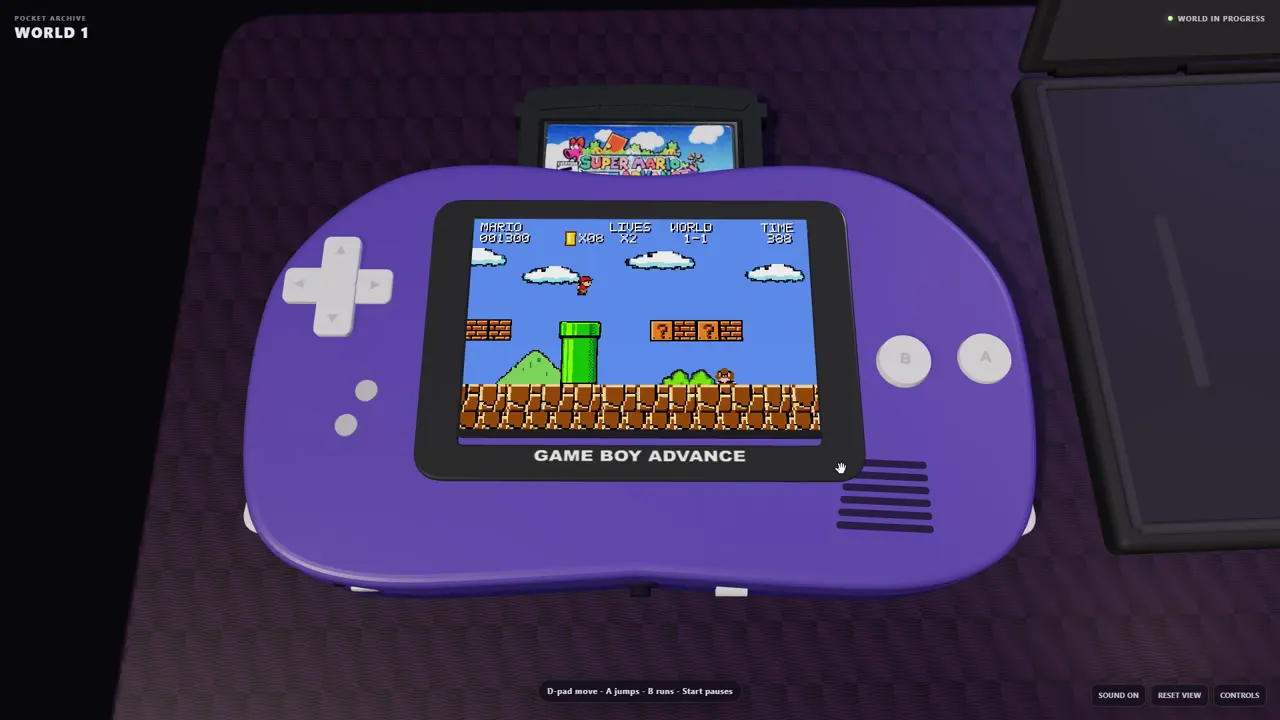
A violet Game Boy Advance and a Super Mario Bros. game box on a dark desk mat: the box opens, the cartridge goes into the top slot, and a side-scrolling platformer plays on the console's screen.
- Color
- Black background, a violet console with pale grey buttons, a dark purple mat, and the sky blue, brick brown, and green of the platformer on screen.
- Type
- Small white interface text: WORLD 1 in the top left and hint lines along the bottom. The game shows its score, coins, world, and time in pixel type.
- Framing
- 16:9. The first two shots are low angles across the desk at the console and box; the rest is a straight-on close-up of the console face with the screen centered.
- Structure
- The powered-off console beside the closed box, the box open with the cartridge out and a message on the console's screen, then the cartridge in place and seven frames of the platformer: running, jumping past blocks and pipes, and reaching a flagpole.