Design slides teaching basic circuits. Compare series vs. parallel circuits in ways that make invisible electron flow visible and understandable.
Make it yours. Replace "basic circuits" and "series vs. parallel circuits" with your own topic and comparison, and "invisible electron flow" with the hidden thing you want made visible.
Circuits deck with cartoon electrons
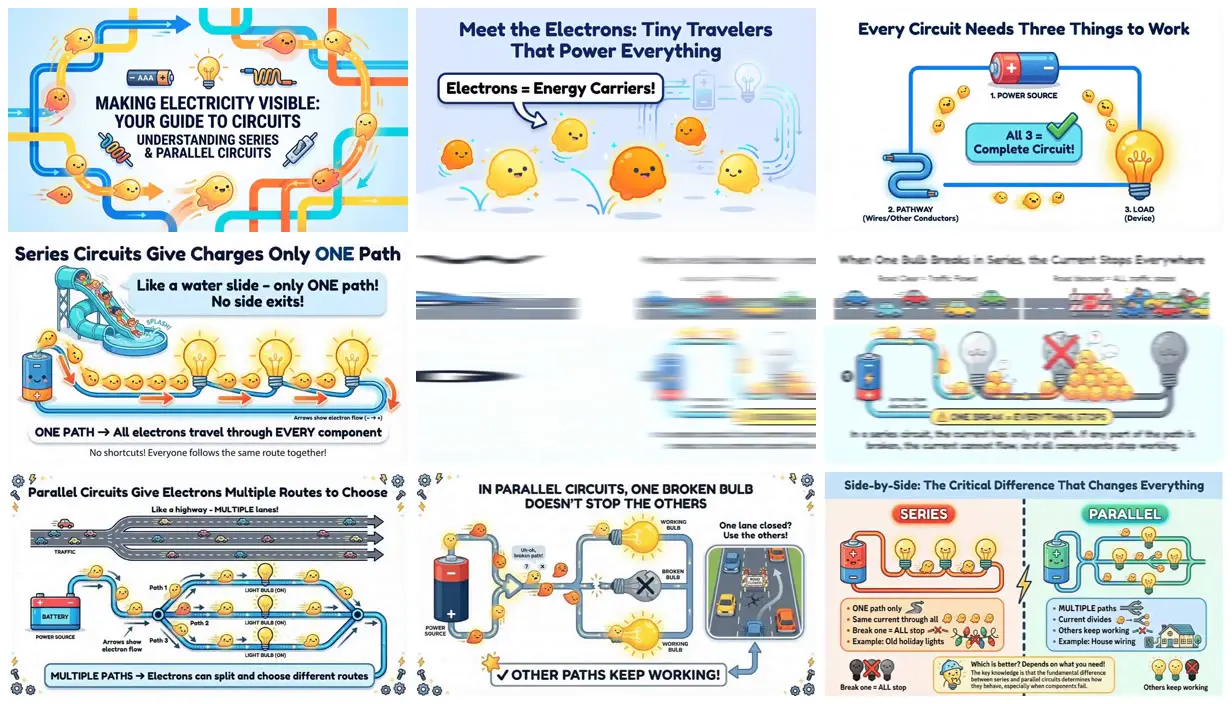
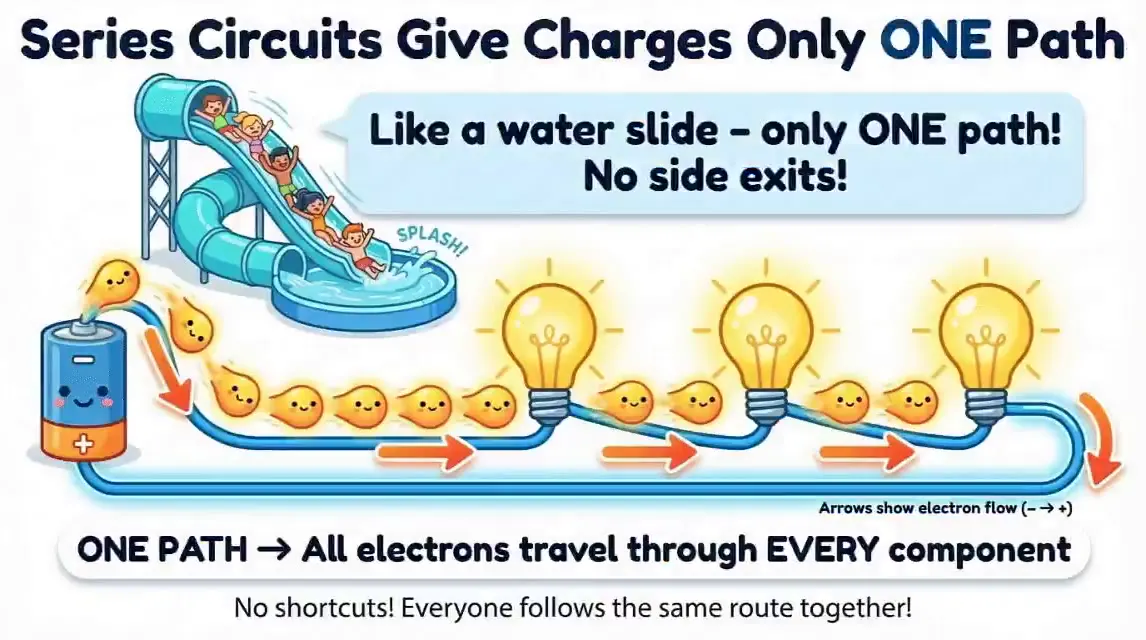
A bright teaching deck in which smiling, blob-shaped electrons ride water slides and highways to show series against parallel circuits. Genspark posted it with its one-line prompt to launch Creative Mode in AI Slides, which draws with Nano Banana Pro.
You'll need
- A Genspark account
How it was made
A showcase from Genspark for the launch of Creative Mode in Genspark AI Slides, which the launch post says uses Nano Banana Pro. The post doesn't say whether the deck was edited or regenerated. The 10-second video flips through the slides quickly.
Genspark · Genspark AI Slides (Creative Mode) · Nano Banana Pro
Source and credit
X · Jan 20, 2026 · 11 likes · 2k views · 2 comments
Authorship not stated by the source
Published instructions: Post body, a reply in Genspark's launch thread for Creative Mode
Look notesby Reference
Bright, flat-shaded cartoon slides in which small yellow and orange electron blobs with faces travel along thick colored wires.
- Color
- Pale sky blue and white backgrounds with sunny yellow, orange, cobalt blue, teal, and red accents.
- Type
- Heavy rounded sans-serif headlines in navy, labels in callout boxes, and bold captions along the bottom.
- Framing
- Each slide pairs a headline with one large diagram: a circuit loop, a water slide of electrons, a highway splitting into lanes, a broken bulb, or a side-by-side comparison.
- Structure
- Cover (Making Electricity Visible), Meet the Electrons, three things every circuit needs, series circuits as a one-path water slide, one broken bulb stopping a series loop, parallel circuits as a multi-lane highway, one broken bulb not stopping the others, and a side-by-side summary. Two frames catch the blur of a slide change.