Adopt the role of an expert motion designer. Build a 30-second animated explainer for my business as a single HTML page. 5 scenes. The customer's problem, what I do, how it works in 3 steps, one proof point, and my name at the end. Bold text, smooth transitions, my brand colours. My business [DESCRIBE WHAT YOU SELL, WHO IT'S FOR AND YOUR COLOURS]
Make it yours. Fill in "[DESCRIBE WHAT YOU SELL, WHO IT'S FOR AND YOUR COLOURS]" with your business. To change the shape, edit the scene list after "5 scenes." or the "30-second" length.
Five-scene explainer for a newsletter
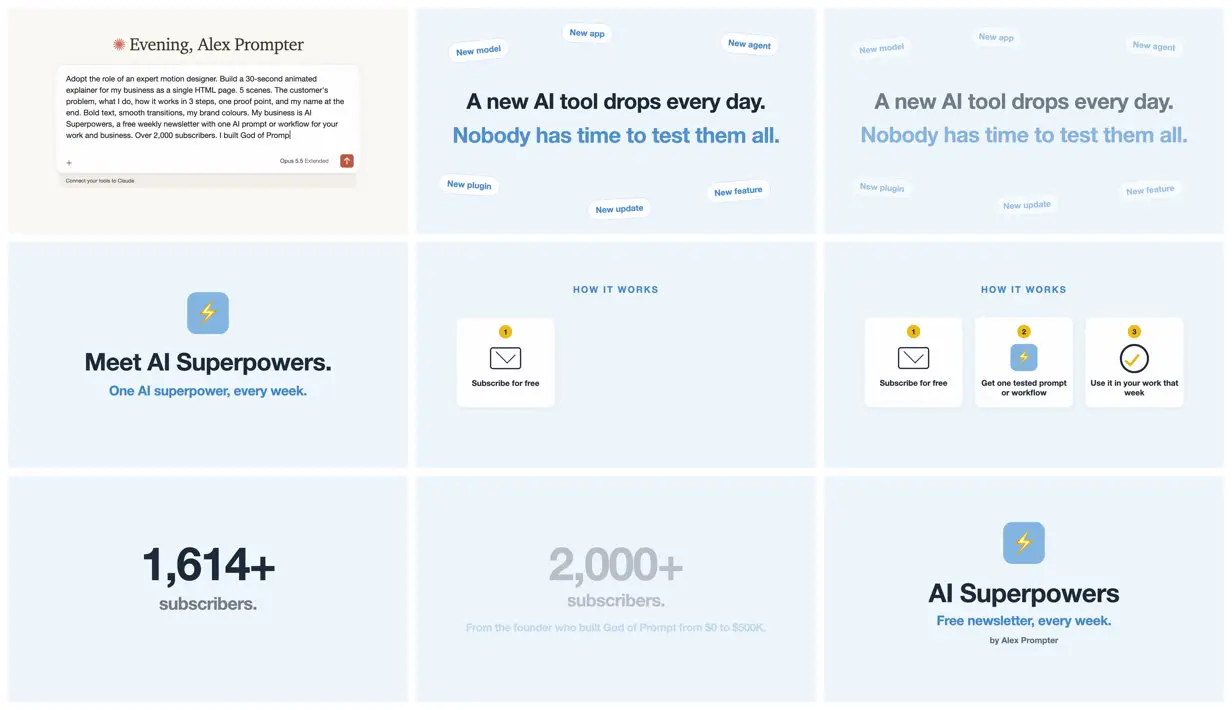
A 34-second animated explainer for the creator's weekly AI newsletter, built as a single HTML page. The prompt is a fill-in template that directs Claude Opus 5.5 like a motion designer: five set scenes, the length, bold type, and brand colours.
“the trick is to direct it. Give it the scenes, the length and the pace.”
You'll need
- A description of your business, who it's for, and your brand colours to fill the brackets
- A screen recorder, since the result is an HTML page that plays in the chat
How it was made
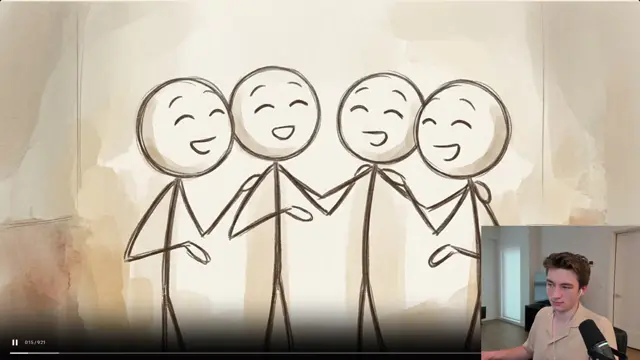
The published prompt is a template. For this video the bracketed part was filled in with a description of the newsletter. The video opens on that filled-in prompt in Claude.ai, cut off mid-sentence, and the full text isn't published.The creator says Claude plays the page in the chat and the video is a screen recording of it. Afterwards they suggest giving notes one at a time: "Slower." "More energy." "Add a scene about pricing."
Posted Sep 25, 2026 · X · 371 likes · 41k views · 14 comments
Prompt from: Post body, in quotes
Look notesby Reference
A light, flat explainer for a weekly AI newsletter. It opens on the filled-in prompt in a Claude.ai chat box, then shows tags like "New model" and "New app" around a headline, the newsletter's name, three how-it-works cards, a subscriber count, and an end card.
- Color
- Pale powder-blue grounds, navy and slate-gray text, a medium-blue accent, white cards, and yellow number badges; the opening is Claude.ai's cream interface.
- Type
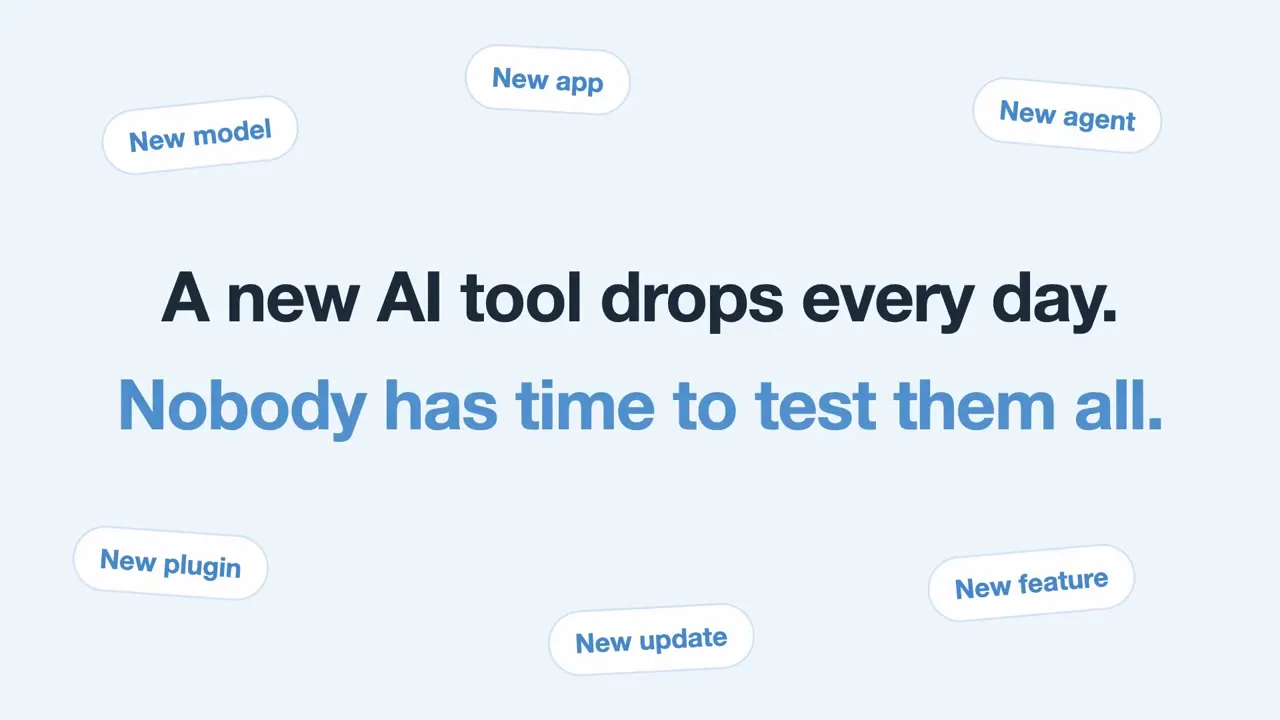
- Heavy sans-serif headlines in navy with a second line in blue ("A new AI tool drops every day. Nobody has time to test them all."), small spaced capitals for "HOW IT WORKS", pill-shaped tags ("New model", "New plugin", "New update"), and a large "2,000+".
- Framing
- 16:9 with everything centered on a flat ground: headlines in the middle with tags scattered toward the edges, a rounded blue lightning-bolt icon above the name, and a row of three white cards with line icons.
- Structure
- The prompt in a Claude.ai chat box under "Evening, Alex Prompter", tags around "A new AI tool drops every day. Nobody has time to test them all.", the same text faded, "Meet AI Superpowers. One AI superpower, every week." under the icon, "HOW IT WORKS" with one card and then three ("Subscribe for free", "Get one tested prompt or workflow", "Use it in your work that week"), "1,614+ subscribers." and then a faded "2,000+ subscribers." over "From the founder who built God of Prompt from $0 to $500K.", and the end card "AI Superpowers, Free newsletter, every week. by Alex Prompter".