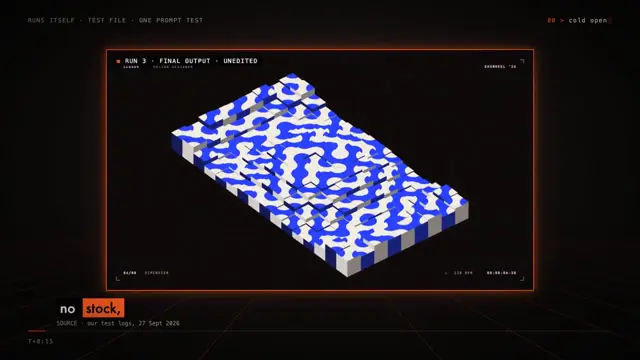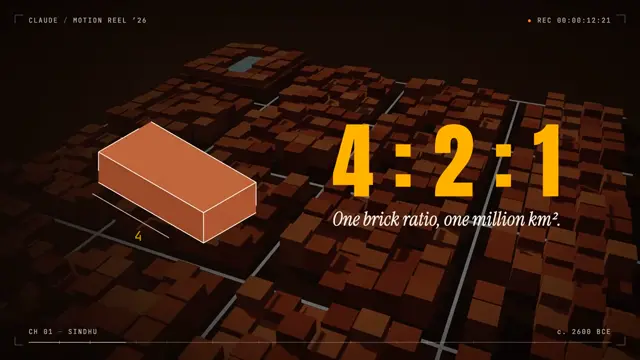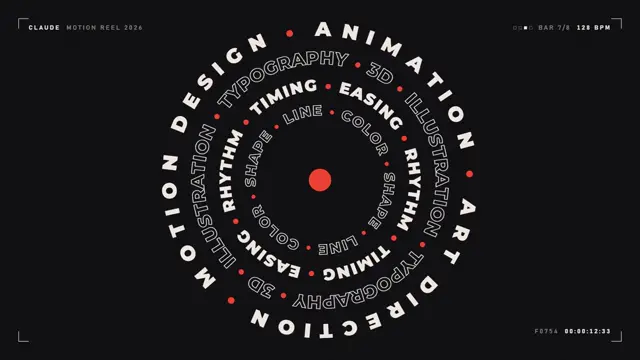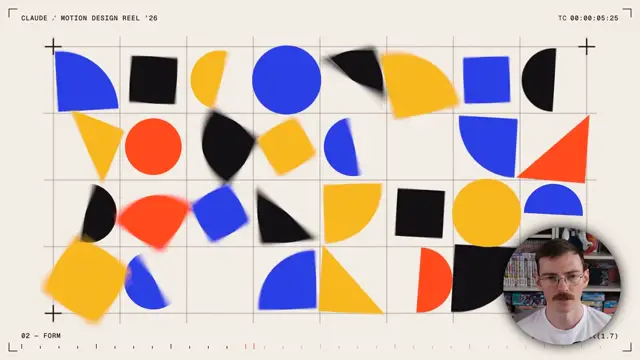
Make a dynamic 150 second motion graphics video that shows what an incredible motion designer you are, like it's a showreel for a resume. go all out. you're minimalist and tasteful, but not afraid to add a wow factor. You'll build the video for supernotchy.com product
Make it yours. Change "supernotchy.com product" to your own product and "150 second" to the length you want. The words "minimalist and tasteful, but not afraid to add a wow factor" set the style.
Minimalist motion reel for a Mac notch app
A two-and-a-half-minute minimalist motion-graphics reel for the creator's Mac app, Super Notchy, which shows AI usage in a notch. Claude made it from a short prompt in the Claude desktop app, with no other tools, on Opus 5.5 at high effort.
“Guys it’s just Claude. No Higgs field, no nothing else. Just Claude.”
- Claude.ai
- Claude Opus 5.5
- One-shot
You'll need
- A product or website for the reel to feature (the prompt names supernotchy.com)
How it was made
The creator says it was made in the Claude desktop app on Opus 5.5 at high effort, from a single prompt with no other tools. After feedback in the comments they asked Opus to cut it down to 30 seconds and posted that version too. A day later they made a follow-up post comparing this prompt with a longer "meta prompt".
Posted Sep 26, 2026 · r/Anthropic on Reddit · 456 upvotes · 68 comments
Prompt from: Comment on the post
The creator's follow-up comparing this prompt with a meta prompt
Look notesby Reference
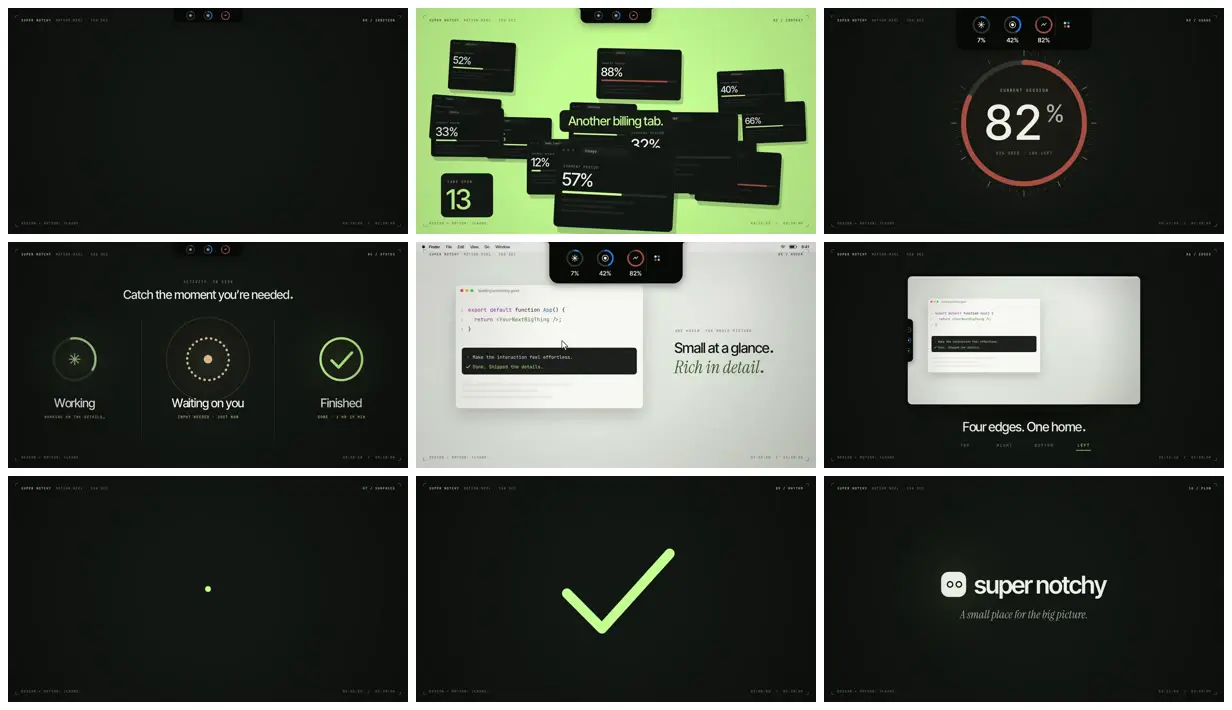
A dark, chaptered product reel built around a notch-shaped bar at the top of the screen that holds three small usage gauges.
- Color
- Near-black with a green tint, lime green for accents and one full-bleed section, a coral-red gauge, and pale grey for the desktop scenes.
- Type
- White sans-serif headlines with a green italic serif for second lines ("Rich in detail."), and small spaced monospace labels in the corners: "SUPER NOTCHY · MOTION REEL · 150 SEC", the chapter name, "DESIGN + MOTION: CLAUDE", and a running timecode.
- Framing
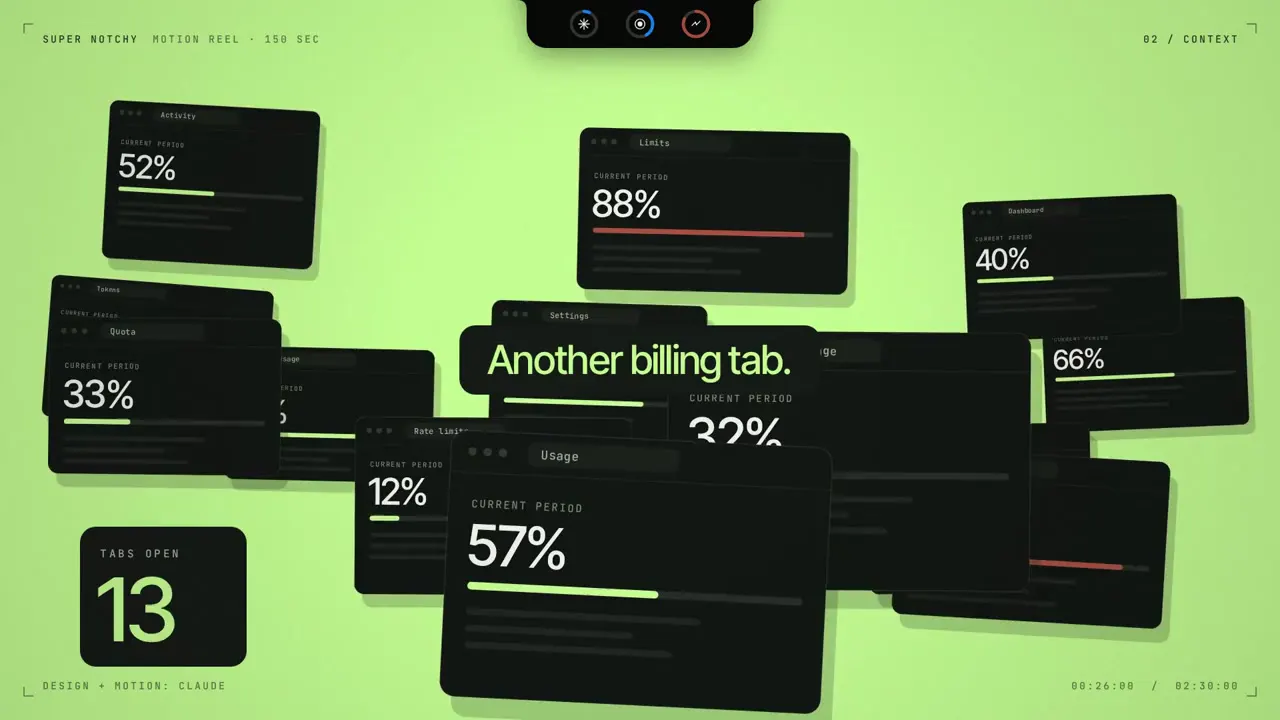
- Centered single subjects inside corner crop marks, with the notch bar pinned to the top center. Usage cards scatter at angles in the lime section; the desktop scenes show a macOS menu bar, a code editor card, and a window with a tab on its edge.
- Structure
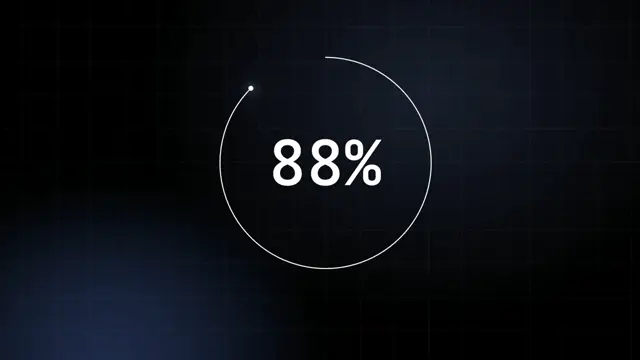
- Numbered chapters: 00 Ignition (an empty dark frame), 02 Context (usage cards on lime green, "Another billing tab."), 03 Usage (an 82% current-session ring), 04 States (Working, Waiting on you, Finished), 05 Hover ("Small at a glance. Rich in detail."), 06 Edges ("Four edges. One home."), 07 Surfaces (a single green dot), 09 Rhythm (a large green checkmark), and 10 Flow (the super notchy logo and "A small place for the big picture.").