use remotion html-in-canvas best practices.
create a sample composition and apply a glitch effect to it!
Make it yours. Change "a glitch effect" to another effect, or describe your own composition in place of "a sample composition". Keep "use remotion html-in-canvas best practices." so the agent follows Remotion's guidance.
Glitch effect on a neon sample card
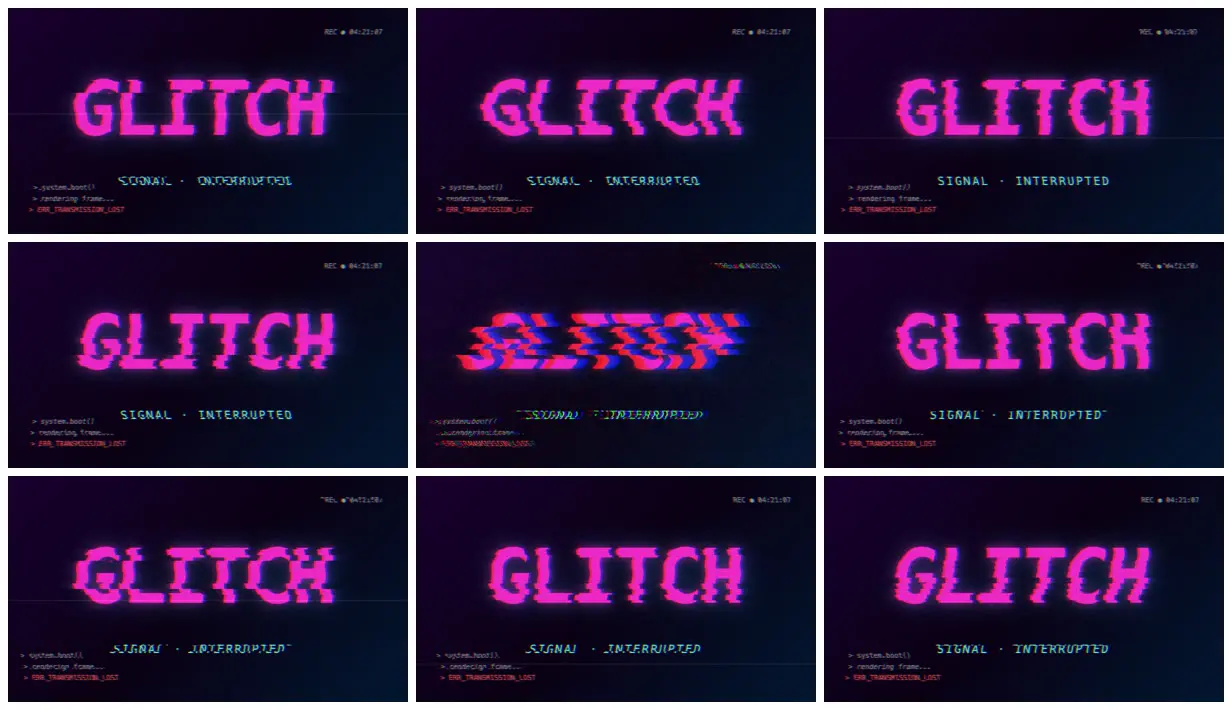
A 6-second sample composition with an RGB-split glitch over pink GLITCH type and terminal lines. The two-line prompt leaves every design choice to Claude Code and Remotion's HTML-in-canvas guidance.
You'll need
- A Remotion project on a version with HTML-in-canvas
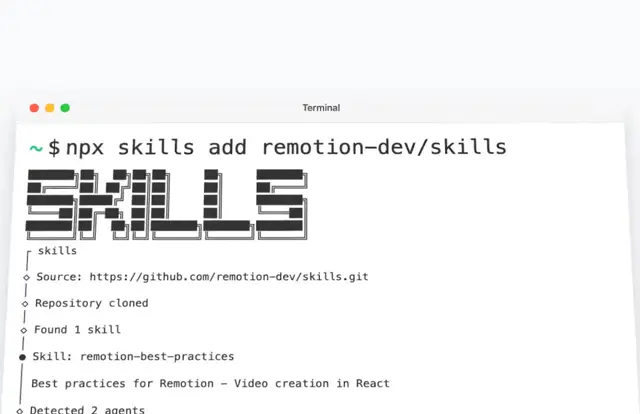
- Remotion's agent skills (npx skills add remotion-dev/skills)
How it was made
Posted by Remotion's own account. The showcase entry lists Claude Code with Opus 4.7 at xhigh effort. The first line points the agent at Remotion's HTML-in-canvas best practices, and the agent chose the content of the sample composition itself.
Posted May 3, 2026 · Remotion Prompt Showcase on Website · 18 likes
Prompt from: Prompt showcase submission
Look notesby Reference
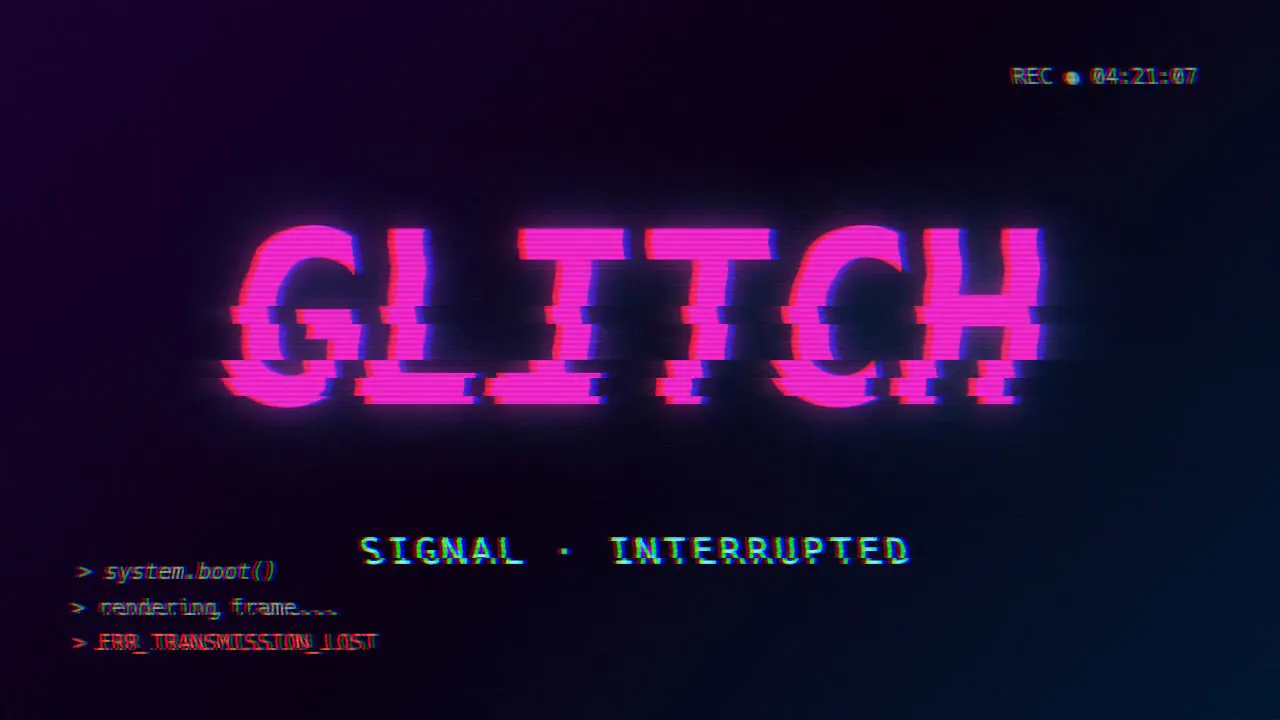
A dark screen with the word GLITCH in big pink type, a cyan SIGNAL · INTERRUPTED line, and terminal text, all broken up by horizontal slicing, RGB channel splits, and scanlines.
- Color
- Deep navy-to-purple background, hot pink type, cyan and red channel fringes, and a red error line.
- Type
- Heavy pink sans-serif "GLITCH", spaced cyan capitals "SIGNAL · INTERRUPTED", small monospace terminal lines ("> system.boot()", "> rendering frame...", and "> ERR_TRANSMISSION_LOST" in red), and a "REC ● 04:21:07" stamp in the top-right corner.
- Framing
- The word centered in the upper half, the subtitle below it, and the terminal lines in the lower left.
- Structure
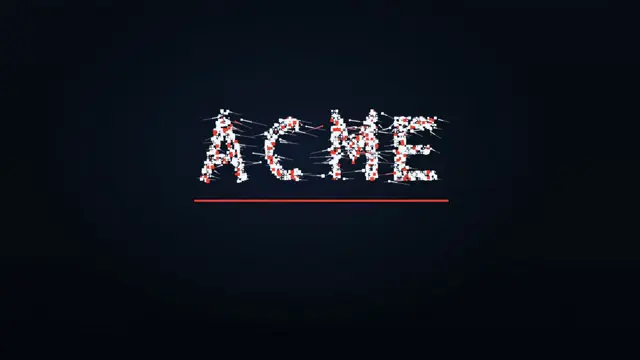
- One composition throughout. The amount of distortion varies from frame to frame, from light slicing to one frame where the type is smeared into red and blue bands.