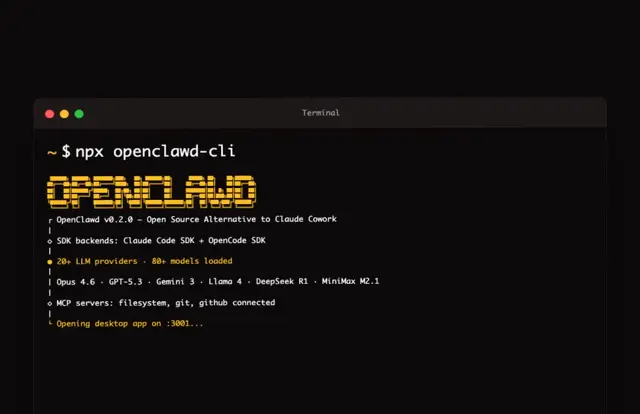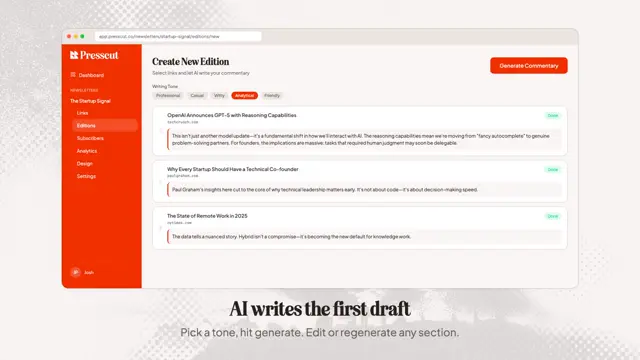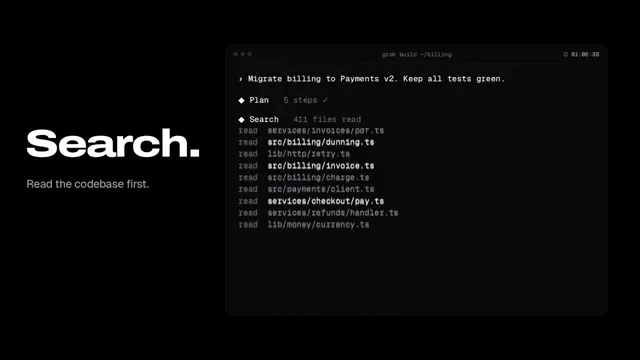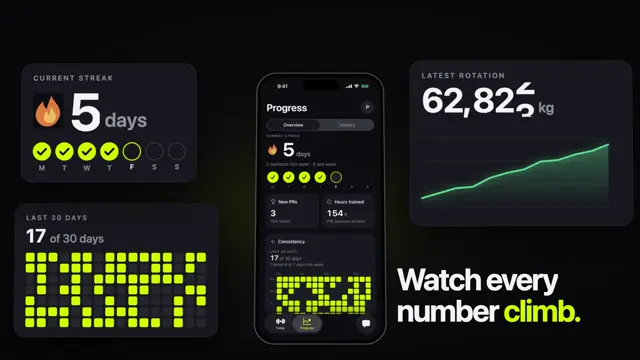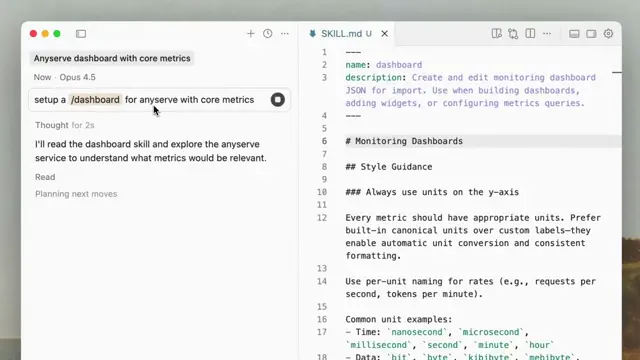
we are creating a remotion animation for a new command "npx skills add remotion-dev/remotion". first start out by making a new composition,
1280x1000px of a macos terminal window-like console that has an empty prompt in it. light theme
okay, nice. remove the background and the font size needs to be a lot bigger.
add some margin nonetheless, but keep it transparent.
make the terminal content a separate component in a new file. add a typewriter animation to it that types out "npx skills add remotion-dev/skills"
keep the cursor in the end, and refactor it into it's own component in it's own file. keep it blinking while there is no typing.
nice. increase the font size more, and make the composition a bit less smaller. mostly less tall
make the composition is a bit taller nonetheless
height of 700
ok, make a new master composition and and the current composition as a sequence. give the master composition a grayish background
use a sequence, not a series
add a 3d rotation to the temrinal. like 20 degree of x and y rotation.
add the transform to the sequence, not the terminal itself
okay, over total length of the composition, slowly rotate Y axis from 20 to -20 degrees
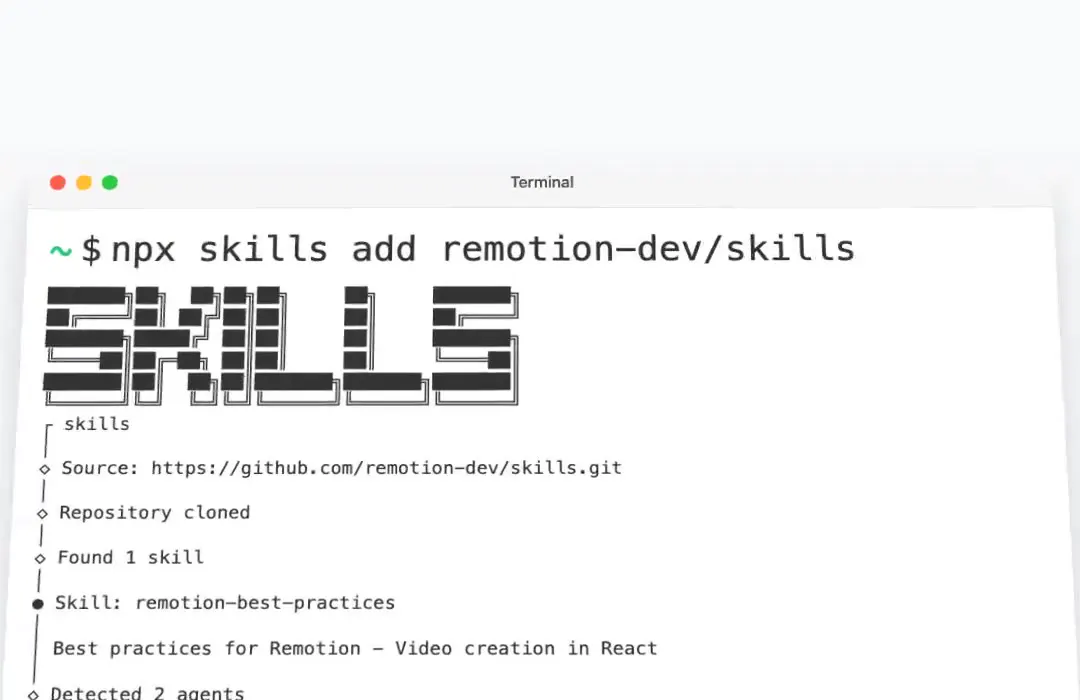
run the command "npx skills install remotion-dev/skills" yourself. look at the output and add the beginning of the output as terminal content
can you add a bit more of the content?
stagger the lines, make one appear every 50ms
in the master composition, make the terminal jump in from the bottom using a fast spring animation, but no bounce
render it
make a new composition and add it to Root.tsx. it should display the remotion logo as an image (Without title (light mode) from
https://remotion.dev/brand) as well as a "+" as well as a claude code logo and opencode logo
okay nice. remove the second plus and make the opencode combo quite a bit smaller.
remove the background from this composition, and make the claude code logo also considerably smaller
make the claude code a bit bigger
the plus should be a bit darker
add this composition to the master composition as a sequence coming in after the terminal output is done. the logocombo should be behind the
terminal.  push the terminal down again when it is done with the output
make the background of the master composition the color #FFF
make it the color #f8fafc
the logomark should actually be a series of 2 sequences. first, for 2 seconds show text "Agent Skills now available" in GT Planar font, font size 80,
medium weight, only then show the logo
make the font only 60px but bolder
add a scale animation to the text, use an easing out curve and it half a second long
nice! almost done.

- make the composition only 8 seconds long.
- make the sequence holding the terminal a bit bigger using a scale transform. increase the scale transform very slightly over time
make the scale transform a bit 0.05 less
actually, we should decrease the scale more, to only 0.9 and it goes to 1
but we need to position the terminal 100px lower overall for it to look nice
the -20 to 20 degree rotation is a bit much. let's only do 10 to -10
ok, new idea! instead of pushing the terminal down, flip the terminal towards the camera by rotating the X axis. this might need a perspective on the
parent and the transform origin needs to be at the bottom. maybe wrap it it another sequence to make it easier
boom! this is awesome! render the video
Make it yours. Replace the command in the first prompt and the title text "Agent Skills now available" with your own, and point the logo prompt at your brand page instead of "https://remotion.dev/brand". The rest are small visual nudges you can reuse in order.
Remotion's Agent Skills launch animation
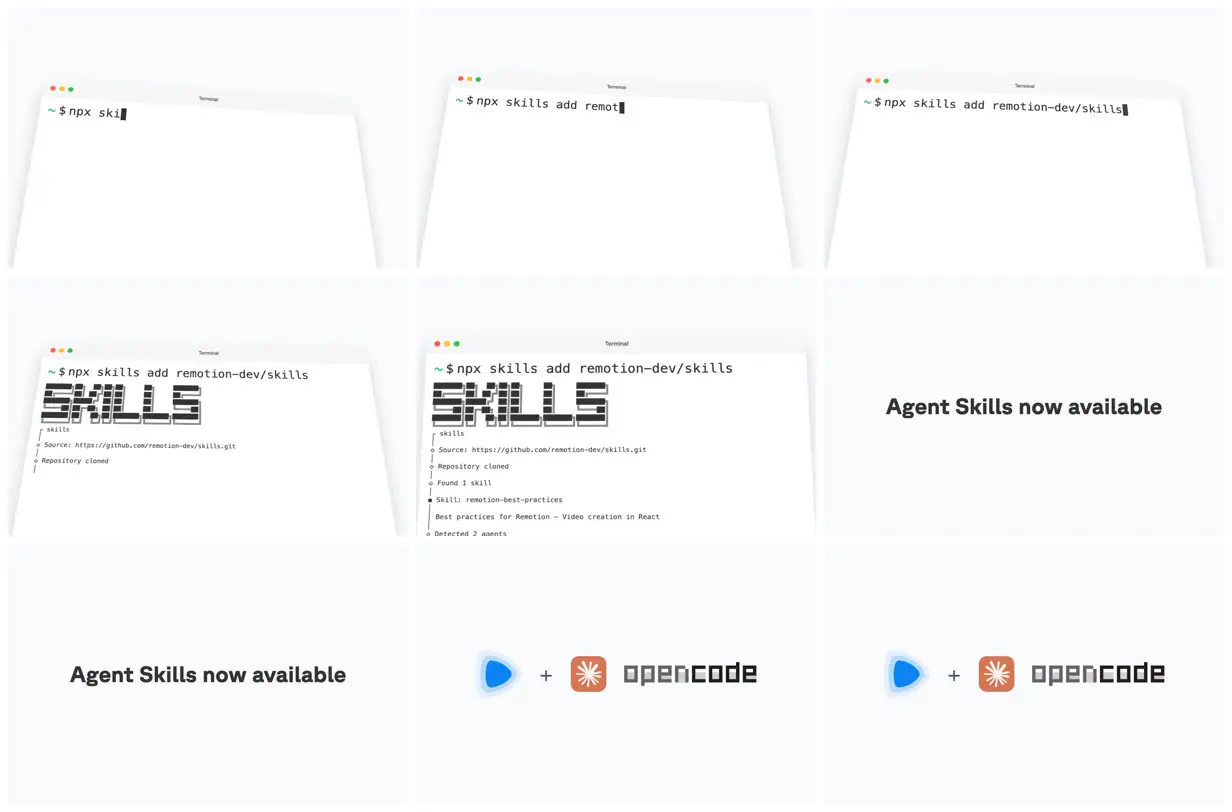
The 8-second launch clip for Remotion's Agent Skills: a tilted macOS terminal types the install command, then gives way to a title and a Remotion, Claude Code and OpenCode logo lockup. The team published all 35 prompts from the Claude Code session.
“This animation was created just by prompting”
You'll need
- Node.js and a Remotion project (npx create-video)
How it was made
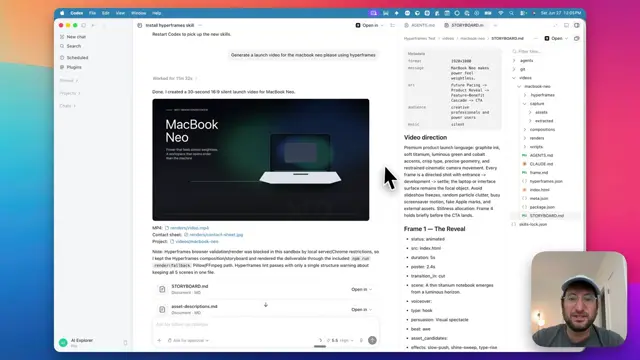
Built by conversation in one Claude Code v2.1.12 session on Claude Max, with 35 short prompts and no spec up front. Claude ran the real install command itself and used the output as terminal text, fetched the Remotion brand page, and searched the web for the Claude Code and OpenCode logos. The prompts are the user turns of the exported terminal transcript: some line breaks are terminal wrapping, and the slash commands are left out. The first prompt says "remotion-dev/remotion"; later ones use "remotion-dev/skills". The reply that links the gist also carries a 74-second making-of video.
Posted Jan 20, 2026 · X · 22k likes · 19M views · 794 comments
Prompt from: Gist of the full Claude Code session, linked from a reply on X
Look notesby Reference
A clean light-theme product clip: a white macOS terminal tilted in 3D with "npx skills add remotion-dev/skills" at the prompt and the install log under an ASCII "SKILLS" banner, followed by a title card and a logo lockup.
- Color
- Near-white slate background, a white terminal with gray chrome and red, yellow and green window dots, dark gray type, and the Remotion blue and Claude orange in the closing logos.
- Type
- Monospace terminal text with a green prompt and block cursor, a chunky ASCII-art banner, and a bold geometric sans for "Agent Skills now available".
- Framing
- The terminal fills most of the frame at a slight 3D tilt; the title and then the logo row sit alone, centered on the plain background.
- Structure
- The command at three stages of typing, the SKILLS banner and install log, the title card "Agent Skills now available", and the Remotion + Claude Code and OpenCode logo lockup.