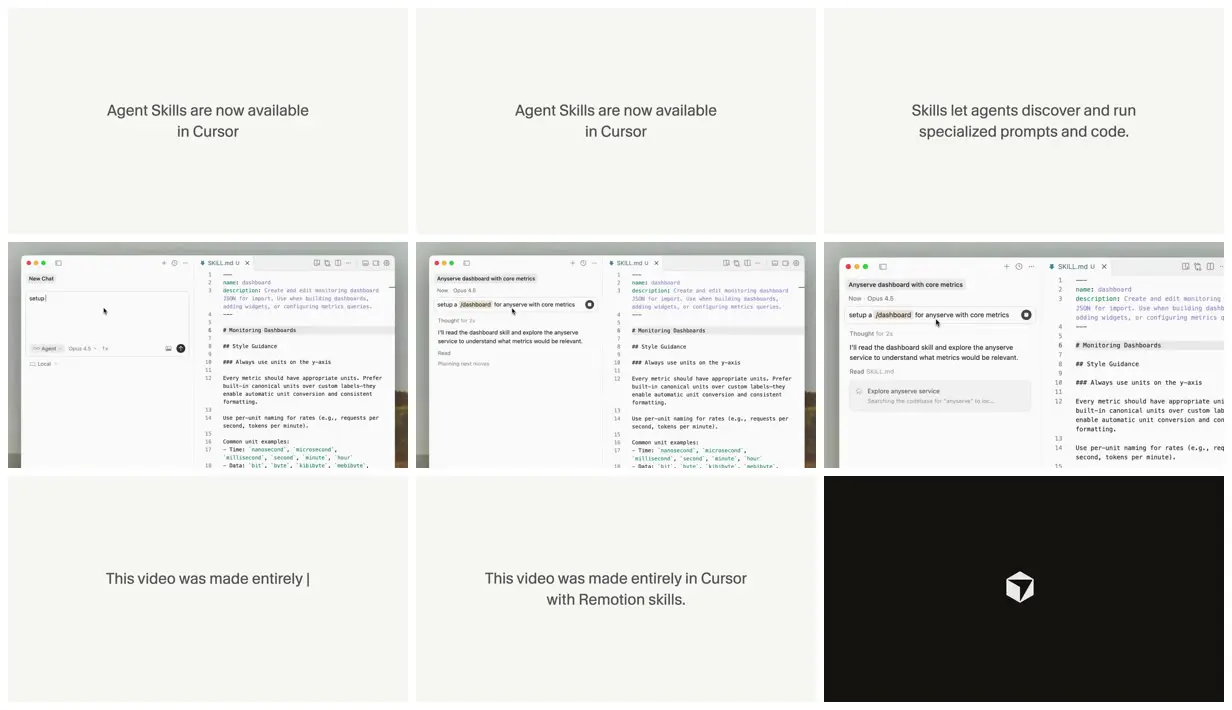
Create a video project announcing Agent Skills, following Cursor brand rules. 1920×1080, 60fps. Typewriter text effect at about 1 character per frame, then hold for 3 seconds after typing on every title card. Line 1 types first, then line 2.

Card 1: “Agent Skills are now available” on line 1 and “in Cursor” on line 2
Card 2: “Skills let agents discover and run” and line 2 “specialized prompts and code.”
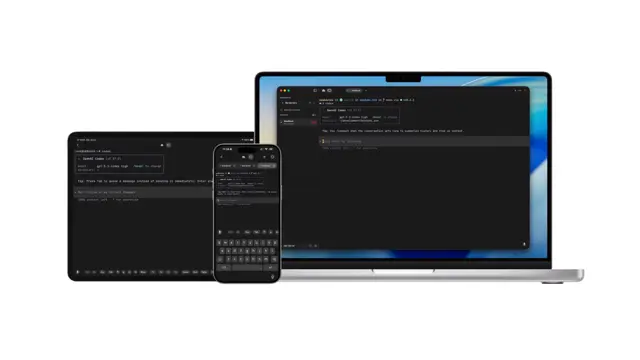
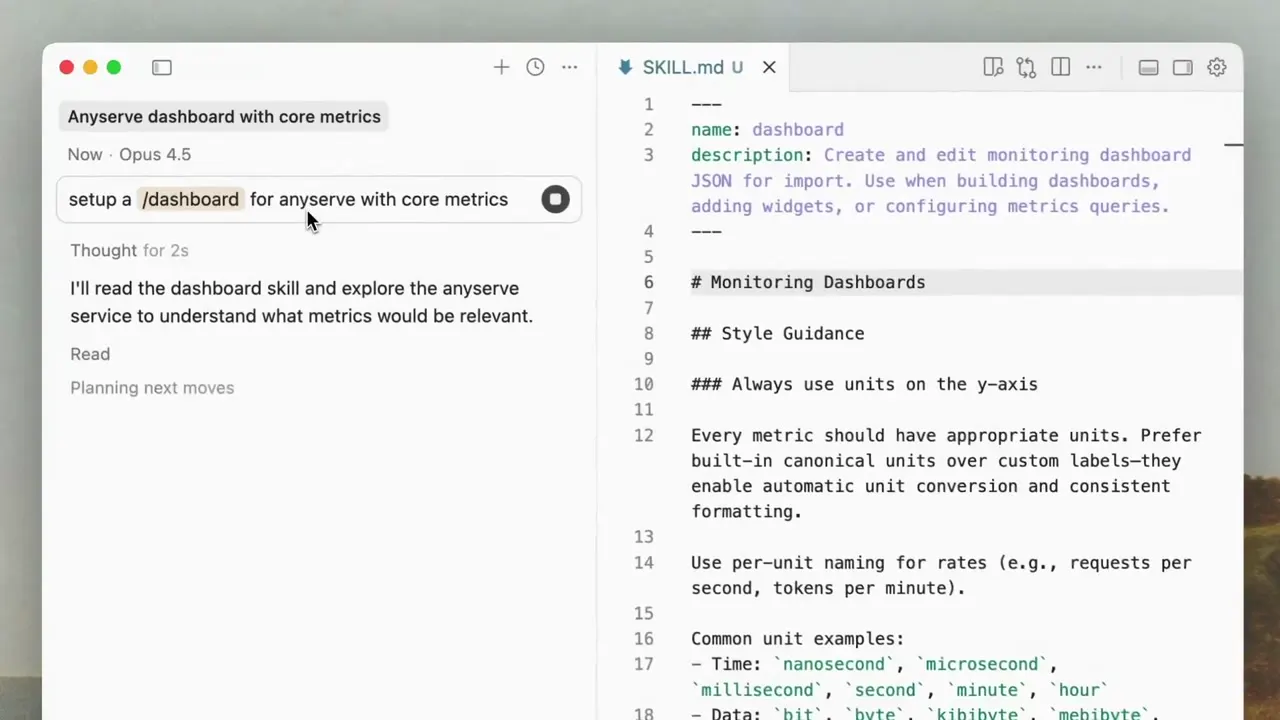
Then play the skills.mp4 recording full-screen, framed top-aligned for first 2 seconds, then zoom in (with easing) to the top-left by about 125%. Should be continuous zoom!
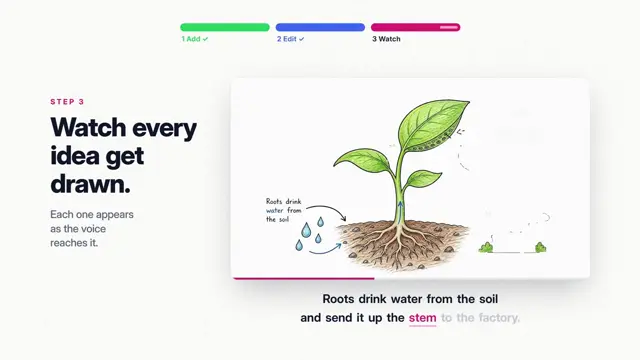
Final card: “This video was made entirely in Cursor" on line 1 and "with Remotion skills.” on line 2, then hold;
End with the existing end.mp4 animation full-screen.

Render and open the file inside Cursor’s browser tool to let me see it here!

# Notes:
# 1. Uses an existing screen recording @ericzakariasson made.
# 2. Uses our existing end card animation.
# 3. Had a Cursor rule with our brand guidelines and colors.
Make it yours. Rewrite the card text ("Agent Skills are now available" and the lines after it) for your own launch, swap "skills.mp4" and "end.mp4" for your files, and point "following Cursor brand rules" at your own brand rule.
Cursor Agent Skills announcement
A 20-second, 60fps announcement for Cursor's Agent Skills: typewriter title cards, a screen recording with one continuous eased zoom, and Cursor's end card. Made in Cursor with Remotion skills and a brand-guidelines rule, one-shot in three minutes.
“One shot. Took 3 minutes (including my review of the plan).”
- Cursor
- Remotion
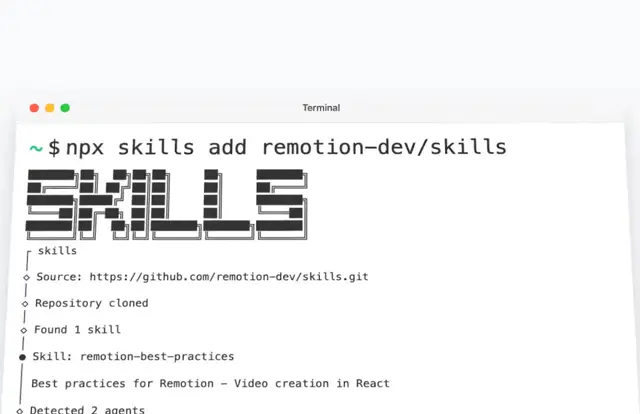
- Remotion skills
- One-shot
- 3m
You'll need
- Your own screen recording (skills.mp4) and end card (end.mp4)
- A Cursor rule with your brand guidelines and colors
- A Remotion project with Remotion's agent skills
How it was made
Uses an existing screen recording by @ericzakariasson and Cursor's existing end-card animation, with a Cursor rule holding the brand guidelines and colors. Cursor's browser played the render back and checked it against the brand guidelines.
Posted Jan 25, 2026 · X · 423 likes · 65k views · 25 comments
Prompt from: remotion.dev Prompt Showcase, with the creator's three setup notes added as # comments. The same prompt, in quotes, is in a reply on X.
Look notesby Reference
A quiet launch sequence: centered sentences on off-white, a framed screen recording of Cursor running a skill, and Cursor's logo on black.
- Color
- Off-white and warm grey with dark grey type. The recording is Cursor's light theme over a softly blurred landscape, and the end card is black with a white logo.
- Type
- A single light sans-serif, centered, two lines per card; one card shows the text cursor partway through a sentence.
- Framing
- Small centered text with wide empty margins. The recording sits in a window over the blurred backdrop and is framed tighter on its top left in later frames.
- Structure
- "Agent Skills are now available / in Cursor", "Skills let agents discover and run / specialized prompts and code.", the screen recording of a chat asking for a dashboard with SKILL.md open beside it, framed tighter on the top left, "This video was made entirely in Cursor / with Remotion skills.", then the Cursor cube logo on black.