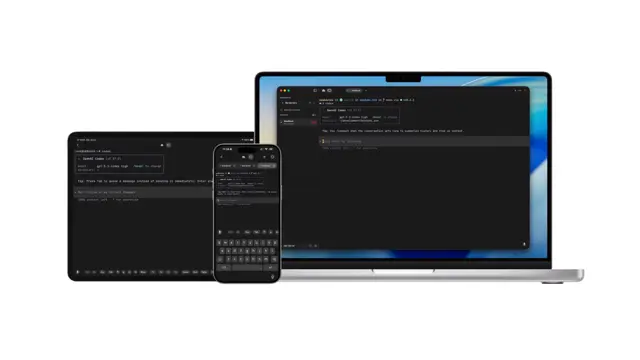
use remotion best practices, especially html in canvas. make a new composition and write a simple one line text. then implement a round magnifying glass that animates from left to right. there should be slight glass refraction
Make it yours. Change "a round magnifying glass" and "there should be slight glass refraction" to try other lens effects, or ask for specific text in place of "a simple one line text".
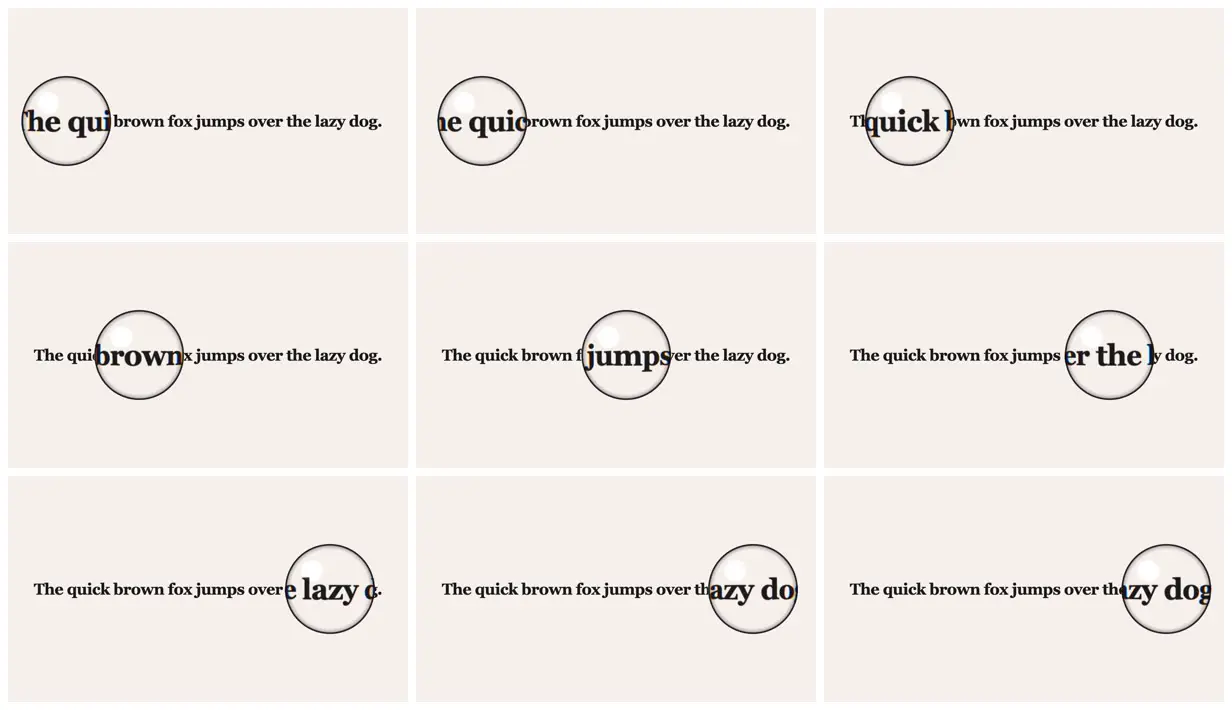
Magnifying glass gliding over text
A 4-second effect study: a round magnifying glass slides left to right across one line of text, enlarging the letters under it with slight refraction. Made from a four-sentence prompt using Remotion's HTML-in-canvas feature.
You'll need
- A Remotion version with HTML-in-canvas support
- Remotion's agent skills (npx skills add remotion-dev/skills)
How it was made
Submitted to Remotion's Prompt Showcase with the tool (Claude Code) and model ("Opus 4.7 xhigh", meaning extra-high effort) listed. No other process details are given.
Posted May 3, 2026 · Remotion Prompt Showcase on Website · 28 likes
Prompt from: Remotion Prompt Showcase submission
Look notesby Reference
One line of bold black serif text, "The quick brown fox jumps over the lazy dog.", on a warm off-white ground, with a round glass lens enlarging the letters under it.
- Color
- Warm off-white background, near-black text, and a clear lens with a thin dark rim, a soft white highlight at its upper left, and faint blue fringes at its edge.
- Type
- A bold serif for the line, enlarged two to three times inside the lens.
- Framing
- The line runs across the middle of the frame with wide empty space above and below. The lens is about two-fifths of the frame's height and sits on the line.
- Structure
- Across the nine frames the lens sits over "he qui", "e quic", "quick b", "brown", "jumps", "er the", "e lazy", "azy do", and "zy dog", from left to right.