use remotion best practices. this is our youtube channel: https://www.youtube.com/@remotion_dev. use curl scrape youtube to find the avatar and the subscriber count. multiple subscriber counts appear on the page, find the right one. make a white lower third that slides in from the bottom center. show the name, subscriber count and avatar. display a typical fixed width black youtube subscribe button that changes from "Subscribe" to "Subscribed". use a ease-out animation and for pressing in the button and a spring animation with a slight bounce once the button is released. fade out the lower third. render it as a transparent prores video.
Make it yours. Swap the channel URL for yours, and change "white lower third", "black youtube subscribe button", and "Subscribe" / "Subscribed" for your own colors and button text. Keep "render it as a transparent prores video." so it layers over footage.
Transparent YouTube subscribe lower third
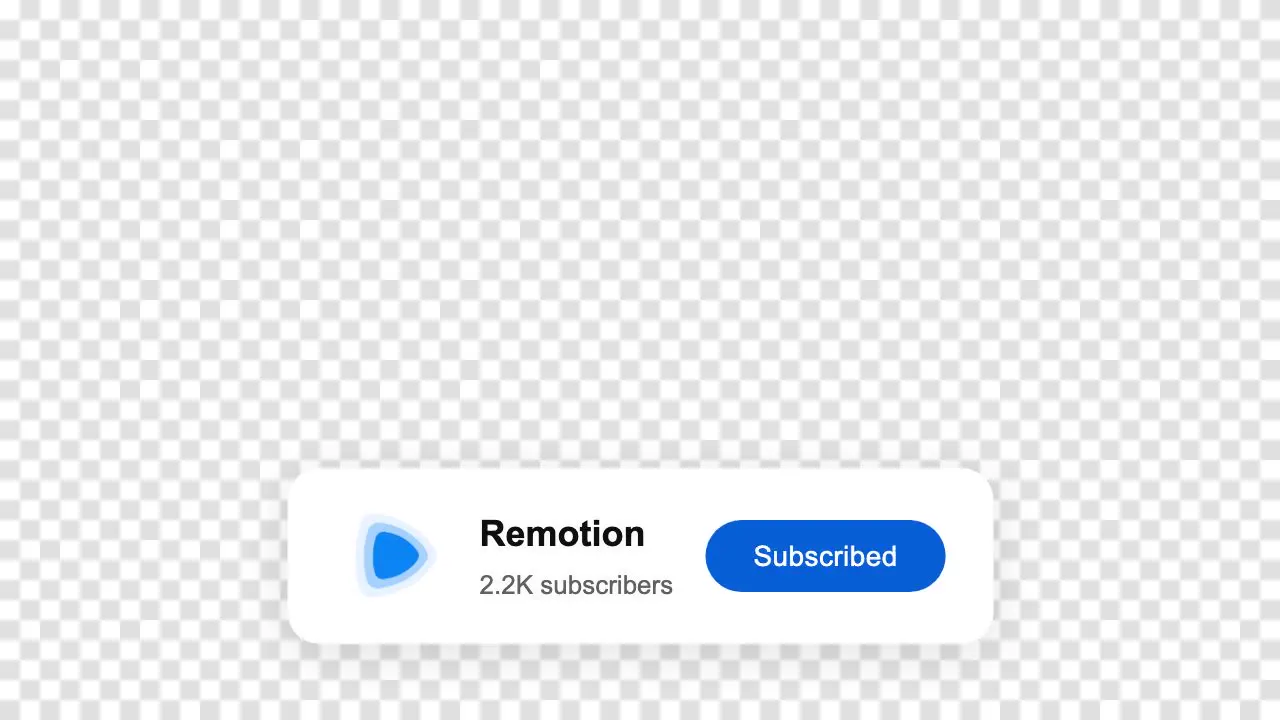
A 4-second transparent lower third: a white card with Remotion's avatar and subscriber count, and a button that changes from Subscribe to Subscribed. Claude Code scraped the channel page with curl for the details and rendered transparent ProRes.
“Create a call-to-action overlay for your next video with just one prompt”
You'll need
- A blank Remotion project (bun create video --blank youtube-cta, then bun i)
- Remotion's agent skills, whose transparent-video skill the post announces
How it was made
Setup, per the creator: bun create video --blank youtube-cta, cd youtube-cta, bun i, then claude. The X post shows the overlay placed over footage in an editor; the player here shows the clean render from the remotion.dev showcase.
Posted Jan 30, 2026 · X · 451 likes · 35k views · 6 comments
Prompt from: Reply on X, after the setup commands. The same prompt is on the remotion.dev Prompt Showcase.
Look notesby Reference
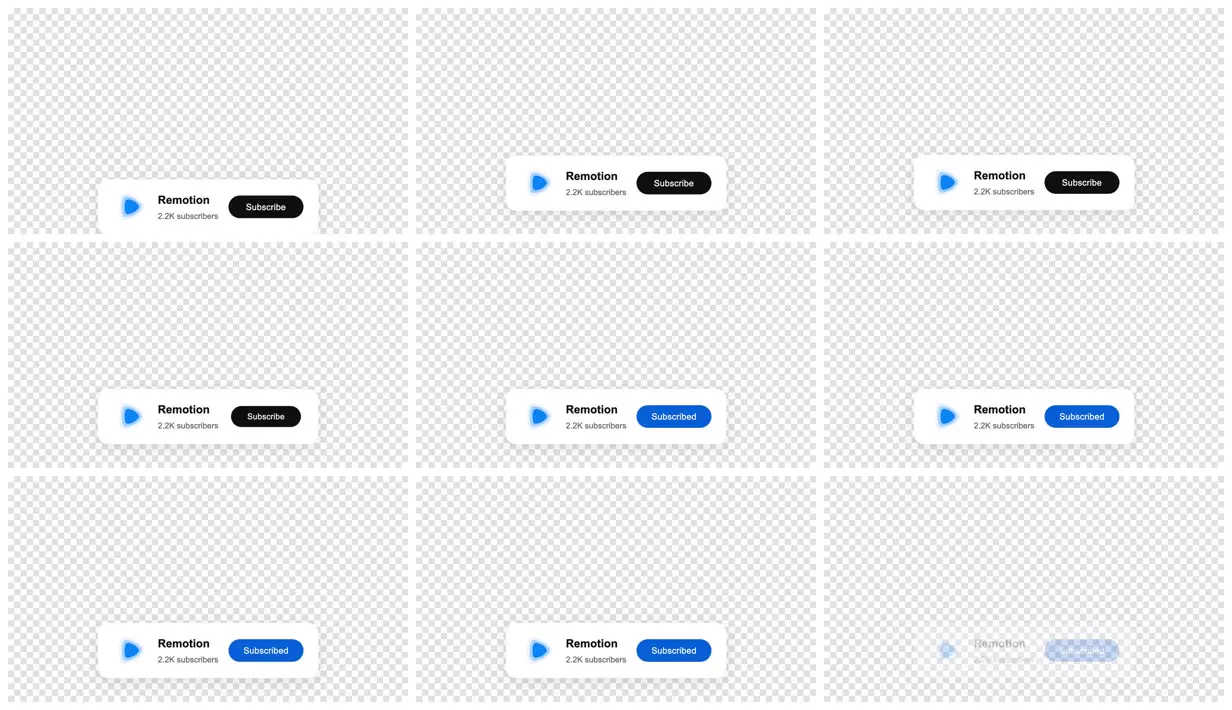
A single YouTube-style lower third on a transparency checkerboard: a white card with Remotion's avatar, name, and 2.2K subscribers, beside a pill button.
- Color
- A white card with a soft shadow, black and bright-blue pill buttons, a blue play-shaped avatar, and grey secondary text, on the grey-and-white checkerboard that stands for transparency.
- Type
- A YouTube-like sans-serif: the channel name in bold, the subscriber count in small grey, and white button labels.
- Framing
- A wide 16:9 frame left almost empty, with the card low and centered. In the first frame the card is cut off by the bottom edge, and in the last it is half faded.
- Structure
- The card cut off at the bottom edge, then in place with a black Subscribe button, then with a blue Subscribed button, and finally half faded.