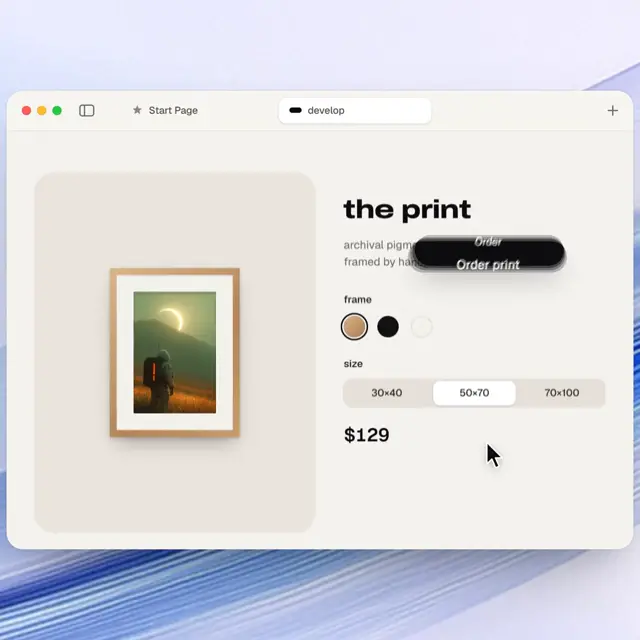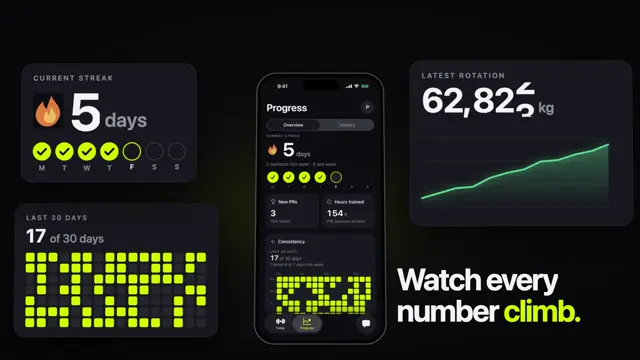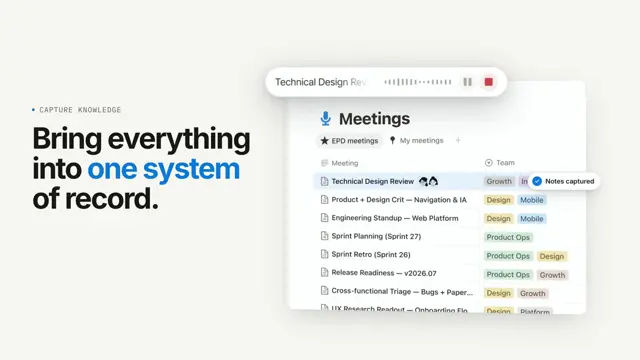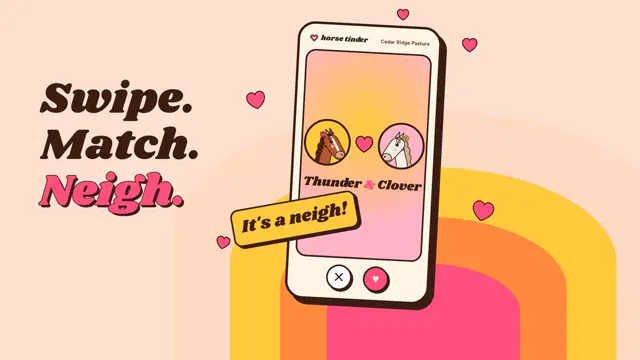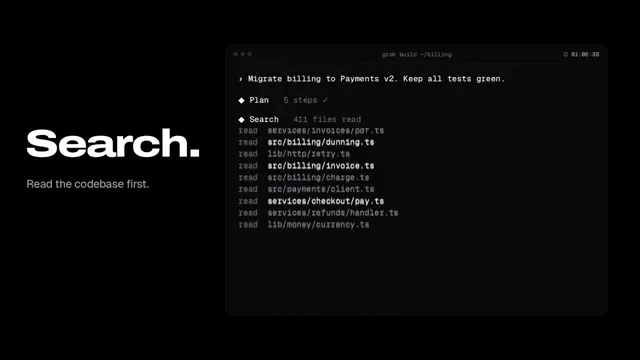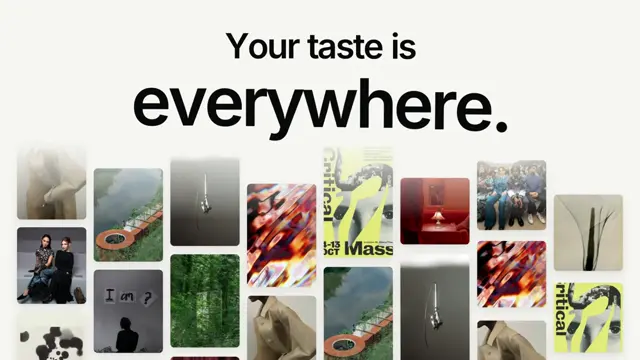
𝙲𝚛𝚎𝚊𝚝𝚎 𝚊 𝚍𝚎𝚖𝚘 𝚟𝚒𝚍𝚎𝚘 𝚘𝚏 𝚝𝚑𝚎 𝙿𝚛𝚎𝚜𝚜𝚌𝚞𝚝 𝚊𝚙𝚙/𝚙𝚛𝚘𝚍𝚞𝚌𝚝 𝚞𝚜𝚒𝚗𝚐 𝚛𝚎𝚖𝚘𝚝𝚒𝚘𝚗. 𝚄𝚜𝚎 𝚛𝚎𝚊𝚌𝚝 𝚌𝚘𝚖𝚙𝚘𝚗𝚎𝚗𝚎𝚗𝚝𝚜 𝚝𝚘 𝚛𝚎𝚙𝚕𝚒𝚌𝚊𝚝𝚎 𝚄𝙸 𝚎𝚕𝚎𝚖𝚎𝚗𝚝𝚜 𝚊𝚗𝚍 𝚛𝚎𝚙𝚕𝚒𝚌𝚊𝚝𝚎 𝚝𝚑𝚎 𝚄𝙸 𝚘𝚏 𝚝𝚑𝚎 𝚊𝚙𝚙 𝚊𝚜 𝚌𝚕𝚘𝚜𝚎𝚕𝚢 𝚊𝚜 𝚙𝚘𝚜𝚜𝚒𝚋𝚕𝚎. 𝚃𝚑𝚎 𝚊𝚙𝚙 𝚑𝚊𝚜 𝚊 𝙻𝙾𝚃 𝚘𝚏 𝚏𝚎𝚊𝚝𝚞𝚛𝚎𝚜/𝚏𝚞𝚗𝚌𝚝𝚒𝚘𝚗𝚊𝚕𝚒𝚝𝚢, 𝚜𝚘 𝚝𝚊𝚔𝚎 𝚐𝚞𝚒𝚍𝚊𝚗𝚌𝚎 𝚏𝚛𝚘𝚖 𝚝𝚑𝚎 𝚖𝚊𝚛𝚔𝚎𝚝𝚒𝚗𝚐 𝚑𝚘𝚖𝚎 𝚙𝚊𝚐𝚎/𝚒𝚗𝚍𝚎𝚡 𝚏𝚘𝚛 𝚠𝚑𝚊𝚝 𝚝𝚘 𝚑𝚒𝚐𝚑𝚕𝚒𝚐𝚑𝚝, 𝚠𝚑𝚒𝚕𝚎 𝚔𝚎𝚎𝚙𝚒𝚗𝚐 𝚕𝚊𝚗𝚐𝚞𝚊𝚐𝚎 𝚜𝚒𝚖𝚙𝚕𝚎 𝚊𝚗𝚍 𝚝𝚘-𝚝𝚑𝚎-𝚙𝚘𝚒𝚗𝚝. 𝚁𝚎𝚊𝚕𝚕𝚢 𝚐𝚛𝚒𝚕𝚕 𝚖𝚎 𝚠𝚒𝚝𝚑 𝚚𝚞𝚎𝚜𝚝𝚒𝚘𝚗𝚜 𝚝𝚘 𝚗𝚊𝚒𝚕 𝚍𝚘𝚠𝚗 𝚎𝚡𝚊𝚌𝚝𝚕𝚢 𝚑𝚘𝚠 𝚝𝚑𝚎 𝚏𝚒𝚗𝚊𝚕 𝚟𝚒𝚍𝚎𝚘 𝚜𝚑𝚘𝚞𝚕𝚍 𝚕𝚘𝚘𝚔/𝚏𝚎𝚎𝚕 𝚊𝚗𝚍 𝚠𝚑𝚊𝚝 𝚌𝚘𝚗𝚝𝚎𝚗𝚝 𝚜𝚑𝚘𝚞𝚕𝚍 𝚋𝚎 𝚝𝚑𝚎𝚛𝚎. 𝚃𝚑𝚎 𝚞𝚕𝚝𝚒𝚖𝚊𝚝𝚎 𝚐𝚘𝚊𝚕 𝚘𝚏 𝚝𝚑𝚒𝚜 𝚒𝚜 𝚝𝚘 𝚛𝚎𝚙𝚕𝚒𝚌𝚊𝚝𝚎 𝚠𝚑𝚊𝚝 𝚖𝚎, 𝚝𝚑𝚎 𝚏𝚘𝚞𝚗𝚍𝚎𝚛, 𝚠𝚘𝚞𝚕𝚍 𝚋𝚎 𝚜𝚑𝚘𝚠𝚒𝚗𝚐/𝚍𝚘𝚒𝚗𝚐 𝚠𝚒𝚝𝚑 𝚊 𝚙𝚛𝚘𝚍𝚞𝚌𝚝 𝚍𝚎𝚖𝚘 𝚠𝚒𝚝𝚑 𝚊 𝚌𝚞𝚜𝚝𝚘𝚖𝚎𝚛.
Make it yours. Replace "the Presscut app/product" with yours and run it inside your own codebase. "Really grill me with questions" makes the agent interview you before it builds, so be ready to answer.
Newsletter app demo built from its own UI
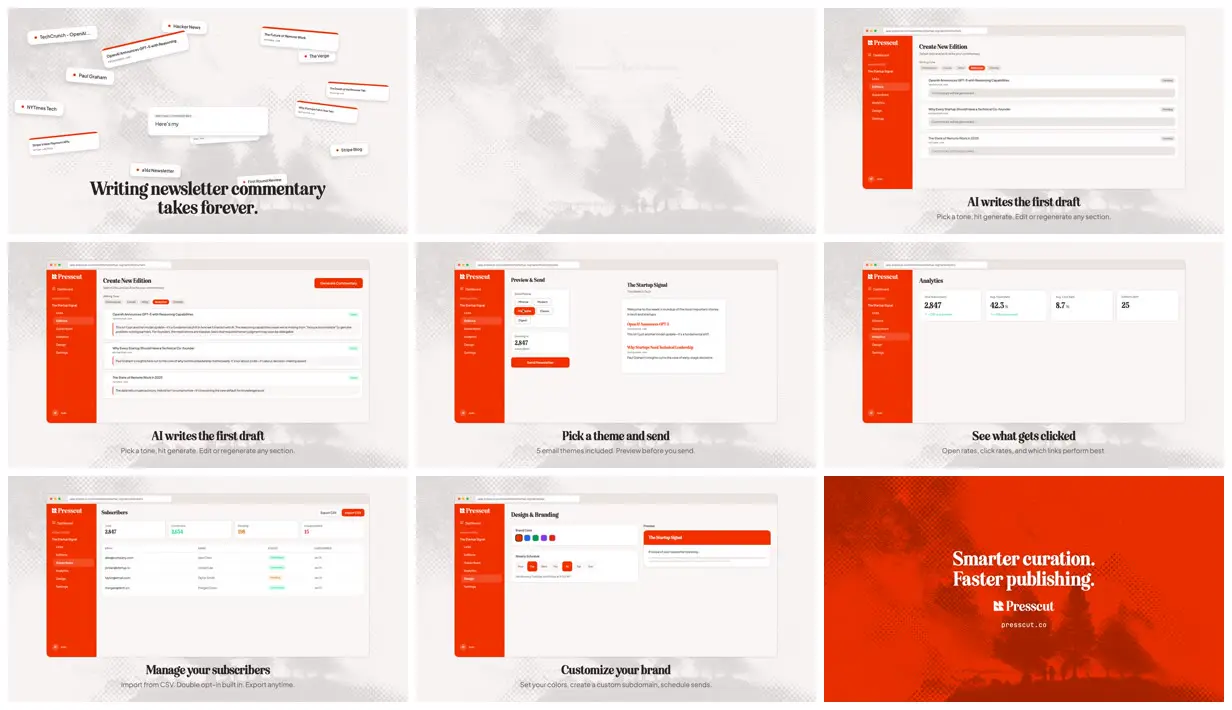
An 84-second demo of the creator's newsletter app, Presscut, rebuilt in Remotion from the app's own React components. Claude Code planned the scenes, then used ElevenLabs through MCP for per-scene voiceover, background music, and UI sounds.
“i was curious if i could just generate everything from within claude code and YES it worked perfectly.”
You'll need
- Your product's codebase with its React components
- Remotion's agent skill
- An ElevenLabs API key and the ElevenLabs MCP server
How it was made
Started inside the Presscut codebase, so Claude reused the app's React components and needed no new art. It planned the timing, scenes, text, and graphics, then about an hour of back-and-forth followed ("shorten the scene by 1.5 seconds", "move the app UI up by 12 pixels"), none of it published. ElevenLabs, through its MCP server, made a separate voiceover clip per scene that Claude lined up, background music at the video's exact length, and click, typing, and success sounds. Asked how long the full video took to render, the creator replied "about 5 seconds". The creator posted the prompt in a monospace Unicode font (X has no code formatting), and it is kept exactly as posted. A plain-text copy with small transcription differences is on the Remotion prompt showcase.
No extra Claude cost on a 20x Max plan; the creator puts it at about $700 of Opus 4.5 tokens at API prices. About 12,000 ElevenLabs credits for the voiceovers, music, and sound effects, including regenerations.
Posted Jan 25, 2026 · X · 916 likes · 75k views · 46 comments
Prompt from: Post body, in Unicode monospace letters
Plain-text copy on the Remotion prompt showcase (small transcription differences)
Look notesby Reference
A clean product walkthrough for a newsletter tool: the app's own screens in a browser window on an off-white ground with a faded halftone forest, each under a bold serif caption, ending on a red-orange brand card.
- Color
- Off-white and pale grey with a faded halftone tree texture, the app's red-orange sidebar and buttons, and black type; the end card turns full red-orange.
- Type
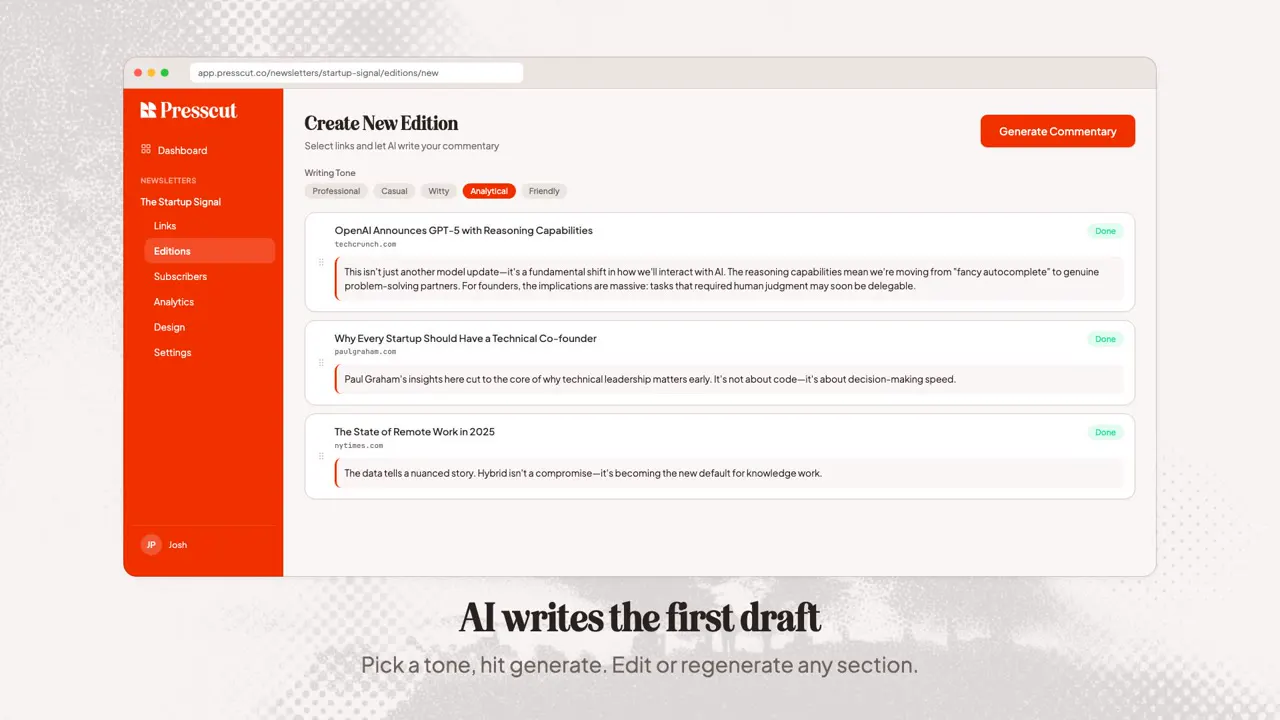
- A heavy display serif for captions ("Writing newsletter commentary takes forever.", "AI writes the first draft", "See what gets clicked") with small grey sans-serif subtitles, plus the app's own UI type inside the window.
- Framing
- A browser window with traffic-light dots in the upper two-thirds and the caption centered below. The opening scatters source cards (TechCrunch, Hacker News, Paul Graham, The Verge) around a "writing commentary" card.
- Sound
- ElevenLabs voiceover made scene by scene, background music in an "indie tech aesthetic", and click, typing, and success sounds, according to the creator.
- Structure
- Scattered news-source cards over "Writing newsletter commentary takes forever.", a faded transition, the Create New Edition screen ("AI writes the first draft", shown twice as drafts fill in), Preview & Send ("Pick a theme and send"), Analytics ("See what gets clicked"), Subscribers ("Manage your subscribers"), Design & Branding ("Customize your brand"), and the end card "Smarter curation. Faster publishing." with the Presscut logo and presscut.co.