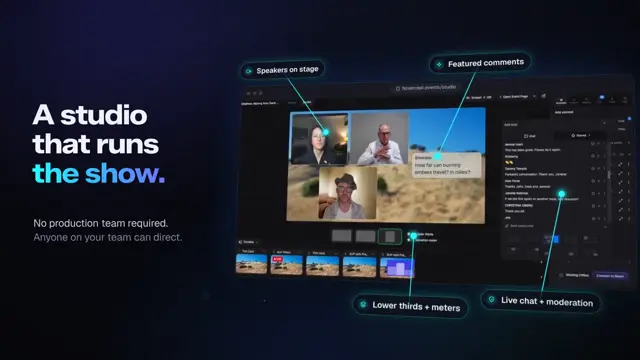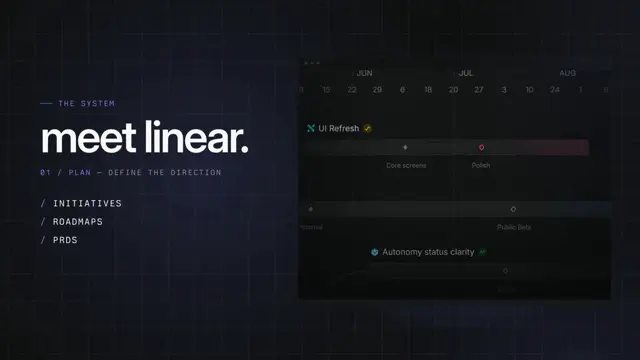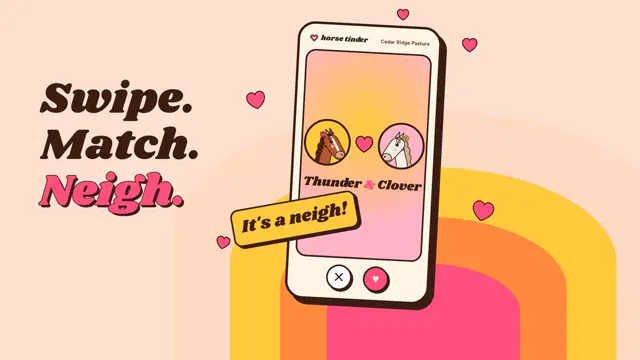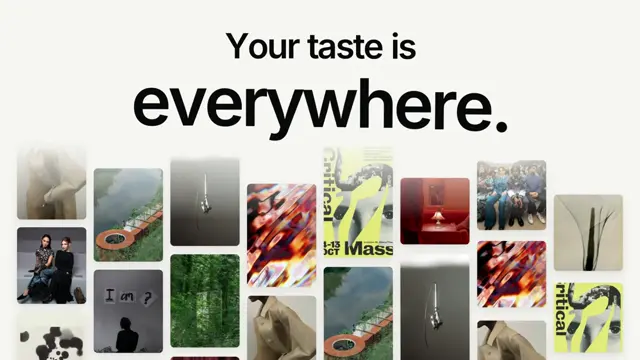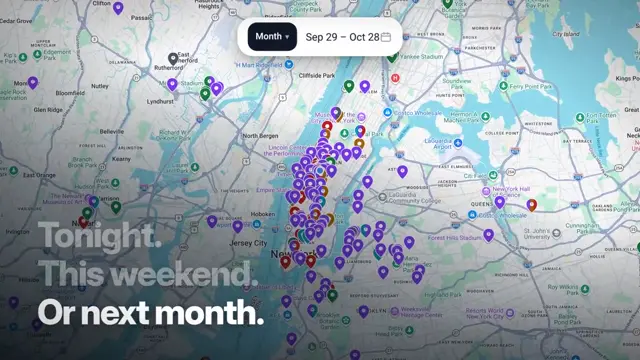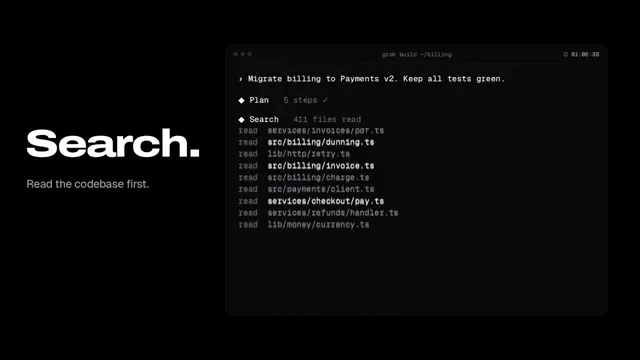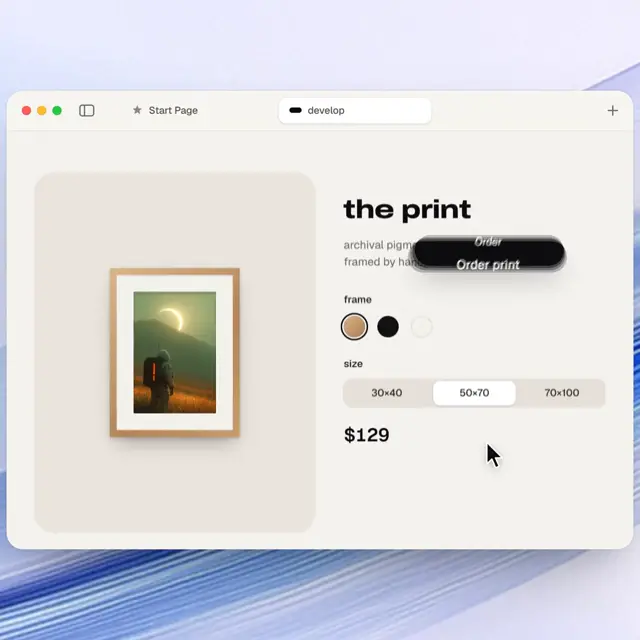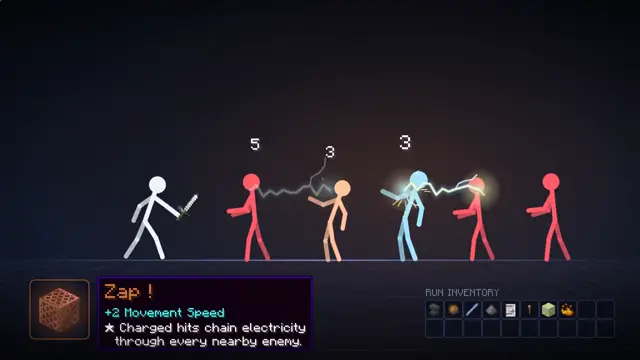
I want you to create a highly professional SaaS product launch video. Go and find some SaaS, preferably just one that people know, so it's easier to identify with it. Pick that, and then make sure to get actual assets and images and all of that stuff from the internet. Turn it into these typical, very professionally edited, motion-graphics-styled product launch videos that you see people making on Twitter when they launch new SaaS products (which are showing off the features, the benefits, and all of these things).
Make it yours. For your own product, replace "Go and find some SaaS, preferably just one that people know, so it's easier to identify with it. Pick that," with your product's name and site, as the Hovercast launch video linked below did.
Launch video for a SaaS the model picked
A 46-second motion-graphics launch video in the style SaaS companies post on X. The prompt let Opus 5.5 pick a well-known product (it chose Notion) and pull real logos and images from the web; the creator says it used HyperFrames and needed only the prompt.
“i just told opus to go pick a SaaS and create a professional product launch video”
- Claude Opus 5.5
- HyperFrames
- One-shot
You'll need
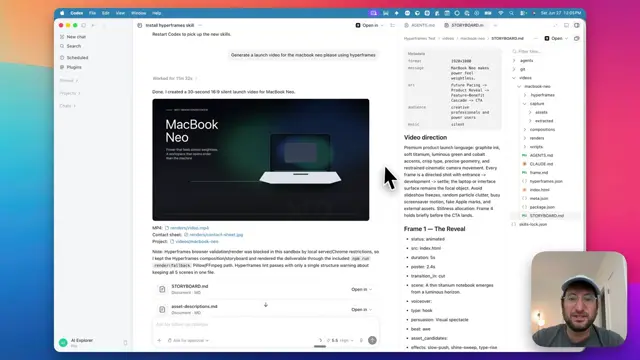
- HyperFrames set up for your coding agent
- Web access so the agent can find logos and images
How it was made
The creator told Opus to pick a SaaS and make a professional launch video. Asked whether they supplied photos, screenshots, or a script, they said "no just the prompt"; asked whether it used Remotion, "it used hyperframes". The product it chose, Notion, and its brand assets are third-party.
Posted Sep 24, 2026 · X · 424 likes · 94k views · 26 comments
Prompt from: Reply on X, in quotes
Look notesby Reference
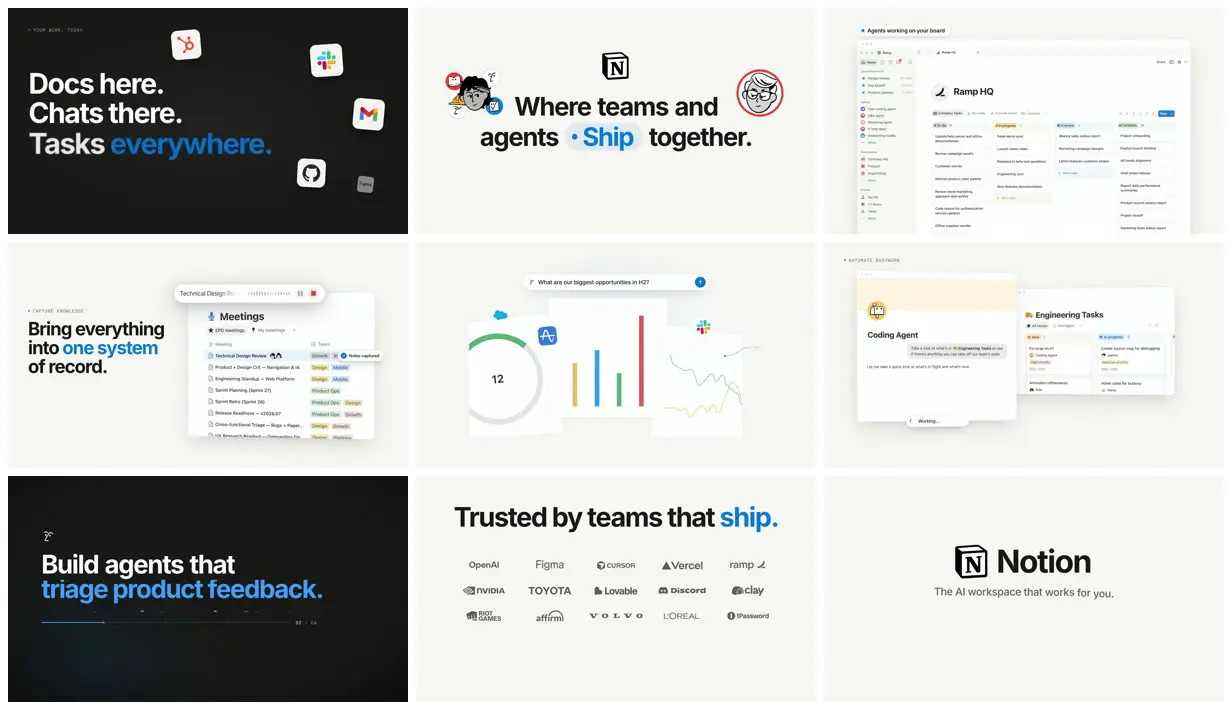
A clean launch film that alternates black and warm off-white frames: short bold headlines with one blue word, floating app icons, rebuilt Notion boards and meeting notes, chart cards, a customer logo wall, and the Notion logo end card.
- Color
- Near-black and warm off-white grounds, black and white type, one bright blue accent, and the colors of real app icons (HubSpot, Slack, Gmail, GitHub).
- Type
- A heavy neutral sans for headlines with the key word in blue (Tasks everywhere., Ship, one system, triage product feedback., ship.), small spaced uppercase kickers (YOUR WORK, TODAY; CAPTURE KNOWLEDGE; AUTOMATE BUSYWORK), Notion-style interface text, and line-drawn face illustrations.
- Framing
- 16:9 with headlines left-aligned or centered, app windows and cards floating at slight angles on the right or center, icons scattered at the edges, and a centered logo grid and lockup at the end.
- Structure
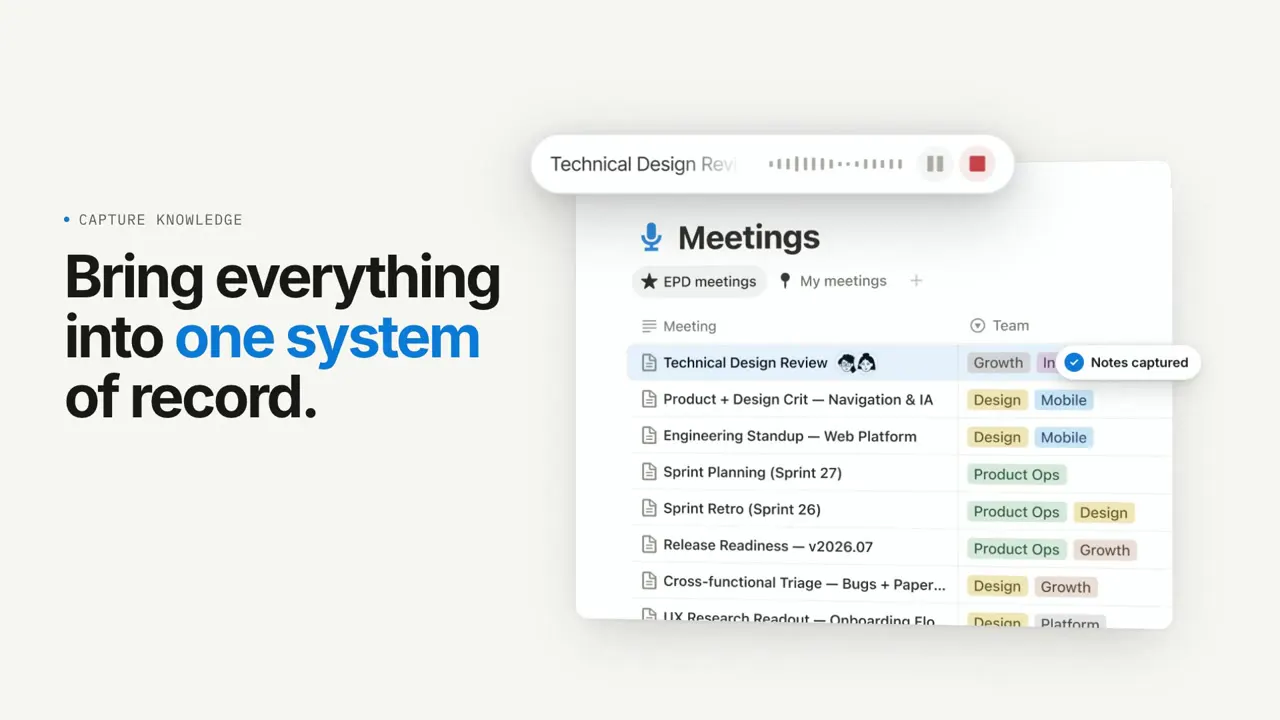
- Docs here. Chats there. Tasks everywhere. with HubSpot, Slack, Gmail, GitHub, and Figma icons, the Notion logo with Where teams and agents Ship together., an Agents working on your board view of a Ramp HQ kanban, Bring everything into one system of record. with a Meetings list, a search bar asking What are our biggest opportunities in H2? over chart cards, a Coding Agent card beside Engineering Tasks, Build agents that triage product feedback., Trusted by teams that ship. with logos from OpenAI, Figma, Cursor, Vercel, NVIDIA, Toyota, Volvo, and others, then Notion with The AI workspace that works for you.