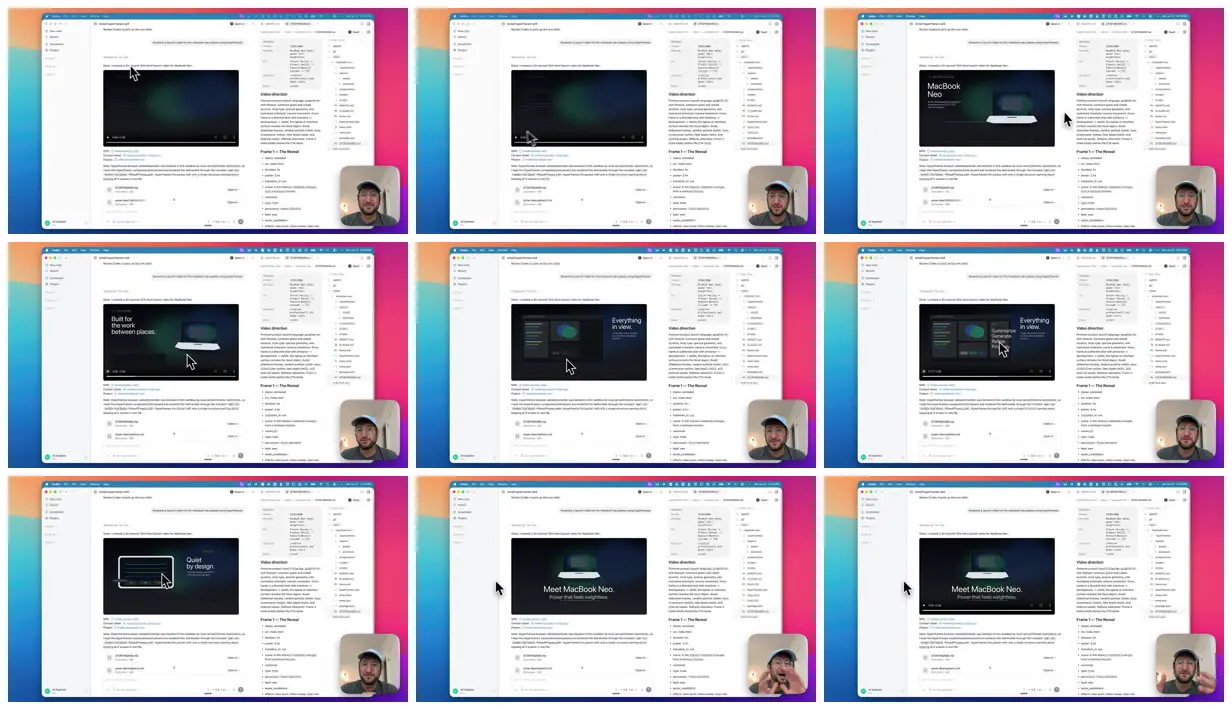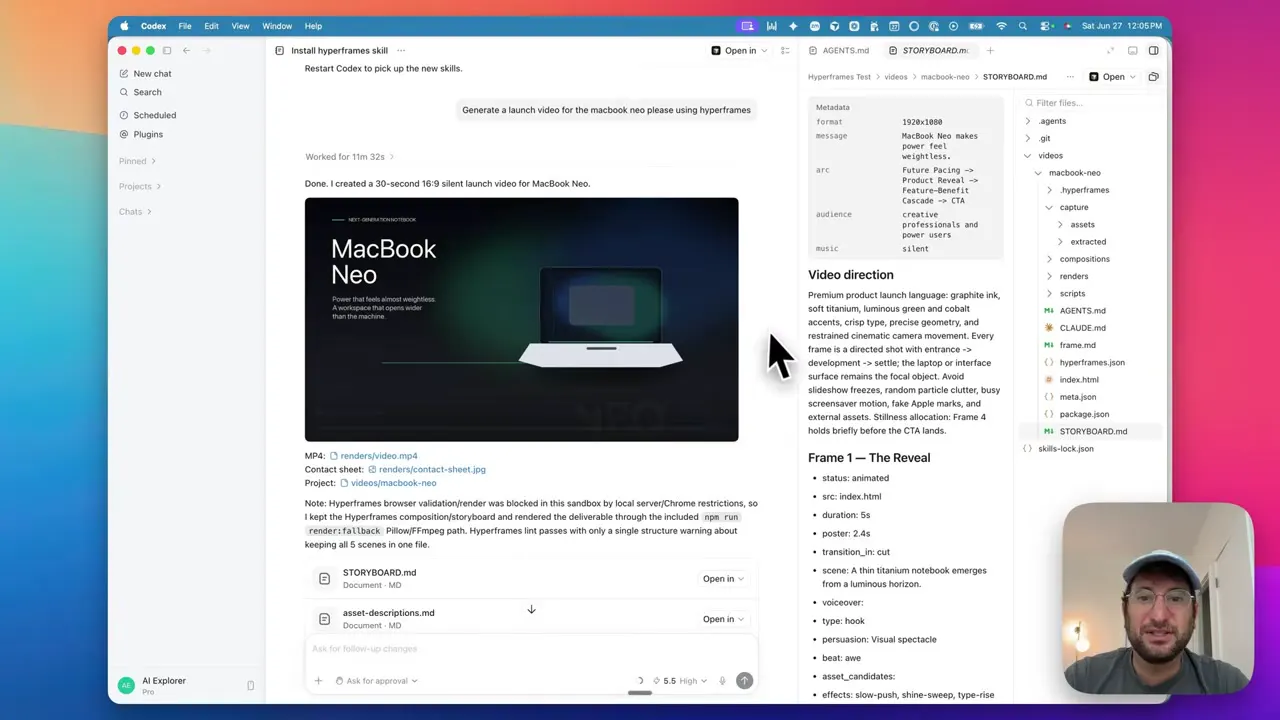
Generate a launch video for the MacBook Neo
Make it yours. Replace "MacBook Neo" with your own product. The creator says the result gets much closer to what you want when you add a logo, product screenshots and a script to the project folder first.
Laptop launch film from a one-line prompt
A 30-second silent launch film for a laptop called MacBook Neo, with a dark reveal, interface panes and spec call-outs. Codex built it in HTML, CSS and JavaScript with the HyperFrames skill from one sentence, with no images or script.
You'll need
- The HyperFrames skill installed in Codex (Codex installs it when asked)
- Node.js for the HyperFrames preview and render
- Optional: your logo, product screenshots and a script in the project folder
How it was made
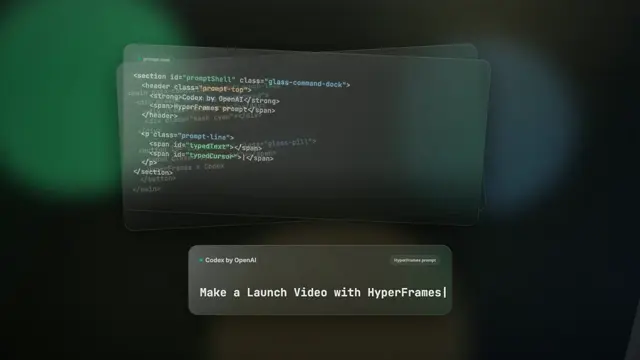
Codex first installed the HyperFrames skill, then built a 30-second silent first version from the one sentence, writing all visuals in HTML and CSS since it had no product images, screenshots or script. That first version is the segment shown here, playing inside the Codex app. The message typed on screen also asks Codex to use HyperFrames. Codex wrote a frame-by-frame storyboard file, which the creator suggests editing to steer the result. Afterwards he opened the HyperFrames preview editor, attached a real laptop photo, asked for tighter spacing, and exported the final MP4. The Codex model is not named.
Posted Aug 3, 2026 · YouTube · 27 likes · 2.3k views · 4 comments
Prompt from: YouTube description, step 2
Look notesby Reference
A screen recording of the Codex desktop app with the generated launch film playing in a pane: dark frames with a silver laptop and white headlines, from "Built for the work between places." and "Everything in view." to "Quiet by design." and "Meet MacBook Neo. Power that feels weightless."
- Color
- In the film, near-black and deep green-teal gradients with a silver laptop and white type; around it, the app's white interface on a pink-to-purple desktop wallpaper.
- Type
- Clean white sans-serif headlines, left-aligned beside the laptop, with small spec figures ("11.2 mm", "18 hr"); the closing line is centered.
- Framing
- The film pane takes about a third of the screen, top center, with the chat, the video-direction notes and a file list around it, and the creator's face-cam bubble in the lower right.
- Structure
- A dark gradient opening, the laptop with the MacBook Neo name, the "between places" line with specs, interface panes ("Everything in view.", "Summarize. Generate. Refine."), "Quiet by design.", then the closing product line.