/product-launch-video Make a 45-second 1920x1080 launch video for https://linear.app. Energetic but minimal, use the site's own palette and screenshots. Structure: hook stating the problem, 3 feature beats with UI captures and one-line captions, end card with logo + "Try it free". Female TTS voice, confident tone, subtle electronic BGM under -18dB. **Spectacle beat:** One exaggerated moment: the end card's logo lands with a bloom flash and a fast light-sweep across the wordmark. Feature beats stay restrained.
Make it yours. Replace https://linear.app with your own product's URL, and change "Energetic but minimal" and "Female TTS voice, confident tone" to fit your brand. "Try it free" is the end card's call to action, so swap it for yours.
Launch video for Linear made from its URL
A 45-second narrated launch video for Linear, made by pointing the /product-launch-video workflow at linear.app. It states the problem, walks through three feature beats with captures of Linear's own interface, and ends on the logo and a "Try it free" button.
You'll need
- HyperFrames skills installed (npx skills add heygen-com/hyperframes)
- A motion preamble to paste above the prompt. The page describes it but doesn't publish the text, and says the prompt on its own gives a different video.
- A text-to-speech voice and background music, which the prompt asks for. The page doesn't say which services provided them.
How it was made
The page says the video was "rendered from the prompt above, unedited", and the guide's overview calls the gallery "copy-paste prompts, each one-shots a finished video". Every example was run with a shared preamble pasted above the prompt. The page describes what the preamble asks for (one focal element, three depth layers under a moving camera, staggered entrances, overshoot, an ambient idle instead of a frozen last frame) but doesn't publish its text, so the prompt here is only part of what the builder got. Linear is a real company: the video is HeyGen's demo built from Linear's public site, not a Linear release. The file on the page is a smaller web encode of the render. The agent, model, and voice service aren't named.
Posted Jul 30, 2026 · HyperFrames prompting guide on Website
Prompt from: Docs page "Verified example prompts", accordion "Product launch from a URL", under "With registry blocks and workflows"
Look notesby Reference
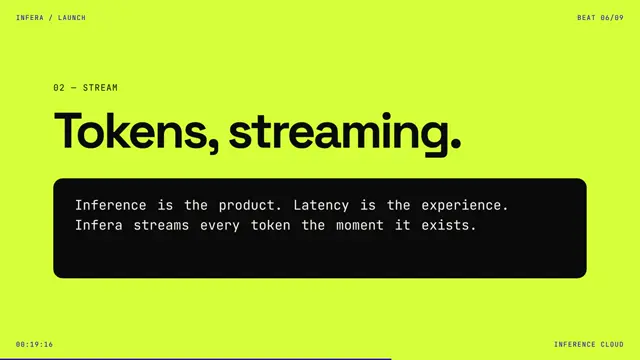
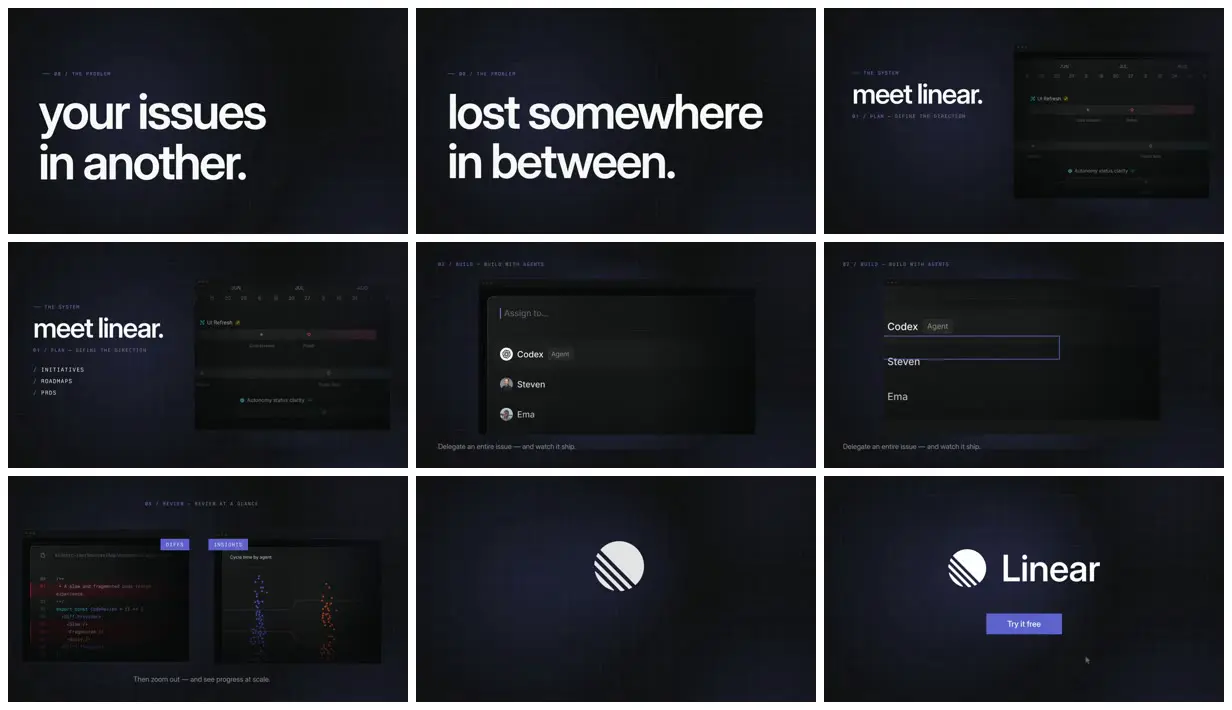
Dark, grid-lined slides in Linear's own style: big lowercase white headlines, small numbered monospace section labels, and captures of Linear's roadmap, assignment menu, code review and insights chart, ending on the Linear logo.
- Color
- Near-black navy with a faint grid, white headlines, muted gray captions, and Linear's indigo-violet for labels, tags and the "Try it free" button. Red and blue dots in the insights chart and red highlights in the diff.
- Type
- A tight, heavy sans in lowercase for the headlines ("your issues in another.", "lost somewhere in between.", "meet linear."). Widely spaced monospace caps for section labels ("01 / PLAN — DEFINE THE DIRECTION", "/ INITIATIVES"). A light sans for one-line captions ("Delegate an entire issue — and watch it ship.").
- Framing
- The hook sets headlines at left in wide empty space. Feature beats pair a headline or label with a dark app window to the right or centered, with the caption along the bottom. The end card centers the logo and wordmark over the button.
- Sound
- The prompt asks for a confident female TTS voice and subtle electronic background music under -18dB. The page doesn't name the services.
- Structure
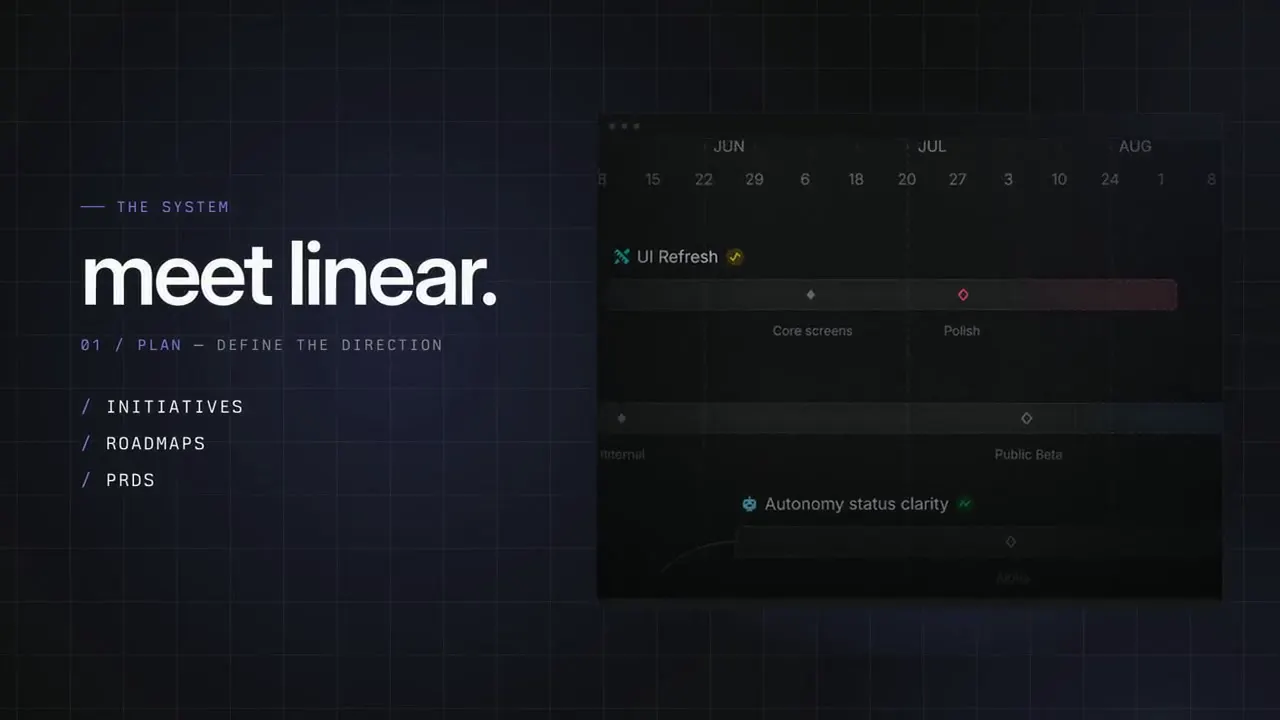
- A two-line problem hook ("your issues in another.", "lost somewhere in between."), "meet linear." beside a roadmap timeline (01 / Plan), an "Assign to..." menu listing an agent and two teammates (02 / Build), a diff beside a "Cycle time by agent" chart (03 / Review, "Then zoom out — and see progress at scale."), the Linear mark alone, then the logo with "Try it free".