I need a system (local webapp that can start from a .bat file) that can create full YouTube videos from prompts. The youtube video style is stickman style. There can be different art styles to choose from. There is a consistent stickman character. Have clear visual progression elements on the app as a video is made.

Kie AI will be used for the Nanobanana 2 API to create the images (image resolution: 1K, but changeable). The images will be turned into videos as still images. In the background, the FishAudio API will be the narrator of the story. For prompts and scripts, use a Claude API key with Sonnet 5. Use ffprobe for finding audio durations. Have a section for the FishAudio Voice ID or URL to be uploaded for a selected voice. Add S2.1 Pro Free as the default voice model option. Research or test rate limits on FishAudio and Kie AI to make the production process fast, without getting limited.

Two things are crucial:
-Image prompts that produce high quality images for a coherent storyline and consistent character.
-The voice matches up with what is being shown on screen.

Each "scene" is 3-6 seconds. In that time, a piece of the script should be read, and an image should be generated that's relevant to whats being said in that timeframe. Take the part of the script that is said and use that as the input for generating the image prompt using the prompt framework. The image should be shown for the duration of that piece of speech.

Have a “prompt and regenerate” option for each image during the video creation process so that an image can be re-generated before rendering the final render. For scenes where there are specific numbers mentioned, include the number in the prompt if relevant.

Most scenes include the stickman character, roughly 75%. The remaining 25% are scenes where he is not included. If he is not included, do not add him as a reference image or include him in the prompt of the image. If he IS included in the image, add him as a reference image and to the prompt.

Everything should be stitched together at the end with ffmpeg.

Include estimated cost range breakdowns for Images and Claude API usage when creating a new video. (Nanobanana 2 on Kie AI: 8 credits ($0.04) for 1 K, 12 credits ($0.06) for 2 K, and 18 credits ($0.09) for 4 K). Voice is free with s2.1 pro free.

Create savable styles:
-The first thing is the default prompt framework. This can be changed per style if requested.
-Secondly, an image of the reference character. Whenever a new character is uploaded, save a description of what that character looks like to be used later in image prompts.
-Thirdly, the saved FishAudio voice.

For scripts:
-use the script reference document for guidelines on writing scripts.

At the start of each run, it will ask:
1. What is your video about? (It will use this when writing the script of the video)
2. Which style do you want? (It will then present the saved styles available)
3. How long do you want it? (In approximate minutes)

Audio quality rules (important):
- Generate one FishAudio clip per scene, and save the raw files so they're never generated twice.
- Before measuring a clip with ffprobe, clean it:
  - Trim leading silence only below -50 dB.
  - Trim trailing silence only below -60 dB, and keep ~150 ms after it so the natural decay of the last word is never cut off.
  - Add an 8 ms fade-in and a 25 ms fade-out to every clip so there are no clicks or pops where clips meet silence.
  - Loudness-match every clip to -18 LUFS (EBU R128), using a gentle limiter so peaks stay at or below -1 dBFS.
- Each scene lasts exactly its cleaned clip's duration plus a short pause (longer after a sentence or paragraph).
- Build the full narration track sample-accurately from the clips, and align image cuts to video frames so the audio never drifts from the images.
- Keep the audio cleanup versioned, so changing it later can reprocess the saved raw clips and re-render without new FishAudio calls.

make a .env for any API keys. Automatically install any dependencies you need. Ask clarifying questions before building.
Make it yours. Change "The youtube video style is stickman style" and "There is a consistent stickman character" to your own format and character, and swap "Kie AI", "FishAudio" or "Sonnet 5" if you use other services. The topic, style and length are asked by the app on each run, so they stay out of the prompt.
Stickman YouTube video about charisma
A narrated stickman video about charisma, made by a web app that Claude Code built from one long prompt. The app writes the script with Claude Sonnet 5, keeps one stickman across Nano Banana 2 images, narrates with Fish Audio, and joins it all with FFmpeg.
You'll need
- A Kie AI API key for Nano Banana 2 images
- A Fish Audio API key and a voice ID
- A Claude API key, since the app writes scripts and image prompts with Sonnet 5
- FFmpeg and ffprobe
- The creator's script guide and character image from the Google Drive folder in the video description
- Windows, or a change to the ".bat file" launcher the prompt asks for
How it was made
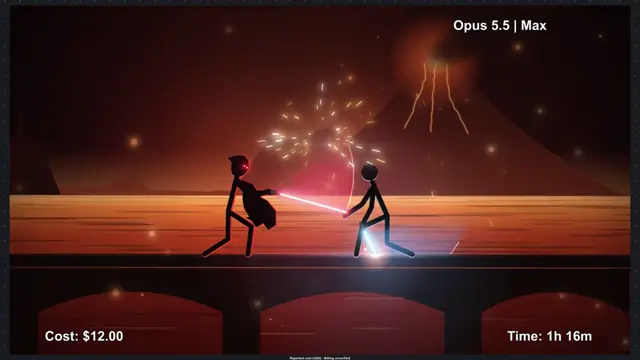
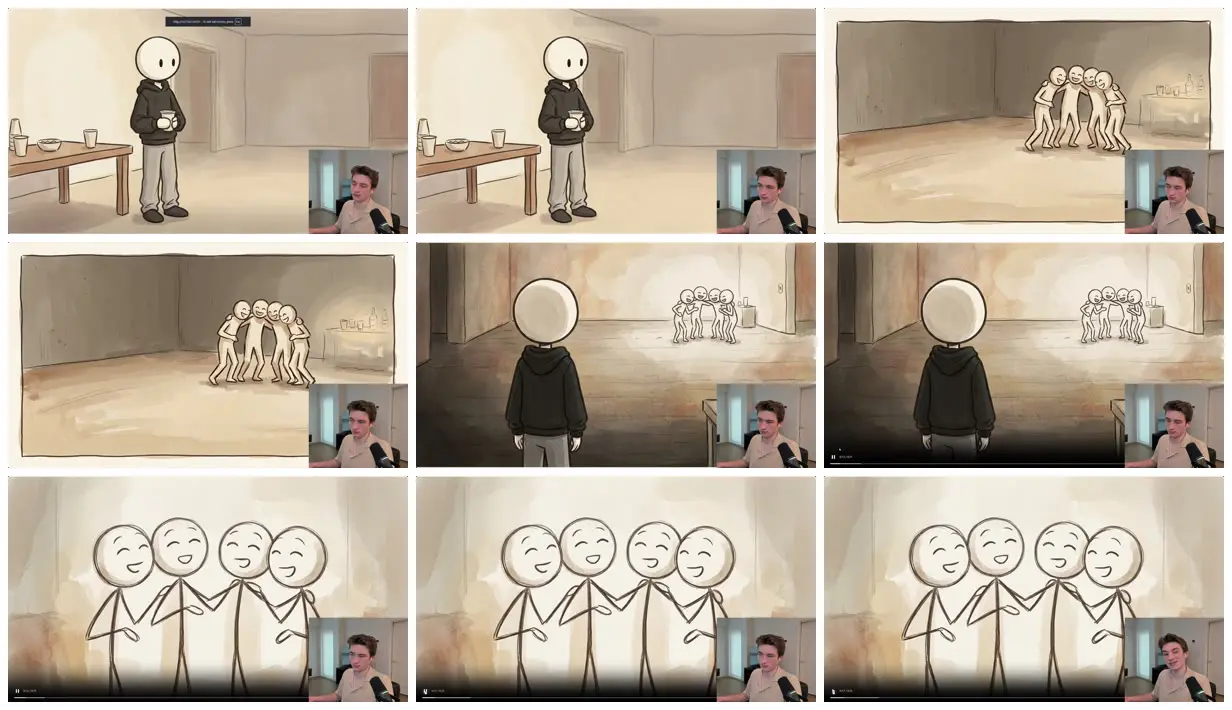
The prompt builds a reusable app, not a single video. The creator recommends Opus 5.5 on high in Claude Code. Before building, Claude asks setup questions (the creator chose web search for script research over model knowledge only). Each run of the app then asks for a topic, a saved style and a length; every 3 to 6 second scene gets one image and one narration clip, and any image can be re-prompted before the final render. The creator supplies a script guide and a default character image from a Google Drive folder linked in the description. The segment shown here is the app's charisma video as it plays in the tutorial, with the creator's face-cam in the corner.
Posted Sep 28, 2026 · YouTube · 60 likes · 5.9k views · 18 comments
Prompt from: YouTube description, under "System Build Prompt"
Look notesby Reference
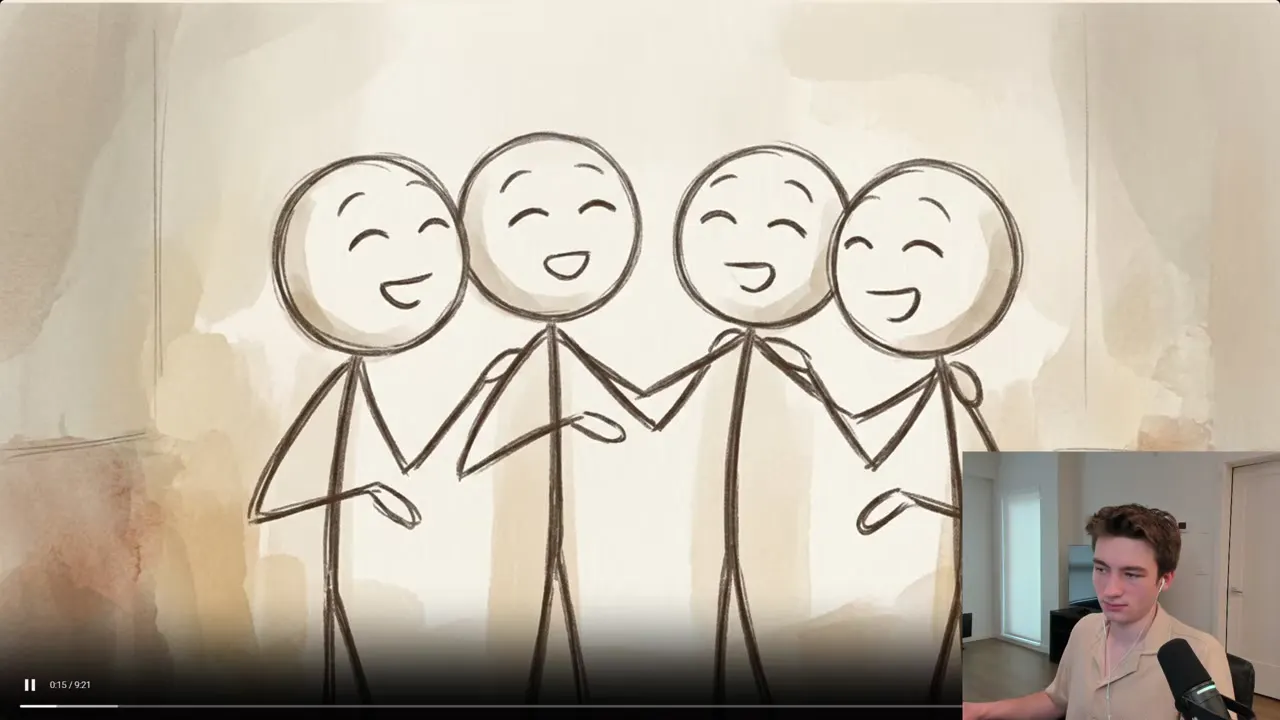
Hand-drawn stick figures with big round heads on warm, watercolor-washed backgrounds: a figure in a black hoodie holding a cup by a snack table, a huddle of laughing figures across an empty room, the hooded figure seen from behind, and four grinning figures arm in arm.
- Color
- Cream paper with sepia and tan washes, charcoal-brown linework, and one black hoodie with gray trousers.
- Type
- No on-screen text in these frames.
- Framing
- Wide room views with a lone figure set to one side, an over-the-shoulder view of the hooded figure facing the group, and a close row of four figures filling the frame. The creator's face-cam sits in the lower right corner of the tutorial.
- Sound
- Narration generated with Fish Audio, one clip per scene, according to the creator.
- Structure
- The hooded figure alone with a cup at a party table, a group laughing together across the room, the hooded figure watching them from behind, then a close row of four laughing figures.