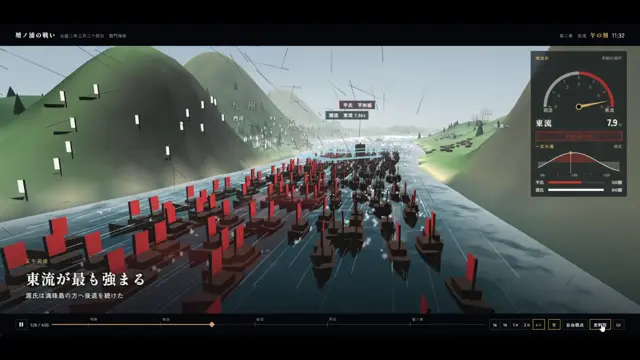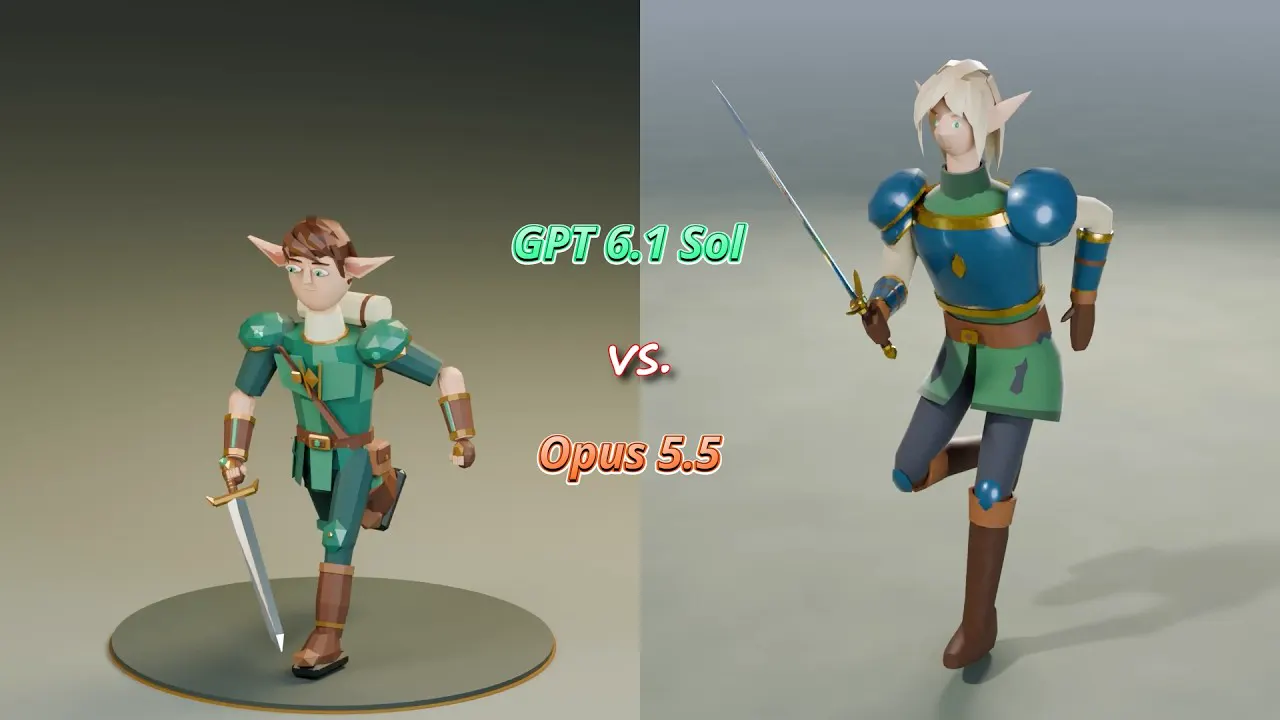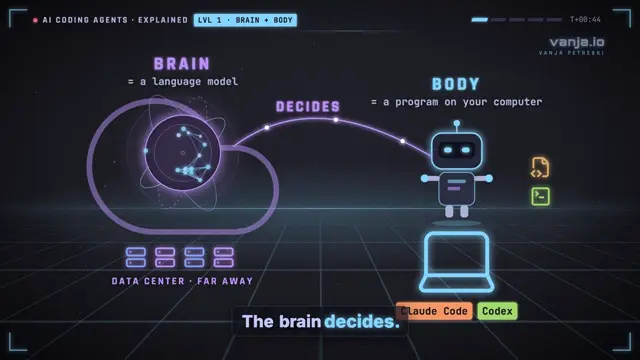
You are my documentary production studio. You have shell access to my computer and can install free tools. Make a complete, finished, narrated documentary about the topic below, in the style of the reference channel: cinematic 3D reconstructions mixed with real photos and footage, animated relief maps, bold titles, a cinematic grade, and a calm, confident narrator. You do all of the work: research, script, voice, music, sound effects, 3D, maps, graphics, rendering, mixing, and delivery of an MP4. Don't stop for approval between stages. Only stop for things that need my money, an account, or a choice only I can make.
====================================================================
INPUTS (I fill these in)
TOPIC: [the story you want to tell: a true crime case, a heist, a disaster, a scandal, a rescue, a company's rise and fall, a historical event...]
STYLE REFERENCE: [channel name + one video URL to study, e.g. Fern]
TARGET LENGTH: [e.g. 12-18 minutes]
OUTPUT: [1080p 24fps (recommended) or 4K 24fps]
MY HARDWARE: [GPU + VRAM, CPU, RAM, OS; say if the PC is unstable under heavy load]
OPENROUTER_API_KEY: I will put it in a .env file in the project folder. Read it from there. Never print it, log it, commit it or paste it anywhere.
Make one project folder for everything. Keep a credits file for every asset from the moment you download it.
====================================================================
STAGE 0 - STUDY THE STYLE
Download the reference video with yt-dlp and extract a frame every 5-10 seconds with ffmpeg. Actually look at the frames.
Get its transcript. Study how the narrator talks: tense, sentence length, how facts are delivered, how chapters end.
Write style_notes.md covering:
shot types and how long shots last
the color grade
how real people are shown, or hidden
title and label typography
the map look
how often real footage appears
camera motion
Rule: every shot moves (slow push-in, drift, pan, parallax). No static slides, ever.
====================================================================
STAGE 1 - RESEARCH
Research the topic deeply from several reputable, primary-leaning sources: official records, court filings where relevant, major newspapers, books, and long-form interviews. Write research.md with:
a dated timeline, as precise as the sources allow
key people and their roles
the numbers that matter (money, distances, durations, counts, dates)
places with coordinates
a full list of source URLs
Tag every claim as CONFIRMED, ALLEGED/REPORTED, or DISPUTED, and note which source supports it. Specific details make these videos good: exact times, amounts, names of places, models of vehicles, what was said on the record.
====================================================================
STAGE 2 - SCRIPT AND SHOT LIST
Write script.json with a cold open (60-90 s) followed by 4-6 titled chapters, at about 145 words per minute.
Script rules:
match the reference narrator's cadence (for Fern: present tense, short declarative sentences, concrete detail)
the cold open drops the viewer into the most dramatic moment, then rewinds
each chapter ends on a hook
no invented quotes, motives, or dialogue
anything unproven is attributed ("according to prosecutors...", "reports say...")
stay neutral on anything still contested
Then write shotlist.py: one shot per 3-6 seconds of narration, each with an id, a start/end time and a kind:
3d: Blender reconstruction scene
map: 3D relief map with animated routes, markers and labels
photo: real photo given motion with depth parallax
clip: real stock or archival footage
gfx: motion graphics (name cards, logos, diagrams, counters, charts, document callouts, timelines, chapter cards)
Pick the mix to fit the story. As a default, aim for roughly 45-50% 3D, 15% maps, 15-20% real photos and footage, and 20% graphics. It must NOT be all 3D.
====================================================================
STAGE 3 - NARRATOR VOICE
Use OpenRouter's text-to-speech endpoint (POST https://openrouter.ai/api/v1/audio/speech). Check which TTS models are currently available and pick the most human-sounding narrator for the tone of the topic. A good starting point is minimax/speech-2.8-hd with voice "English_expressive_narrator" at speed ~0.97.
Make a 20-second sample of the top 2-3 voices on the same paragraph, send them to me, and let me pick. This is the one approval step. Also check how the voice pronounces the key names in the story, and adjust spellings in the TTS text if needed.
Generate the narration paragraph by paragraph with identical settings, and concatenate with natural pauses: longer at chapter breaks.
Clean up the audio. TTS often comes out muddy or bass-heavy.
Measure the spectral tilt (energy at 2-5 kHz vs 80-200 Hz).
Apply EQ: high-pass around 85 Hz, cut the low-mids, add presence around 3 kHz and a little air above 6 kHz, and a light de-ess.
Add gentle compression.
Measure again and compare. Don't guess.
Get word-level timestamps with faster-whisper and save them to timeline.json. Every cut, title and sound effect is timed to these words.
====================================================================
STAGE 4 - MUSIC AND SOUND EFFECTS (real audio only)
Music:
Real composed-sounding score, one cue per chapter plus the cold open and end.
Option A: Google Lyria through OpenRouter (model google/lyria-3-pro-preview, chat/completions with modalities ["text","audio"] and stream: true; about $0.08 per ~3-minute track).
Option B: royalty-free library music I have rights to.
Write a prompt per cue that fits that chapter's mood, tempo and instruments. No vocals.
Sound effects:
Real recordings from the free Sonniss GDC Game Audio Bundles (royalty-free, commercial use allowed). You can pull single files out of the zips with HTTP range requests instead of downloading whole bundles.
Pick the sounds the story needs: ambiences for every location, foley for key actions, plus sub-hits, booms, risers and whooshes for transitions.
NEVER synthesize beeps or "dings".
Mix:
Narration on top.
Music ducked about -15 dB under speech and about -6 dB in the gaps, lifted on chapter cards, crossfaded when a cue loops.
An ambience bed per shot.
Spot effects on word timestamps.
A subtle whoosh or hit on map and graphic entrances.
Normalize to -14 LUFS integrated and -1 dBTP true peak, using real ITU BS.1770 K-weighting.
====================================================================
STAGE 5 - 3D RECONSTRUCTIONS (Blender, free)
Setup:
Install Blender (the portable zip is fine; verify the SHA256).
EEVEE, AgX view transform, volumetric fog, strong key and rim lights, shallow depth of field, slow camera moves.
Moody sets that fit the story's locations and time of day.
Humans:
Use the MPFB2 extension with the MakeHuman CC0 asset pack.
Build presets for the kinds of people in the story, with different builds, clothes and hair.
Animation:
Use CMU motion-capture BVH clips (free for any use), retargeted onto the rig.
WALKS (test these first; bad walks are what viewers notice most):
loop the walk clip seamlessly by finding the best-matching pose to loop on
move the character at the clip's real stride speed so feet never slide
never let a character glide forward with frozen legs
render a 5-second walk test at full frame rate and check it before anything else
Standing and seated people get procedural poses with subtle breathing and weight shifts, not random mocap clips (those produce strange poses).
Hands that hold, carry or push things keep their pose; don't let mocap overwrite them.
Real people:
Never create a realistic likeness of a real person.
If the reference style hides faces, do it the same way (e.g. a painterly smear): export each head's screen position per frame to JSON and apply the effect in 2D during compositing.
Frame people wide or medium, from behind, in silhouette, or as hands. No face close-ups of 3D humans; they look like mannequins.
Sets and props:
Poly Haven CC0 textures, HDRIs and models. Use object/box projection so textures never stretch.
Build believable furniture and objects: real shapes with bevels, seams and parts, never plain boxes standing in for things.
Model hero props properly: anything that opens, holds or contains something must actually be hollow and the right size.
Physical sanity check on every shot:
nothing intersects or clips into anything else
people and objects fit inside whatever they are inside
everything rests on a surface; nothing floats or sinks into the floor or other objects
poses match the prop's real dimensions and orientation
====================================================================
STAGE 6 - MAPS
Build 3D relief maps in Blender from NASA Blue Marble imagery plus GEBCO or SRTM elevation, styled to match the reference (for Fern: desaturated teal sea, warm pale land, soft relief shading).
Add Natural Earth borders.
Add labels for the places that matter.
Animate routes (great-circle arcs for long distances, drawn on over time), pulsing markers, and camera pushes from region to location.
Keep maps north-up.
Render a still of every map and check the geography against real coordinates. A flipped or mirrored map ruins credibility.
====================================================================
STAGE 7 - REAL PHOTOS, FOOTAGE AND LOGOS
Photos:
Source from Wikimedia Commons, and check the license on every file (public domain, CC0, CC BY, CC BY-SA). Record the author and license in credits.json.
Fetch slowly, one request at a time, with a descriptive User-Agent; the API rate-limits (HTTP 429).
Thumbnails only work at standard widths. Strip tracking query strings. Apply EXIF orientation.
Give every photo motion: make a depth map with Depth Anything V2 and use it for a real per-pixel 2.5D parallax move, or at minimum a Ken Burns move. Never slide two cut-out layers over each other; it doubles the image.
Footage:
Use Pexels or Pixabay stock (free license) for establishing shots of the places in the story.
Use public-domain government or archival footage where it exists.
Never rip TV news or other creators' videos.
Logos:
Organization wordmarks on transparent backgrounds (e.g. public-domain text logos on Commons), used only to identify the organization.
====================================================================
STAGE 8 - GRAPHICS AND COMPOSITING
Write a GPU compositor in Python with PyTorch (or use Blender's compositor) that assembles the final frames from the shot list and timeline.
The look (match the reference):
color grade
subtle bloom
slight chromatic aberration
vignette
film grain
face handling, if used
Text and graphics:
title and chapter cards in the reference's title style
date and place stamps (e.g. "CITY - DAY MONTH YEAR - HH:MM")
a CCTV or bodycam look for surveillance moments, if the story has them
name cards
diagrams and org charts with real logos
animated charts and counters
document callouts with highlighter reveals
All graphics animate in and out; none just pop. Nothing overlaps, and nothing runs off the frame.
====================================================================
STAGE 9 - RENDER STRATEGY (don't burn hours)
STILLS: render one low-res frame of every shot, tile them into contact sheets, and inspect them. Fix everything you see.
FAST DRAFT: 25% resolution, low samples, every other frame. Composite the full film with the final audio. Send me the draft and tell me what you would still fix.
BENCHMARK: time one final-quality frame per scene type and tell me the ETA before the long render.
FINAL: if the full render is too slow, render at 12 fps with good samples, then interpolate to 24 fps with RIFE (rife-ncnn-vulkan, runs on the GPU).
Convert frames to RGB before RIFE; RGBA input produces grey, ghosted, doubled frames.
Before interpolating, check for and re-render any corrupt or half-written frames.
Composite in resumable chunks (about 2 minutes each, each marked done when finished). Encode on the GPU (NVENC) if available. Concatenate the chunks and mux the audio.
Every stage must be resumable. Keep a .done marker per shot and per chunk so a crash or session end costs minutes, not hours.
Run one heavy job at a time. Don't max out CPU and RAM together.
====================================================================
STAGE 10 - QA BEFORE YOU SAY IT'S DONE
Build contact sheets of the final at one frame every 5 seconds and look at all of them. Check for:
floating, sliding or frozen-legged people
clipping and intersections
wrong or flipped maps
stretched textures
overlapping or cut-off text
black or grey frames
flicker
ghosting
Run ffprobe: duration matches the narration, the right resolution and 24 fps, stereo 48 kHz audio.
Measure loudness again: -14 LUFS integrated, -1 dBTP true peak.
Check the full-range vs TV-range color flag, so the video doesn't look washed out or crushed in players.
If any check fails, fix it and re-run only the affected shots and chunks.
====================================================================
DELIVERABLES
The final MP4 (H.264 or HEVC, 24 fps).
A YouTube description with:
chapter timestamps
a source list
a disclaimer that 3D sequences are reconstructions, and that unproven claims are allegations
full credits for every photo, clip, logo, sound effect, music cue and 3D asset
A thumbnail: the story's central person or subject (photo or silhouette), a big bold title, the story's key object, and a small map if location matters.
A short README describing how to re-render any shot.
====================================================================
RULES
Accuracy over drama. Never invent facts, quotes or motives. Label reconstructions.
No realistic deepfakes of real people. Don't put words in real people's mouths.
Match the reference channel's STYLE. Never copy its footage, music, graphics or script.
Only use assets whose license allows it, and credit everything.
The API key lives only in .env.
Keep me updated with short progress notes and ETAs.
====================================================================
COMMON PITFALLS (avoid them)
Muddy, bass-heavy TTS voice: EQ it (Stage 3), and measure the result instead of guessing.
The narrator mispronouncing names: test key names early, and respell them in the TTS text if needed.
Characters hovering forward with frozen legs, or walks that flicker at the loop point: loop the mocap properly and match the stride speed.
Props and people clipping into each other, floating, or stuck inside objects: check the physical placement of everything, and fit poses to the prop's real size.
Maps coming out mirrored, or with routes in the wrong place: north-up, and verify against real coordinates.
3D face close-ups looking like mannequins: use medium shots and silhouettes.
Placeholder geometry (boxes standing in for furniture or objects): model them properly or use CC0 models.
Choppy motion from rendering at a low frame rate: interpolate to 24 fps with RIFE.
RIFE turning frames grey and ghosted: its input had an alpha channel. Use RGB.
RIFE crashing on corrupt frames from a killed render: validate frames first.
A long one-shot composite dying when the session ends: chunk it and make it resumable.
A render setting silently overwritten by a later line of code: print the effective settings at render start.
Photo parallax done with two sliding cut-out layers doubling the image: use a real depth warp.
Text overlapping other text, or running off the frame: check contact sheets for it specifically.
Rate limits (HTTP 429) on Wikimedia: slow down, one request at a time.
Lyria returning nothing: set stream: true.
Windows: strip CRLF from queue files, and never kill processes by matching a pattern that also matches your own command.Make it yours. Fill in the INPUTS block: TOPIC, STYLE REFERENCE, TARGET LENGTH, OUTPUT and MY HARDWARE. The shot mix in Stage 2 ("roughly 45-50% 3D, 15% maps, 15-20% real photos and footage, and 20% graphics") is the main lever on the look.
The CEO who escaped Japan in a box
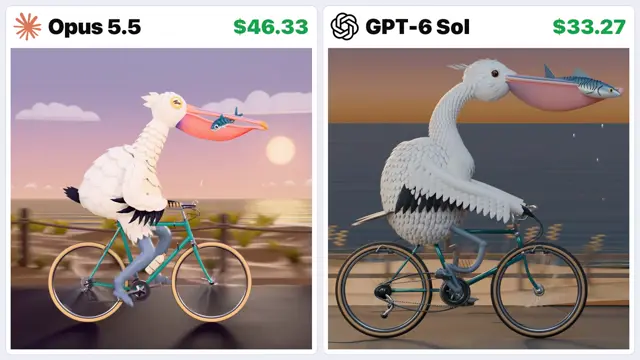
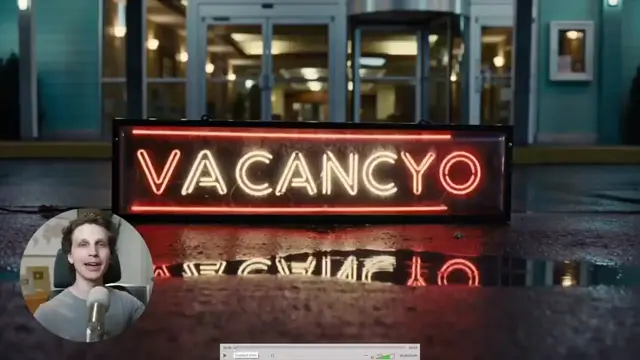
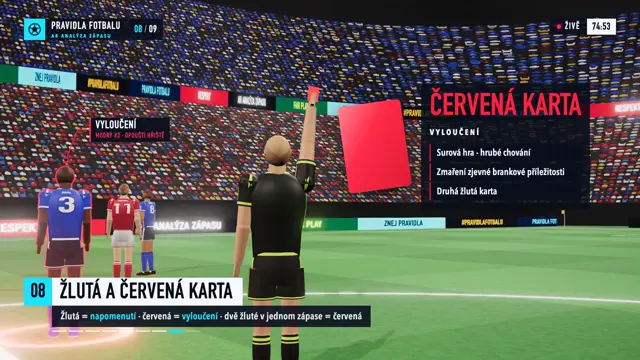
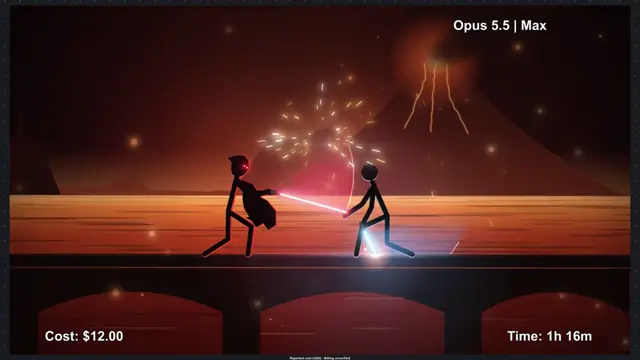
A 17-minute documentary on Carlos Ghosn's 2019 escape from Japan inside an equipment case, in the style of the YouTube channel Fern. Claude Code wrote about 6,000 lines of Python that built the Blender reconstructions, relief maps, narration and mix.
“Made with Claude Code (Claude Opus 5.5). No video editor, no AI-generated video.”
You'll need
- An OpenRouter API key in a .env file
- A capable GPU; the prompt uses it for compositing, NVENC encoding and RIFE
- The INPUTS block filled in: topic, a style-reference channel and video, length, output and your hardware
How it was made
The creator described the film to Claude Code, gave it access to the computer, and told it not to stop until the film was finished; it wrote about 6,000 lines of Python across 58 scripts. After a quarter-resolution draft, the creator sent notes (a bass-heavy voice, walkers hovering over the floor, suitcases clipping into the X-ray machine, chairs made of two blocks, a flipped map), and Claude fixed them. Those fixes were then written into this published prompt, so it is an updated version of the one used. Its INPUTS block is a template, and the values for this film aren't published. To save render time it rendered the 3D at 12 fps and interpolated to 24 with RIFE.
About $7 on OpenRouter ($6.77 in the making-of description), which covers this film, the creator's earlier documentary and all the voice tests. Everything else was free.
Posted Sep 28, 2026 · Sailios on YouTube · 3 likes · 419 views · 1 comments
Prompt from: The creator's prompt library, linked from the making-of video
Look notesby Reference
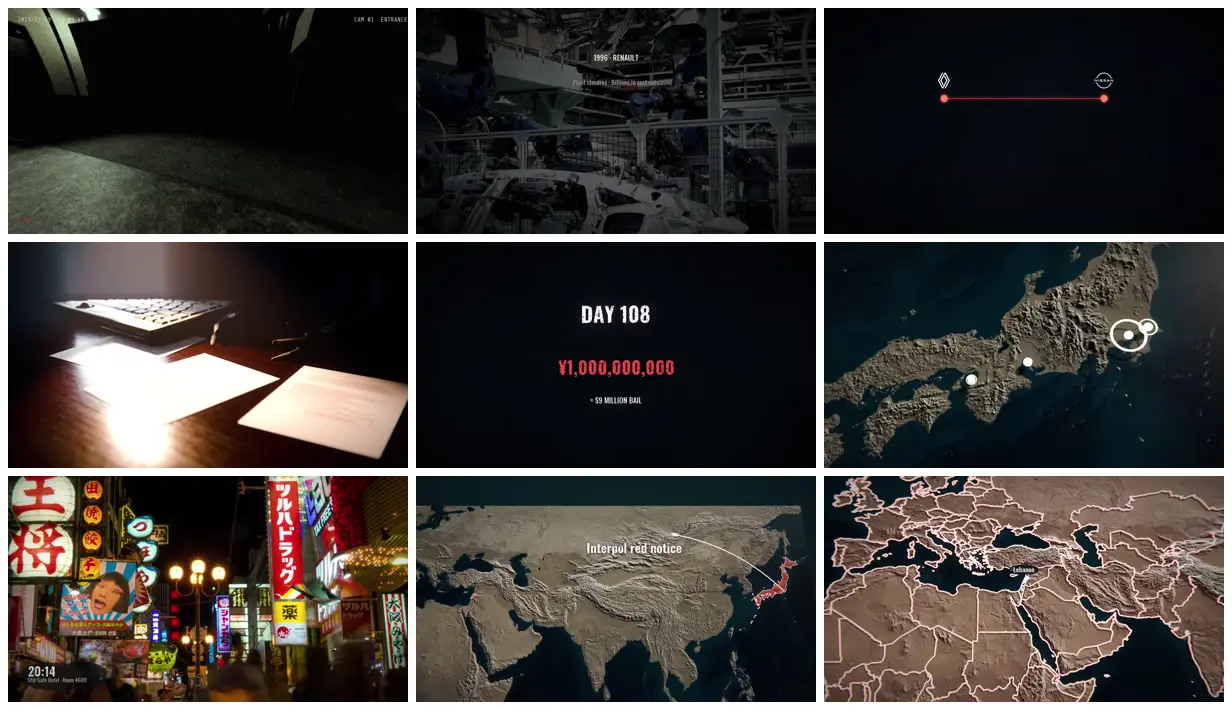
A dark, filmic investigation that cuts between Blender reconstructions (a CCTV-style corridor, a lamp-lit desk, a private jet on a wet tarmac), real footage (a car plant, Osaka's neon streets), big-number cards and relief maps with glowing markers and routes.
- Color
- Near-black and charcoal with a cool, desaturated grade; warm tan relief maps over a dark teal sea; red kept for money figures, routes and highlighted countries.
- Type
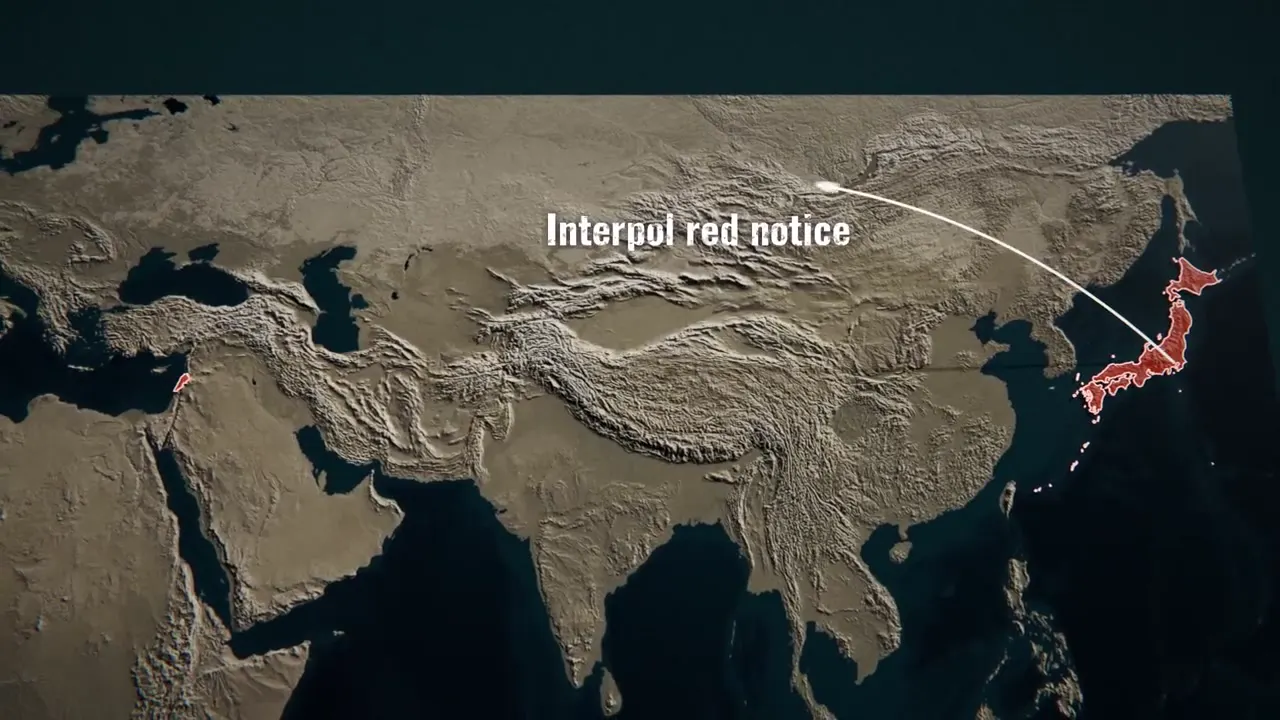
- Condensed bold sans in white for cards such as "DAY 108", with figures in red ("¥1,000,000,000"); small white labels on the maps ("Interpol red notice"); a time stamp in the lower left of street scenes; a CCTV overlay with the date, the time and "CAM 01 ENTRANCE".
- Framing
- Mostly wide, low-lit shots with deep blacks; maps fill the frame at an angle with a ring on the key place; number cards sit centered on black.
- Sound
- MiniMax narration and a Lyria score through OpenRouter, with sound effects from the Sonniss GDC bundles, according to the creator.
- Structure
- A CCTV-style cold open, Renault in 1996, the Renault–Nissan alliance as a red line between two logos, papers on a desk, a "DAY 108" card with a ¥1,000,000,000 bail figure, markers across Japan, Osaka at night, the Interpol red notice, and a map of the Middle East with Lebanon marked.