# Fern-Style Documentary Prompt

Paste everything below the line into an AI coding agent that can run code on your computer (for example Claude Code). Fill in the three fields at the top. The agent needs to be able to run Python and ffmpeg, browse the web and download files. An NVIDIA GPU helps a lot.

---

## YOUR VIDEO

- **Topic / question:** `[WRITE YOUR TOPIC HERE, e.g. "Why did the Roman Empire fall?"]`
- **Length:** `[e.g. 8–10 minutes]` (treat the upper bound as a hard limit)
- **Optional:** voice preference, accent colour, anything you already know you want or don't want

---

## THE BRIEF

Make a complete, high-end documentary video on the topic above, in the style of the YouTube channel **Fern**. You own everything: research, script, concept, visuals, narration, music, sound design, editing and the final export. Quality matters more than speed. It has to look like a professional documentary, not "AI slop" and not a video game.

Work autonomously until the video is finished. Use any free or properly licensed tools, models and resources you can find. Ask me only when you truly need a decision, and send me previews as you go.

## 1. What "Fern style" means (follow this closely)

Study one or two Fern videos before starting if you can. The look comes from mixing these ingredients:

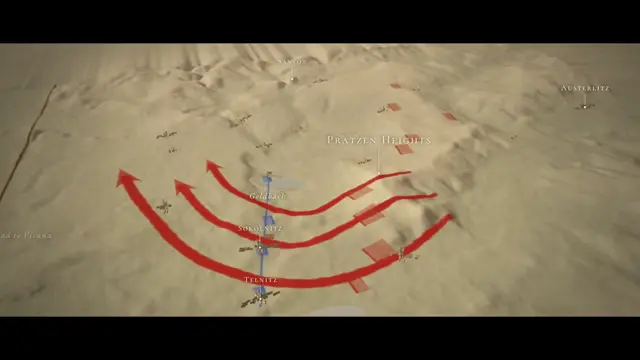
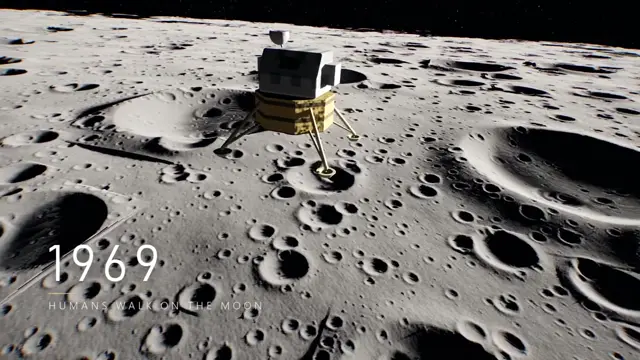
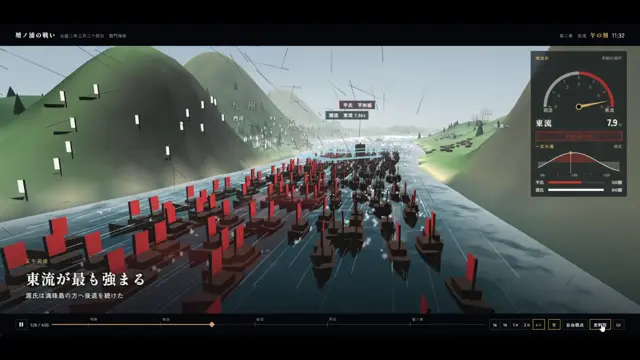
1. **White clay 3D reconstructions.** Real places, buildings, events and objects rebuilt as matte white or light-grey models:
   - soft overcast lighting, gentle shadows, ambient occlusion, light fog
   - **one** saturated accent colour marking what matters (a building, a route, a person, a data line)
   - simple faceless figures for people
   - slow, deliberate camera moves: aerial orbits, push-ins, pull-backs that reveal scale
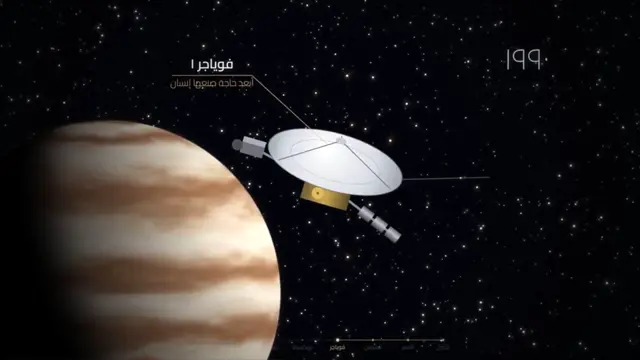
2. **Real footage, cut in often.** Archival film, news or public-domain footage, and space or science footage, usually full frame.
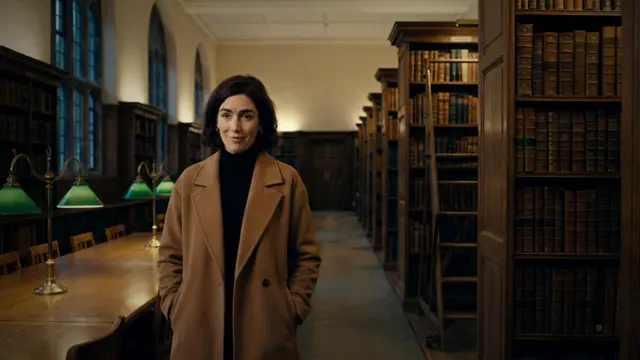
3. **Real people speaking.** Short interview or testimony soundbites (4–20 seconds) where the original audio plays:
   - burned-in subtitles and a small name/title tag
   - the narration stops while they speak
   - let the footage "speak for itself" at key moments
4. **Documents and articles on screen.** Official statements, papers and news headlines, with the quoted line highlighted as the narrator reads it.
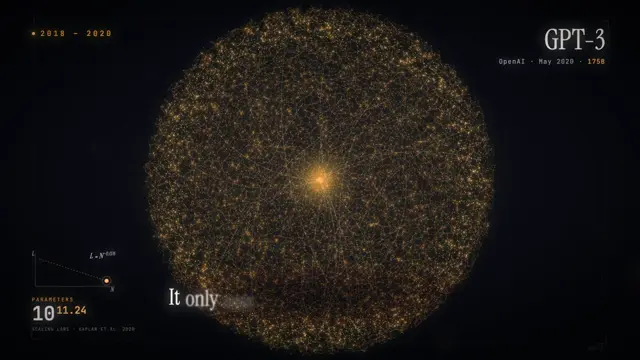
5. **Clean motion graphics.** Charts, counters, timelines and diagrams in 2D, minimal and precise. Numbers count up; lines draw on.
6. **Typography:**
   - elegant serif for chapter cards and the title
   - clean sans-serif for labels
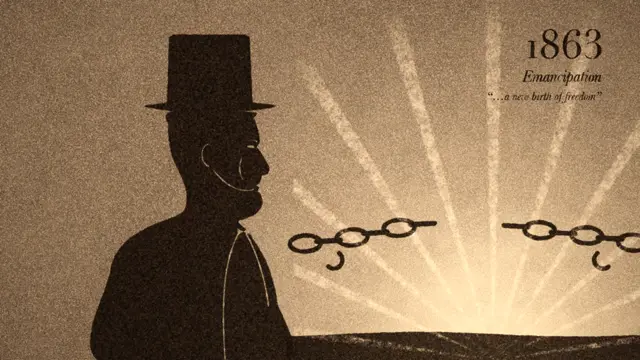
   - date/place stamps in the lower-left ("1965 · London")
   - thin callout lines pointing at objects
   - restrained quote cards
7. **Pacing.** Mostly hard cuts, occasional fades at chapter breaks, and no shot held too long.

**Do NOT:**
- Build the film mainly from **procedural or "gamey" 3D**: glowing orbs, glossy dark voids, primitive mannequins, neon particles. It immediately looks fake and AI-made.
- Rely on **long runs of still photos**, even with a parallax effect. Photos are fine in small doses, but break them up with footage, clay scenes and graphics.
- Use one visual technique for the whole film. The mix is what makes it feel real.

## 2. Research and script

- **Research:** check every factual claim against reliable sources. No invented numbers, quotes or dates. Keep a sources list as you go; it goes in the video description.
- **Structure:**
  - a cold open that hooks with a specific, human moment or a striking fact
  - a title card
  - 5–7 short chapters, each with a chapter card
  - an ending that lands on one memorable line or image
- **Writing:**
  - aim for about 140–150 words per minute of runtime
  - use short, spoken-language sentences with a calm, curious, slightly ominous documentary voice
  - write each line with its visual in mind
- **Soundbites:** plan where 3–6 real soundbites will go, at the moments where a real expert or person saying it is more powerful than narration. Find public-domain or properly usable sources, such as government hearings, official agency footage or press-conference archives.
- **Word timings:** keep the script as structured data, one entry per line with an ID, so every visual cue can be tied to exact word timings later.

## 3. Narration (the most common failure point)

- **Voice:** use the best natural TTS available, not a free robotic voice. Test 3–4 voices on the same paragraph first, and send me the samples.
- **Check every generated line automatically.** Transcribe it with a speech-to-text model such as Whisper and:
  - confirm every word matches the script, with nothing skipped or garbled
  - flag **any pause longer than ~0.3 s that is not after punctuation**. Random mid-phrase pauses ("data … centers") make it sound broken. Regenerate any line that fails.
  - measure words per minute on every line. Aim for **140–155 wpm** and slow down rushed lines (the speed parameter works), because rushed narration sounds cheap.
- **Word-level timestamps:** get these for every line by force-aligning the transcription to the script words, and drive every on-screen cue from them.
- **Length:** check the total runtime against the target once the voice is final. Slower voices make films longer; trim pauses or lines to stay inside the limit.

## 4. Visuals and assets

- **Licensing:** use only public domain, CC0 or CC BY material, never share-alike, non-commercial or "all rights reserved". Record title, author, licence and link for every asset.
- **Good free sources:**
  - Wikimedia Commons. Download politely, one request every few seconds, using the standard thumbnail widths (1920 / 3840).
  - NASA image and video library
  - Library of Congress
  - The Met open access (CC0)
  - Internet Archive's Prelinger Archives (public-domain archival films)
  - US government hearing and agency video
- **Choosing assets:** build contact sheets of candidates, look at them, and pick deliberately. Avoid near-duplicates and low-resolution material.
- **Archival video:** old MPEGs are often interlaced and anamorphic, so deinterlace and fix the aspect ratio before scaling up. Grade old film consistently and add subtle grain and gate weave.
- **Photos:** use them sparingly as 2.5D parallax shots (AI depth maps from Depth Anything or similar) with slow camera moves and colour grading.
- **Clay 3D scenes:** make these the backbone of explanatory moments, such as maps, places, scale comparisons and "what happened here". They must look like tasteful architectural models, not a game.
- **Credits:** put a small on-screen credit line on every borrowed shot.

## 5. Sound

- **Music:** original or properly licensed. Ambient score that follows the chapters' moods, rises at key moments and goes quiet for impact.
- **Sound design:** whooshes, low impacts on reveals, subtle ticks on text, and period-appropriate atmosphere.
- **Mixing:**
  - duck the music under narration and soundbites
  - level-match soundbites to the narrator
  - master to about −14 LUFS, true peak −1 dB

## 6. Rendering and export (be kind to the computer)

- **Output:** 1920×1080 or higher, 30 fps, H.264 master at high quality, plus a smaller share copy.
- **Don't max out the machine.** Long, heavy CPU and RAM jobs (big parallel renders, slow CPU encodes) can crash or blue-screen consumer PCs.
  - Run heavy work at low priority with limited threads, one job at a time.
  - Prefer the GPU video encoder (NVENC or similar) for the final encode.
  - Watch free RAM and stop if it gets low.
  - **Ask me before starting anything that will max out the PC for a long time.**
- **Make rendering resumable.** Render in short chunks so a failure only costs one chunk.
- **Verify automatically** before calling it done:
  - no blank, black or frozen stretches
  - no missing assets
  - frame count matches the timeline
  - video footage actually moves
  - interview audio is in sync with lips
  - the final file decodes with zero errors

## 7. Working with me

1. Start by telling me your plan: the concept, chapter outline, visual approach and voice choice.
2. Send preview stills and short preview clips with audio early (a 720p preview is fine), then the full video.
3. Expect feedback rounds, and make each change without breaking what already works.
4. At the end, give me:
   - the final master and a share copy
   - a **YouTube description text** with all sources and image, footage and music credits
   - a note on which parts are AI-generated (narration, visuals), so I can disclose it

## 8. Final quality bar

Before you hand it over, watch it the way a viewer would, frame samples from every chapter plus the audio checks, and ask:

- Does it feel like a real documentary rather than a slideshow or a video game?
- Is there always something moving or changing on screen?
- Are there real people and real footage, not just narration over pictures?
- Is every claim correct, and every asset licensed and credited?
- Does the narration sound natural, with no odd pauses and no rushing?
- Is it inside the target length?

If any answer is no, fix it before delivering.Make it yours. Fill in "Topic / question" and "Length" at the top; the template's own example is "Why did the Roman Empire fall?". Section 1, "What 'Fern style' means", carries the look, so rewrite its ingredients to aim at a different channel.
Fern-style documentary on AI building AI
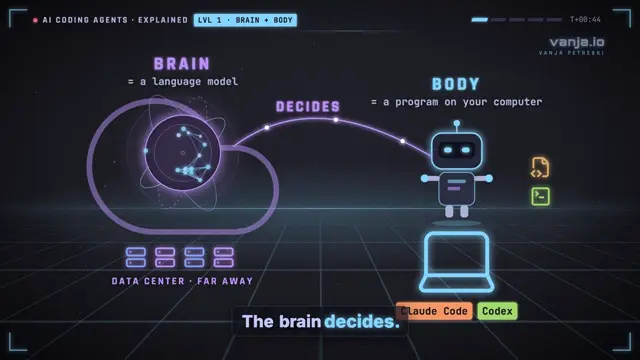
An 11-minute documentary in the style of the YouTube channel Fern about AI that improves AI, mixing archival film, white clay 3D scenes and hearing testimony. Claude chat turned the creator's dictated idea into a long brief; Claude Code made the film from it.
“Didn't supply a single thing. I made dinner and went out while this worked.”
You'll need
- A text-to-speech provider; the creator used Gemini 3.8 TTS through OpenRouter
- The topic and length filled in at the top of the template
- An NVIDIA GPU helps, according to the prompt
How it was made
The creator dictated what they wanted to Claude in chat, asked it for a strong prompt for Opus 5.5, then pasted that prompt into Claude Code and told it to keep going until it was confident the film was done. They supplied no assets: the agent found or made every clip while they made dinner and went out. The narration is Gemini 3.8 TTS through OpenRouter. The published prompt is a template: its topic and length fields are blank, and the values used for this video aren't shown. In a later making-of, the creator says this first version was built in a web browser.
About $3 on an OpenRouter voice model, and 65% of a 5-hour session on the $20 Claude plan.
Posted Sep 25, 2026 · r/claude on Reddit · 269 upvotes · 111 comments
Prompt from: The creator's prompt library, linked from a follow-up post
Follow-up post: How Claude made my AI documentary
Look notesby Reference
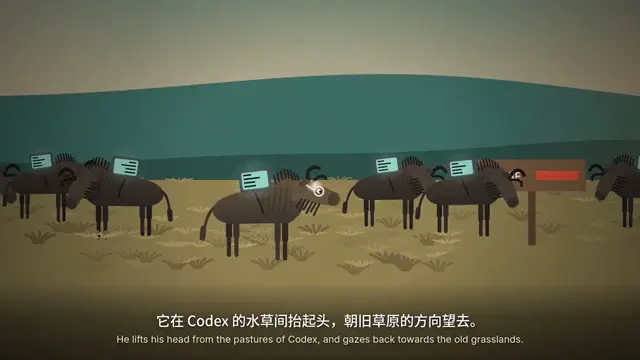
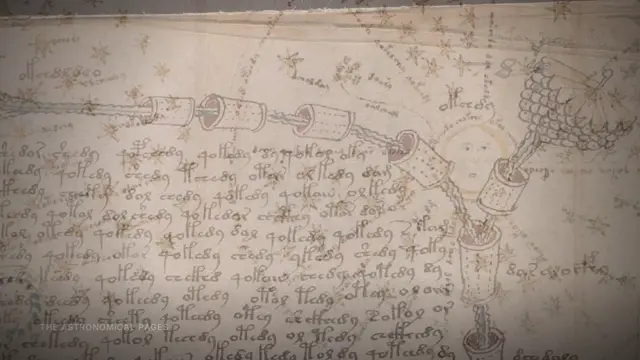
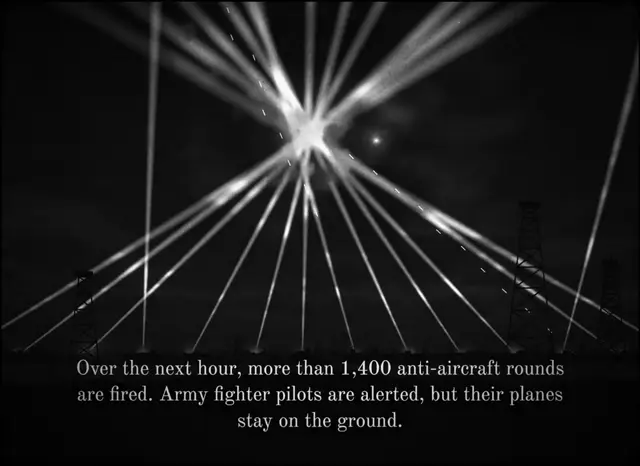
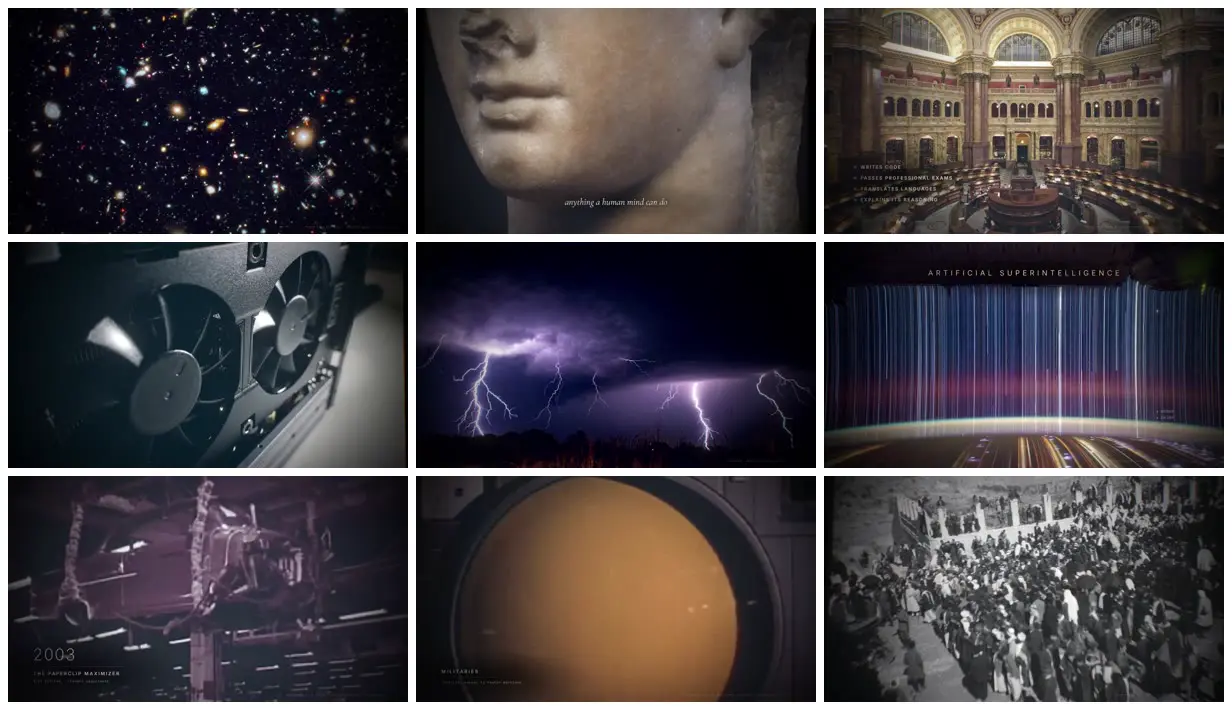
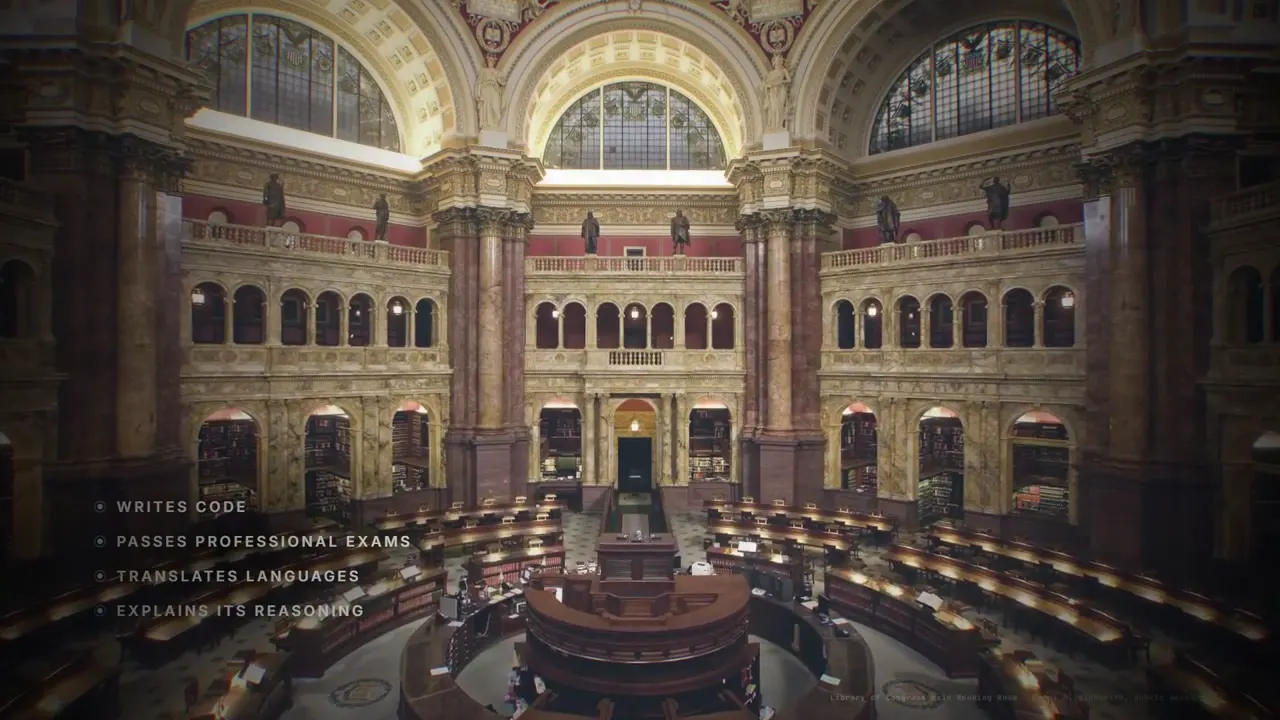
A documentary collage about AI that improves AI: archival photos and film, space imagery, classical sculpture, white clay 3D models with one accent color, hearing testimony with subtitles, and quote and data cards, under a soft filmic grade.
- Color
- Muted and filmic: black-and-white archival stills, slate and charcoal, gold-lit interiors, white clay scenes with a single blue, gold or red accent, and saturated space imagery.
- Type
- Italic serif for short captions and quotes ("a country of geniuses in a data center", "What are we for?"), thin spaced capitals for section titles (ARTIFICIAL GENERAL INTELLIGENCE, AI DOES AI RESEARCH), small name tags for speakers (STUART RUSSELL), and white subtitles on testimony.
- Framing
- Full-frame photos and footage with captions set low and centered, speaker tags in the top left, a dark data chart, and clay scenes seen from above at an angle.
- Sound
- Narration from Gemini 3.8 TTS through OpenRouter, according to the creator.
- Structure
- A typewritten 1965 passage about an "ultraintelligent machine", the Thinker, deep space and Earth from orbit, artificial general intelligence, a chart of frontier training compute, archival crowds and labs, "AI does AI research", hearing testimony, including Stuart Russell on the problem of control, the paperclip maximizer (2003), a list of goals ending in "acquire resources", militaries, "No one knows.", and "What are we for?".