Vertical faceless explainer from your text
A 60-second 9:16 narrated explainer, this one on prompt caching, with one idea per scene, big type and diagrams in #FF5533 on off-black, and highlighted captions. The prompt runs HyperFrames' /faceless-explainer workflow on any text you paste in.
/faceless-explainer Turn this into a ~60-second 1080x1920 vertical explainer: [paste your text]. One idea per scene, big typography, diagrams over stock footage, brand color #FF5533 on off-black. Male TTS voice, calm. Embedded captions, keywords highlighted in the brand color. **Spectacle beat:** One exaggerated moment: the final CTA's key phrase slams in at 1.5× with a chromatic split that resolves in 0.2s. Every other scene stays typographically calm.
Make it yours. Replace "[paste your text]" with your script or article, and swap "#FF5533 on off-black" and "Male TTS voice, calm" for your brand color and voice. Keep "One idea per scene" and the single spectacle beat on the final CTA.
You'll need
- HyperFrames skills installed (npx skills add heygen-com/hyperframes)
- Your own text to paste in place of "[paste your text]"
- A text-to-speech voice for the narration (the page doesn't name the service)
- The gallery's shared motion preamble, which you write yourself from the page's description
How it was made
The page says the video was "Rendered from the prompt above, unedited", but also that every gallery video was made by its prompt plus a shared preamble pasted above it. The preamble carries the motion rules (three depth layers, a camera that keeps moving, staggered entrances, an ambient idle at the end). The page describes it but doesn't publish it word for word, so the prompt here is only part of what was run. The prompt keeps the "[paste your text]" placeholder, and the text pasted in for this render isn't published either. The page notes that with a verbatim script the length follows the narration, so ask for "~60 seconds" rather than exactly 60. The agent, model and voice service aren't named.
Posted Jul 30, 2026 · HyperFrames prompting guide on Website
Prompt from: Docs page, "Explainer from pasted text" example in the gallery
Look notesby Reference
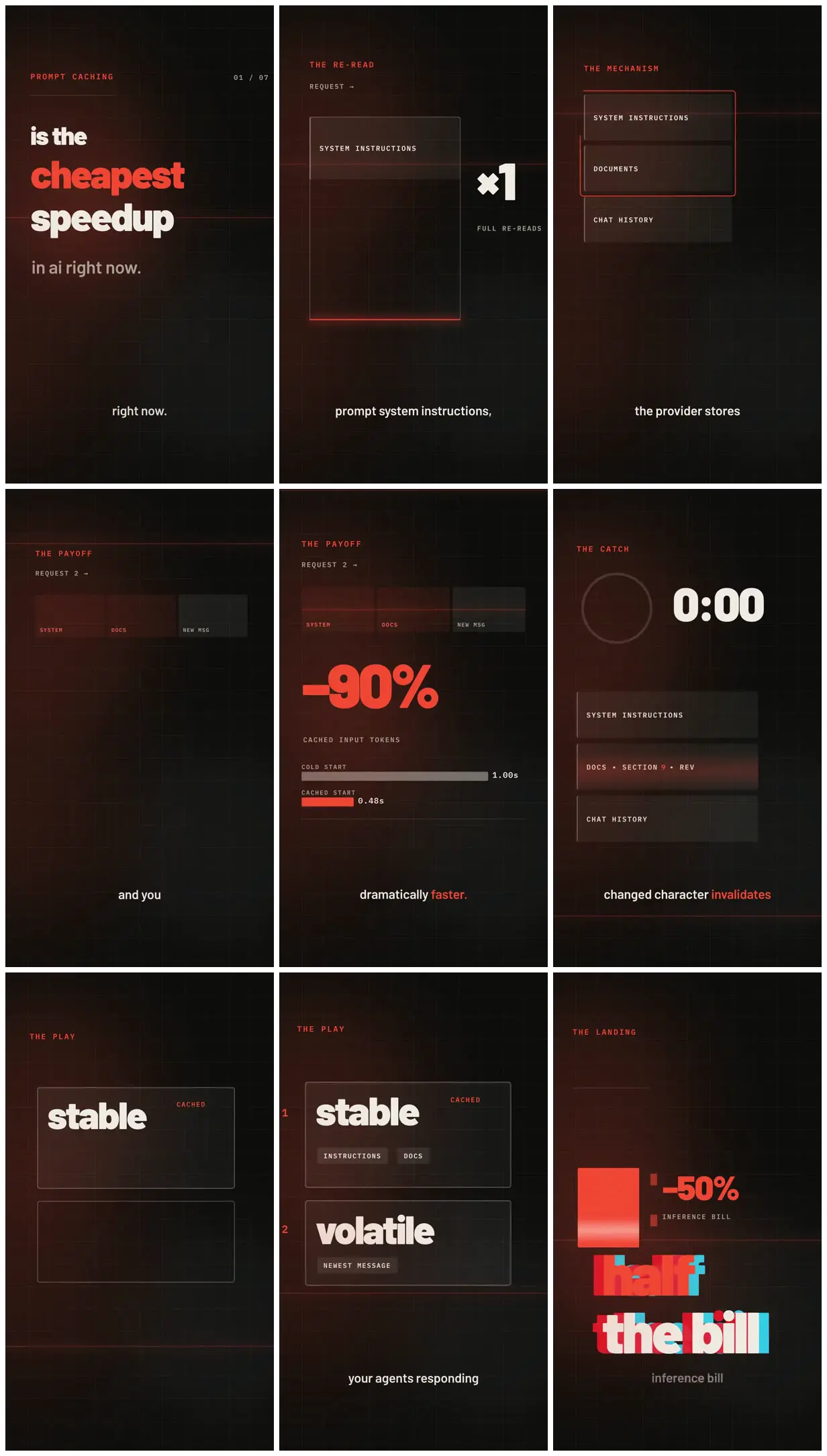
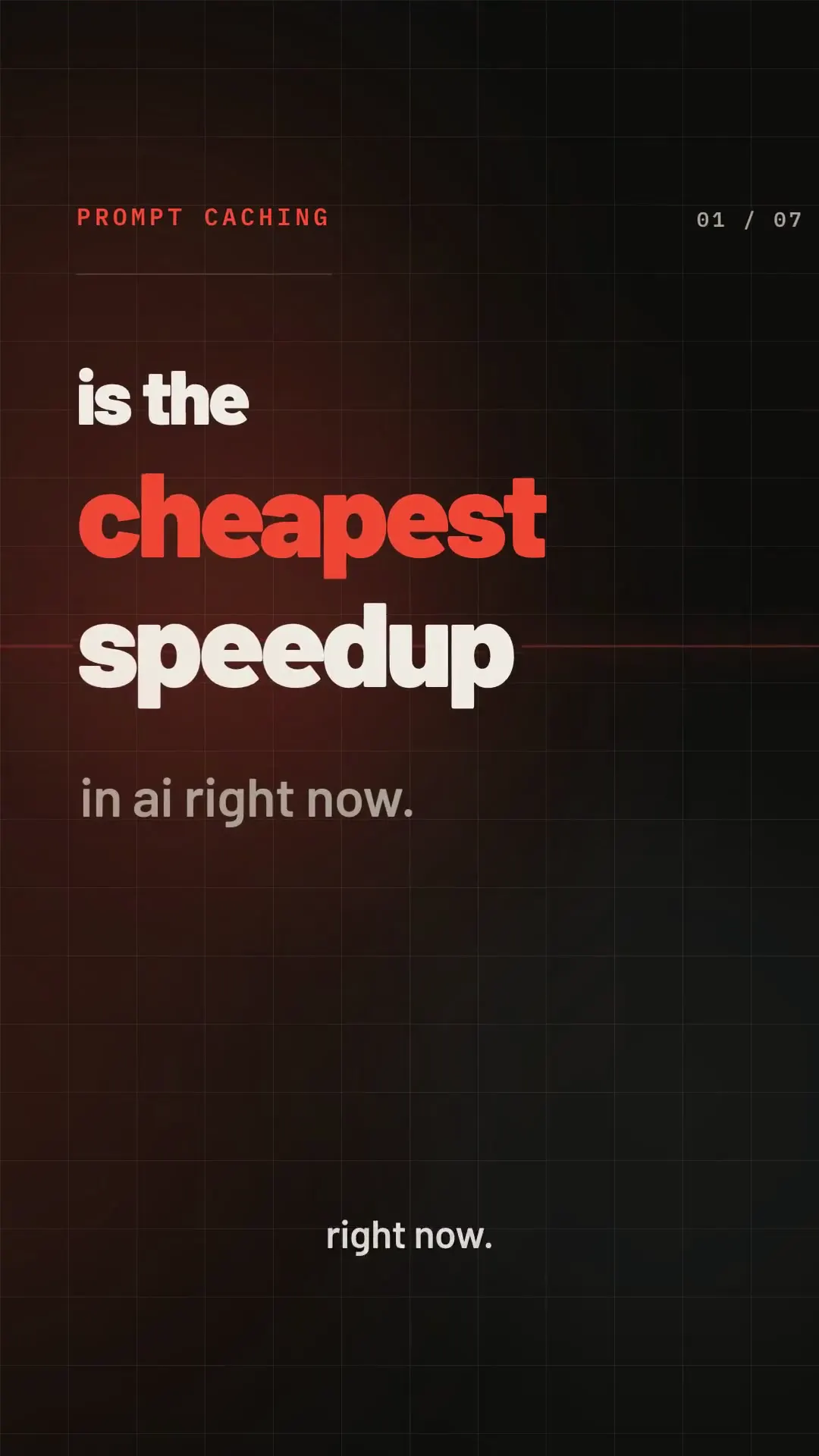
A dark vertical explainer on prompt caching: chapter labels, stacked prompt blocks (system instructions, documents, chat history), big percentage stats, and one caption line near the bottom of every frame.
- Color
- Off-black with a faint grid and a deep red-brown haze, white and gray type, and orange-red for eyebrows, keywords, outlines and bars. The last frame adds a cyan-and-red split on its big words.
- Type
- A heavy rounded sans for the hook and big words ("cheapest", "stable", "volatile", "half the bill"), spaced uppercase monospace for chapter labels and block names ("THE RE-READ", "THE MECHANISM", "CACHED INPUT TOKENS"), and a plain sans for captions, with words like "faster." and "invalidates" in orange-red.
- Framing
- Portrait frames with a small orange eyebrow at top left, the diagram or big type in the upper two thirds, and a single caption line in the lower third. A counter ("01 / 07") sits top right in the first frame.
- Sound
- Narration, which the prompt asks for as a calm male text-to-speech voice. The render has an audio track.
- Structure
- Hook ("is the cheapest speedup in ai right now."), the re-read (a system-instructions block with "×1 FULL RE-READS"), the mechanism (three stacked blocks), the payoff ("-90% CACHED INPUT TOKENS" with cold-start 1.00s and cached-start 0.48s bars), the catch (a 0:00 timer over a block marked "DOCS · SECTION 9 · REV"), the play ("stable" and cached, "volatile" for the newest message), and the landing ("-50% INFERENCE BILL" and "half the bill").