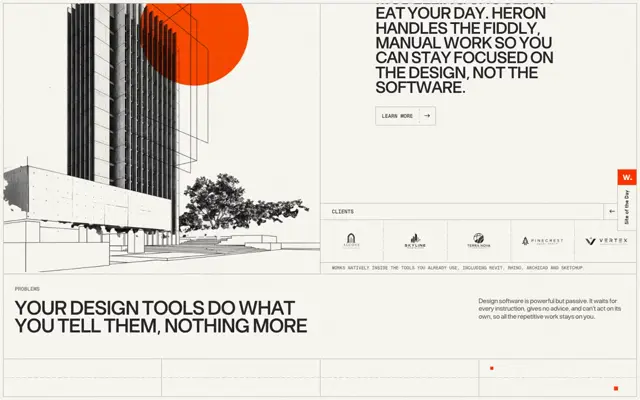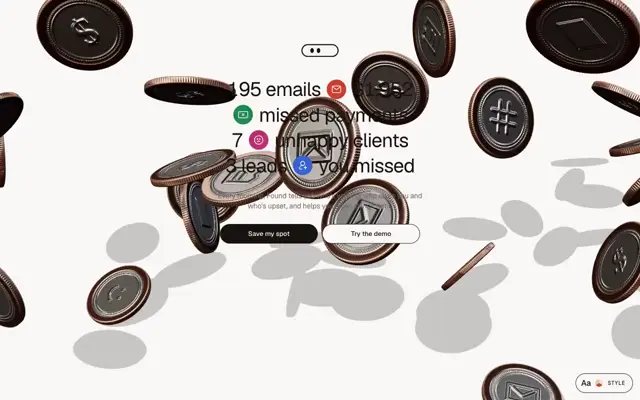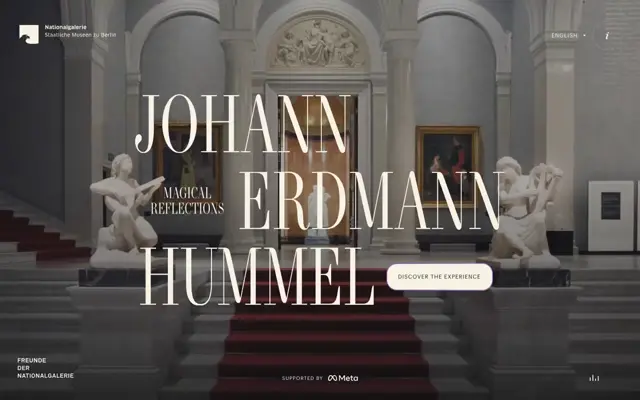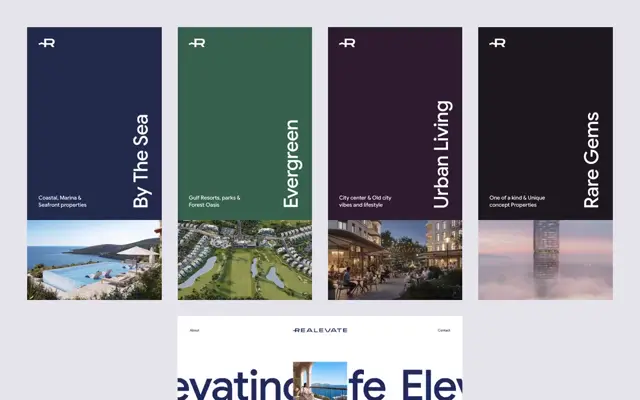
Use Iconify Solar Duotone Bold icons. For the site logo, use Iconify Solar Linear, plus lettermark using text with tracking-tighter. Use Iconify Simple Icons for company logos (Nasa, SpaceX, Uber, Visa, Grab, bose, Discover, dji, Nikon, craftsman, sony) 64x64 instead of text logos. Use <iconify-icon> instead of full SVG code. For avatars, testimonials, use headshot photos instead of placeholder letters. Add vertical container-size lines. Add 01 02 03 number details. Add a 1px border beam animation around the pill-shaped button on hover. Add a vertical text clip slide down animation letter by letter. Add sonar animation and decorations. Add a subtle flashlight effect on hover/mouse position to both background and border of the cards. Animate marquee in an infinite loop with alpha mask slowly. Change texts, names, numbers.
Add 4-column clip animate sliding down for all the images in the page using webgl
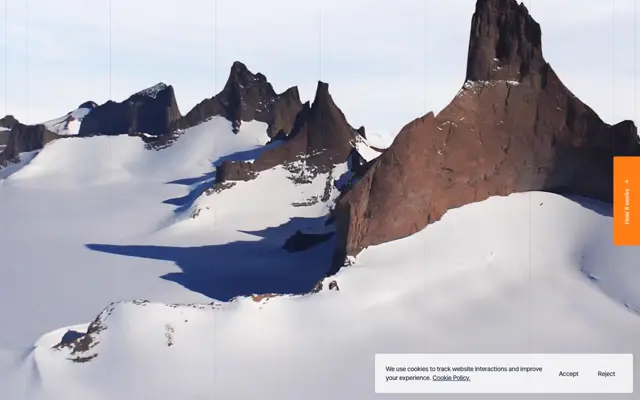
Full-screen image sliced into 4 vertical columns. On scroll, columns move at staggered speeds—outer columns lag, inner race ahead—with motion blur trails. Snap to alignment when scroll stops.
Make it yours. Edit the company list in "Use Iconify Simple Icons for company logos (Nasa, SpaceX, ...)" for your own logo strip, and keep "Change texts, names, numbers." at the end so the copy isn't lifted from your reference site. The two WebGL prompts work as add-ons to any page.
Four editorial landing pages
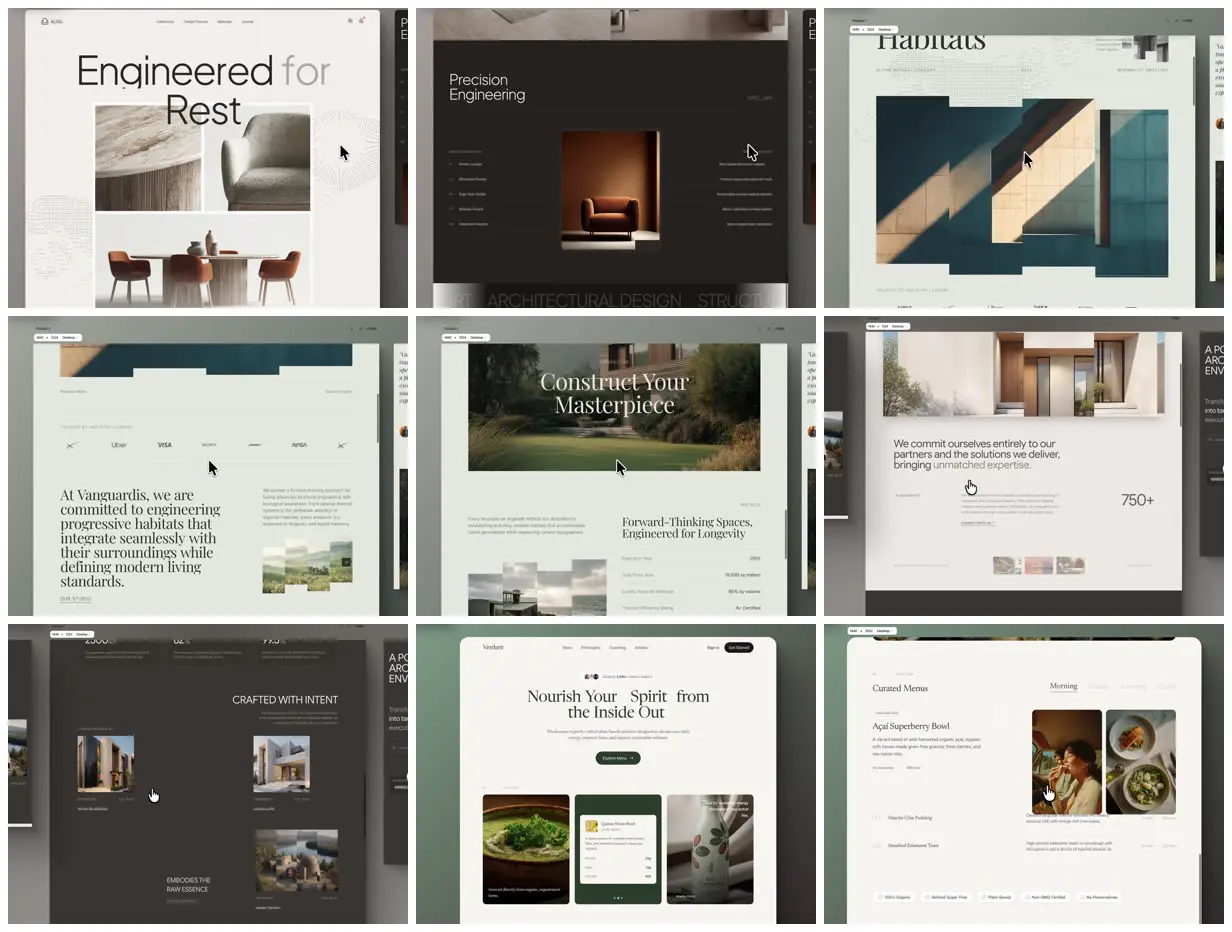
Four landing pages from one morning: a furniture brand, two architecture studios, and a plant-based food brand, with big headlines, thin grid lines, and sliced image reveals. Made in Aura with Gemini 3.1 Pro from reference captures plus three detail prompts.
“G3.1 is very good at webgl animations, so sprinkle some creative animations”
You'll need
- A full-page capture of a reference site to start from
- Aura's prompt builder, or your own starting brief (the creator's wasn't published)
- Your own photos to replace the generated ones
How it was made
Made on aura.build, the AI site builder the creator founded. The method: capture a reference site from hero to footer (for example with the Arc browser), turn it into HTML with Aura's prompt builder, then add the detail prompt and the two WebGL animation prompts published here. The reference captures and the builder's starting brief weren't published. The creator says it took about five small iterations, mostly on images, font pairings, and animations; they swapped the generated images by hand, used ASCII art from an app of their own, and used no skills.
Aura · Gemini 3.1 Pro · WebGL · Iconify
Source and credit
X · Feb 20, 2026 · 3.4k likes · 269k views · 88 comments
Authorship not stated by the source
Published instructions: Reply on X, after the reference-capture step
Look notesby Reference
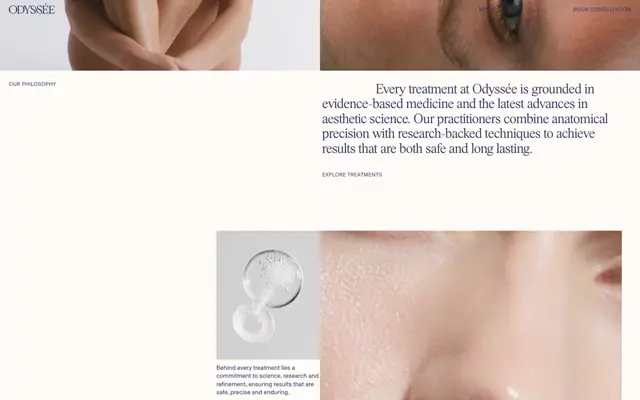
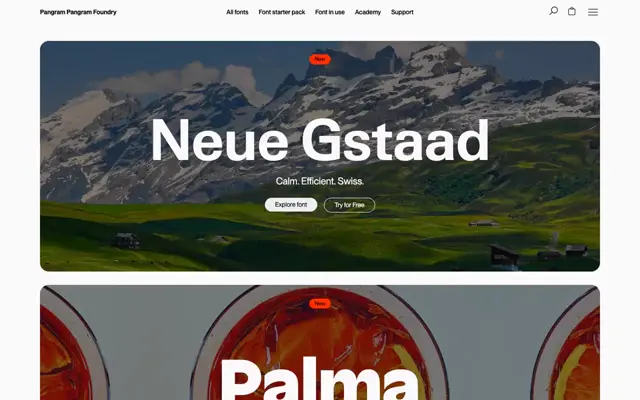
Four light, calm landing pages shown in Aura's editor canvas: a furniture brand, a sage-green architecture studio, a dark architecture studio, and a plant-based food brand.
- Color
- Warm off-white and sage green, charcoal for the dark studio, deep green for the food brand; photos of oak, concrete, teal walls, timber houses, and green hills.
- Type
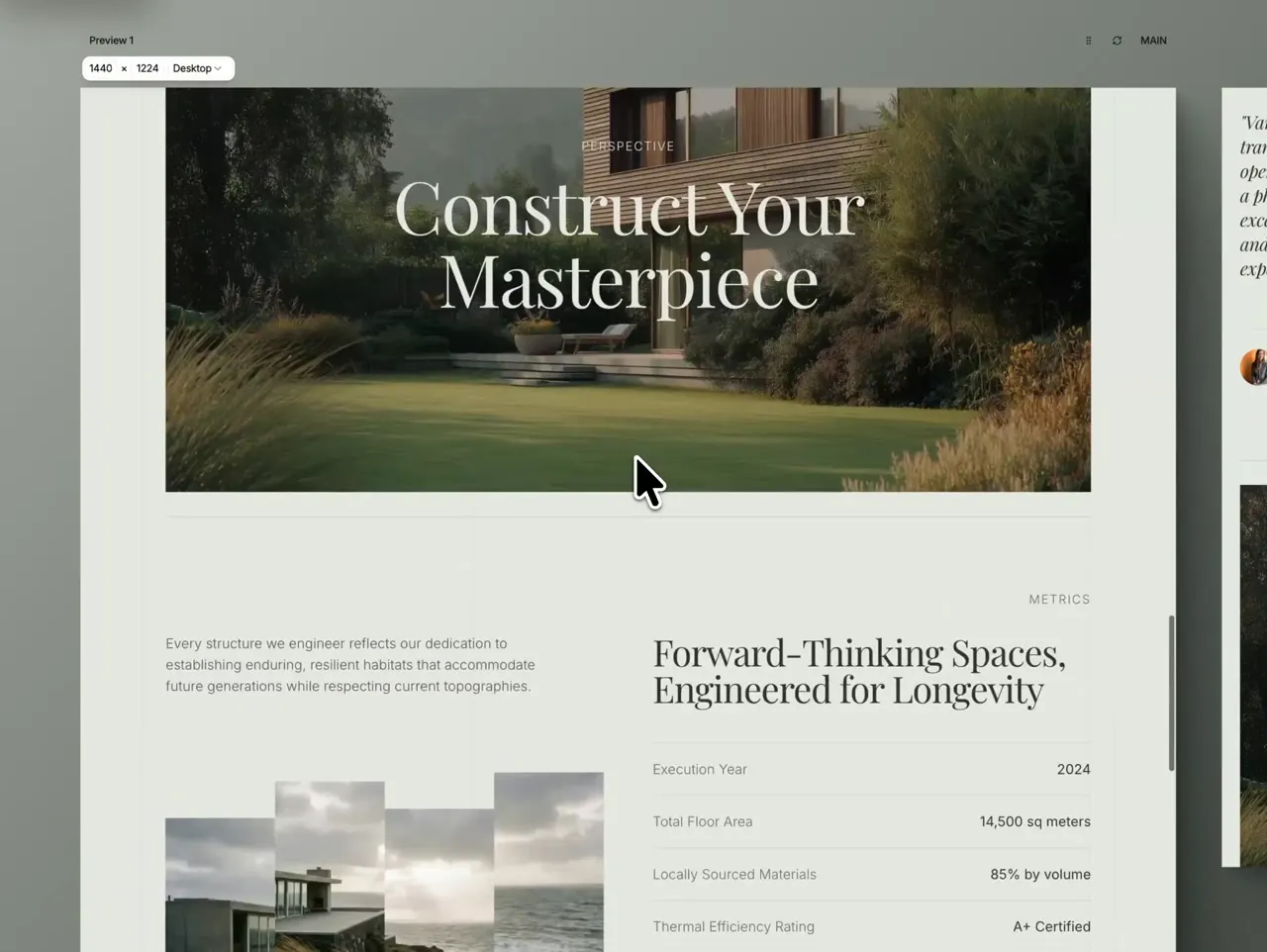
- Large serif headlines on the architecture and food pages ("Construct Your Masterpiece", "Nourish Your Spirit from the Inside Out"), a thin sans-serif on the furniture page ("Engineered for Rest"), small sans-serif body text, and spaced uppercase labels.
- Framing
- 4:3. Each page fills a window on a grey-green canvas, with the next page peeking in at the right edge and a small "1440 × 1024 Desktop" tag at top left. In several frames a photo breaks into stepped vertical strips as it slides in.
- Structure
- The furniture hero with a photo collage and a dark "Precision Engineering" section, the sage architecture page (hero image, logo strip, Vanguardis intro, "Construct Your Masterpiece", a metrics table), the dark studio's "Crafted with intent" project grid, and the food brand's hero and "Curated Menus" section.