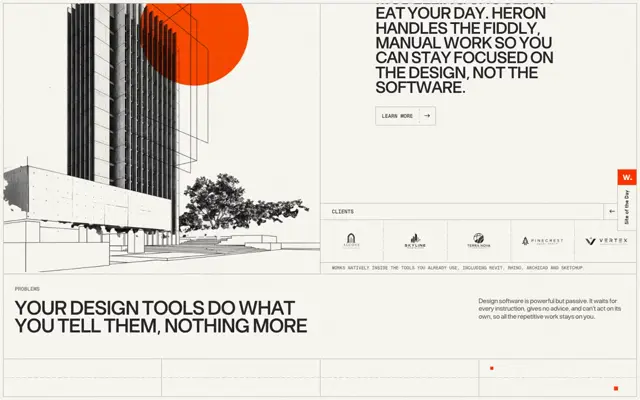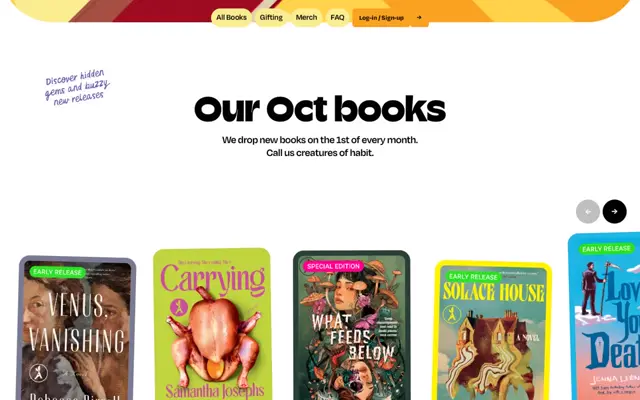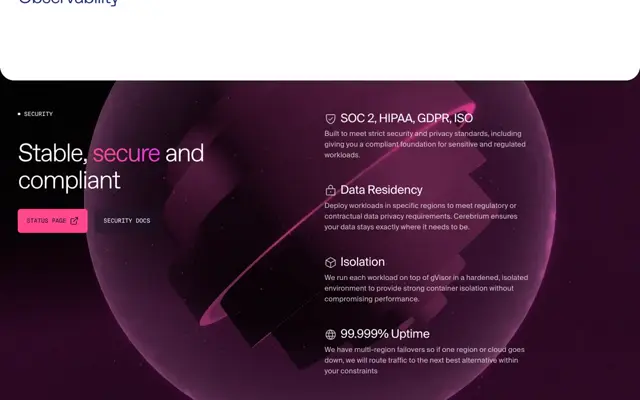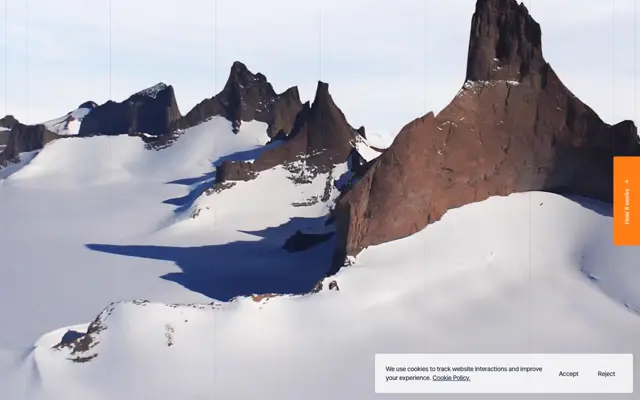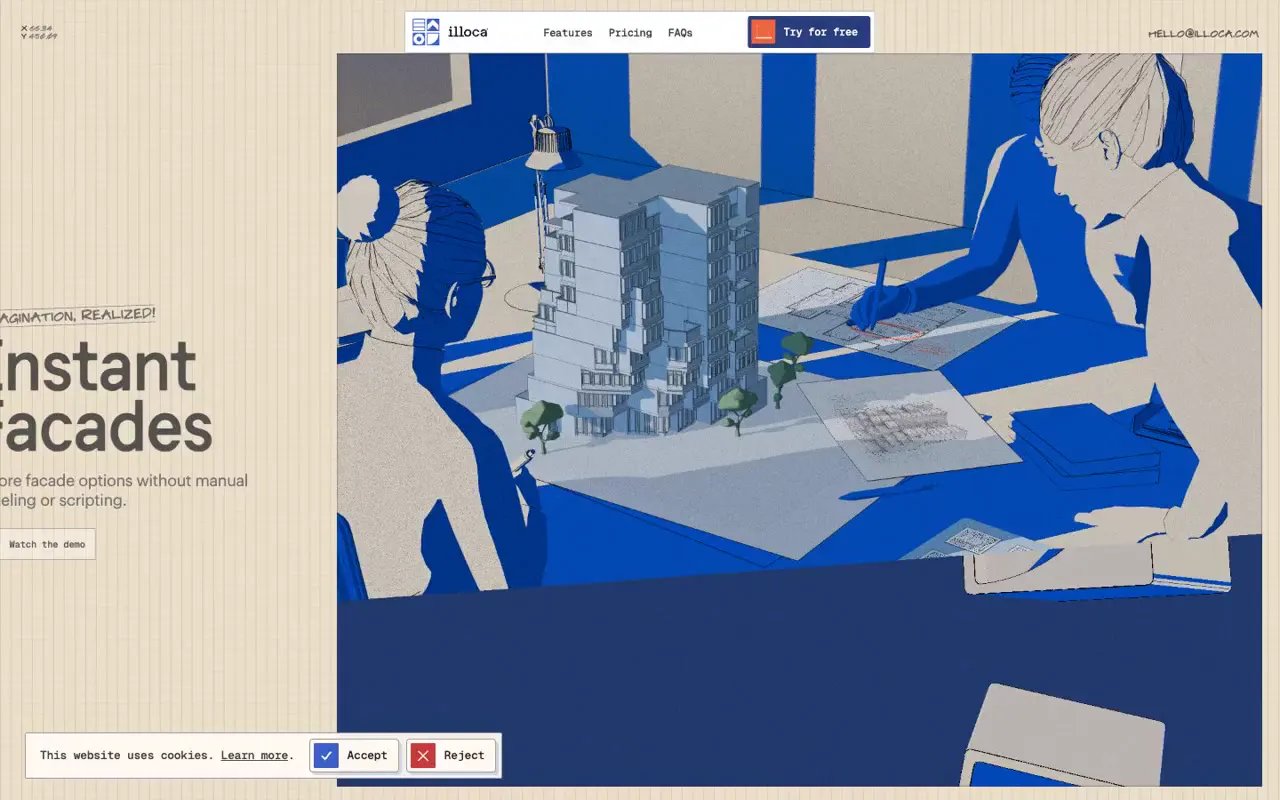
Build a subject-specific illustrated workspace using a restricted blue-and-cream palette, grainy surfaces, thin sketch contours, and strong geometric shadows. Extend its visual language into the interface with graph-paper backing, handwritten section markers, and small outlined controls. For a new subject, replace the architectural models and drafting materials with relevant tools and artifacts, and keep headline areas on calmer backgrounds to improve contrast.
No creator prompt published. This brief was written by Reference.
Illoca’s illustrated drafting world
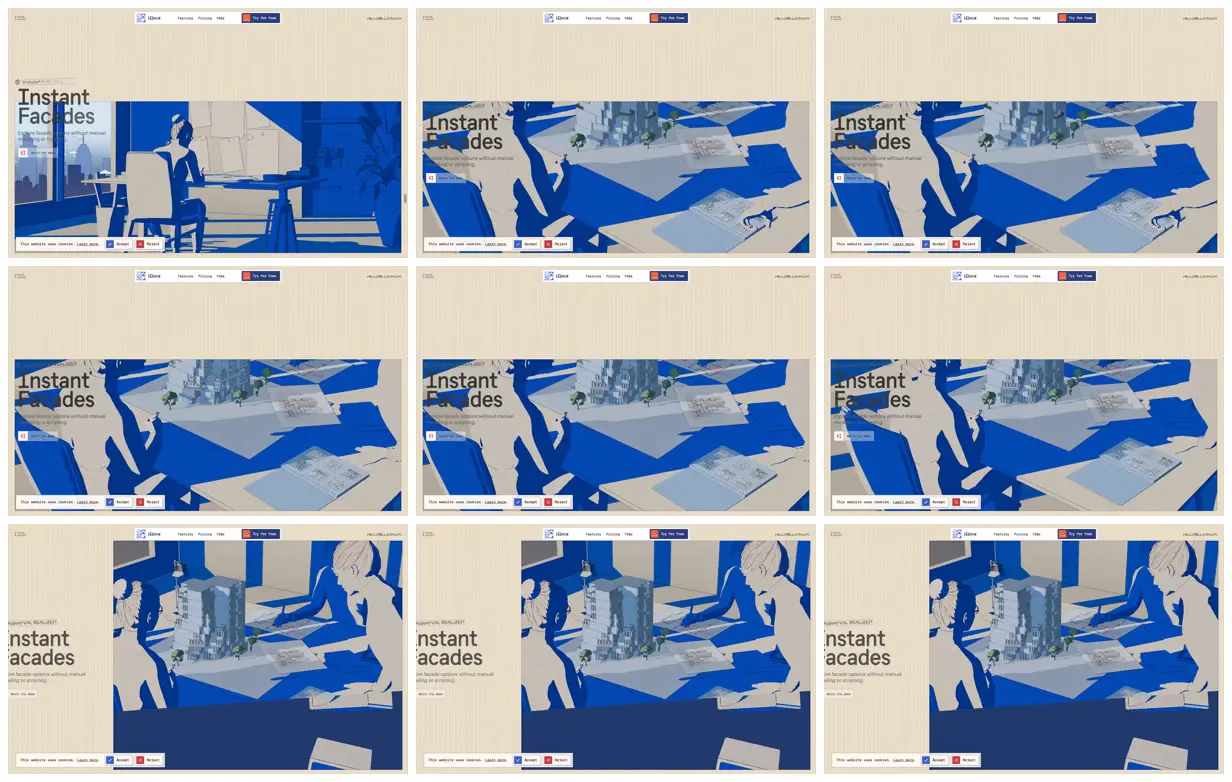
An architectural design product feature section pairs oversized headings with blue-and-cream scenes of designers, drawings, and a tabletop building model. Graph paper, handwritten annotations, and compact boxed controls frame the imagery.
Source and credit
Authorship not stated by the source
Look notesby Reference
Editorial portfolio-style landing page for Illoca, featuring bold geometric illustrations of office and architectural scenes.
- Color
- Cobalt and deep blue, pale gray, and warm off-white, with occasional muted green details.
- Type
- Clean sans-serif typography, with large dark headlines and smaller, restrained navigation and supporting text.
- Framing
- A slim navigation header sits above spacious off-white page sections. Large blue illustration panels share space with oversized headline and supporting copy, with the text appearing on alternating sides across the visible sections.
- Structure
- Header with logo and navigation, followed by stacked illustrated content sections. A narrow cookie notice with action buttons appears along the bottom of the page.