use remotion best practices. import the following image into the project: '~/Desktop/Screenshot 2026-01-31 at 17.15.12.png' use tesseract CLI to do OCR and find the positions of the text. in remotion, make a new composition where you load the image and pad the article generously on a white full HD background. while the composition is running for 5 seconds, slowly, very subtly, zoom into it and slightly rotate the article in 3d from left to right. the overall rotation should be around 15deg for each axis. at the beginning, blur the whole composition and unblur it over 1 second. after the blur is done, evolve a highlighter from left to right using rough.js over the words "government shutdown" and "funding lapses". the image has a white background. make sure the the marker appears behind the text. when installing new dependencies, check for existing lockfiles and use the right package manager.
Make it yours. Point the prompt at your own screenshot and replace "government shutdown" and "funding lapses" with the phrases to highlight. The 5-second length, the "around 15deg" rotation and the 1-second unblur are all set in the text.
News screenshot with a highlighter sweep
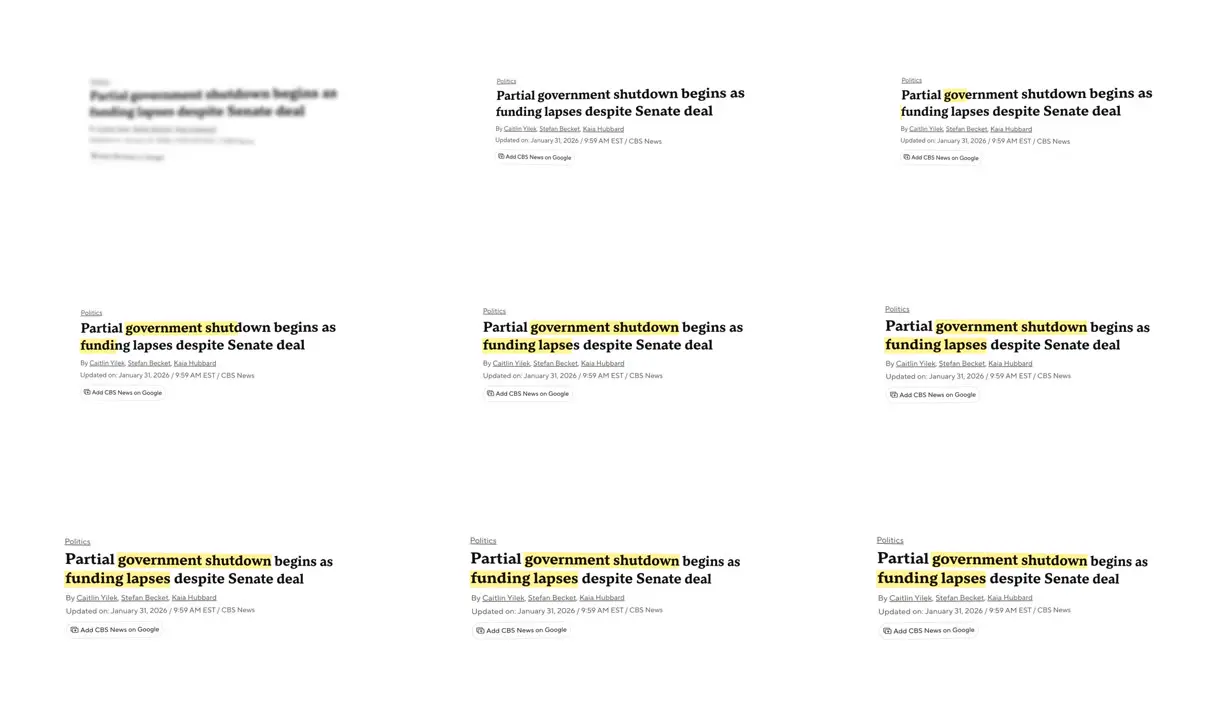
A 5-second clip that unblurs a screenshot of a CBS News article, slowly zooms and tilts it in 3D, and sweeps a hand-drawn highlighter behind two phrases. Claude Code on Opus 4.5 built it in Remotion, finding the words' positions with Tesseract OCR.
You'll need
- A screenshot of an article saved locally (the prompt names the creator's own file path)
- The tesseract CLI
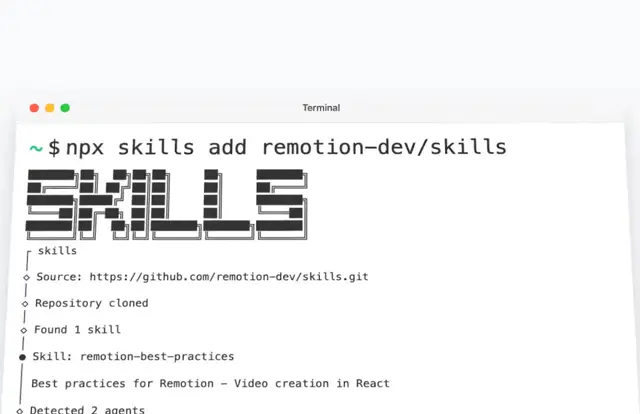
- Remotion's agent skills (npx skills add remotion-dev/skills); the opening "use remotion best practices" names one of them
How it was made
Submitted by the official Remotion account. The prompt points at a screenshot on the creator's desktop, so you need your own image. On the showcase page the tool and model fields are swapped ("Tool used: Opus 4.5", "Model used: Claude Code"). The entry doesn't say whether follow-up prompts were needed.
Posted Feb 1, 2026 · Remotion Prompt Showcase on Website · 350 likes
Prompt from: Remotion Prompt Showcase entry
Look notesby Reference
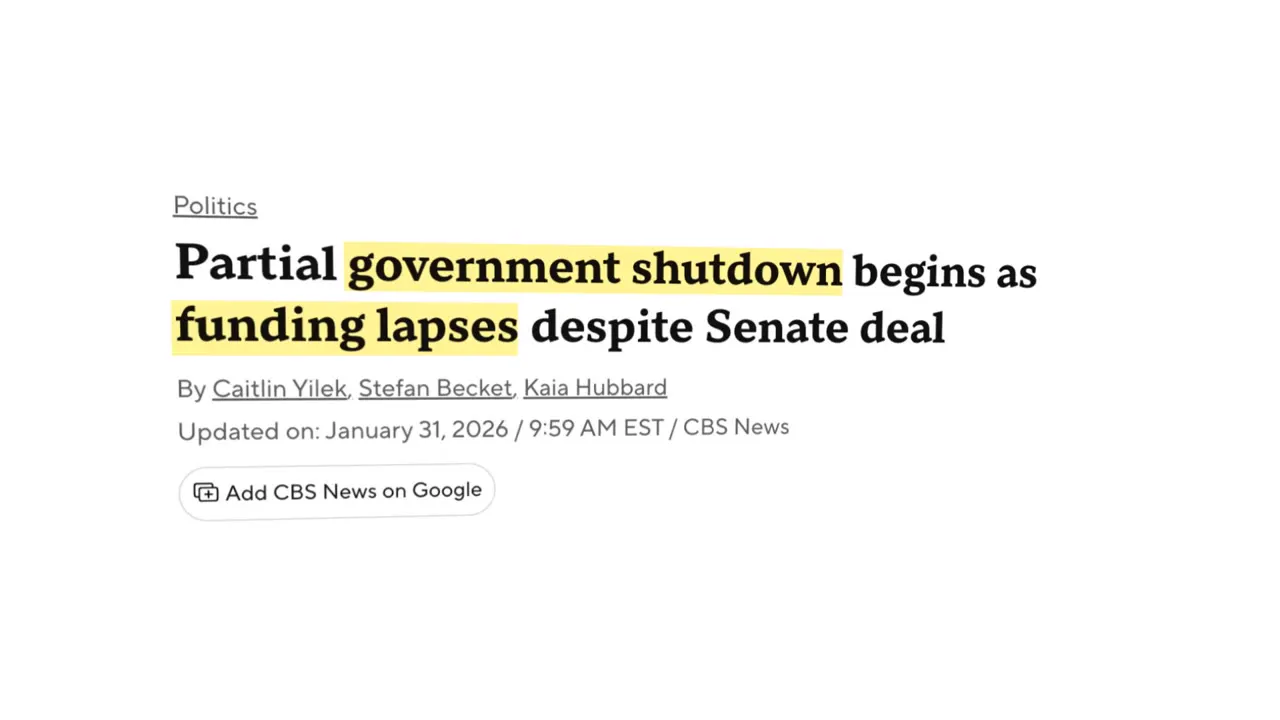
A screenshot of a CBS News politics article on a plain white background, headlined "Partial government shutdown begins as funding lapses despite Senate deal", with bylines and an update stamp, and yellow highlighter marks behind "government shutdown" and "funding lapses".
- Color
- White page, black serif headline, gray bylines, and a soft highlighter yellow.
- Type
- The article's own bold serif headline and small sans-serif metadata, shown as an image; nothing is typeset on top.
- Framing
- Generous white padding around a small article block that sits at a slightly different size, position and 3D angle in each frame.
- Structure
- A fully blurred first frame, then the sharp article; in the middle frames the yellow covers part of each phrase, and by the last frames both phrases are fully marked.